
Most desks fail for the same reason: the monitor is still sitting on the stand that came in the box, and that stand was designed to survive a shipping pallet, not to put a screen at eye level. Moving the panel onto an arm frees the desk surface, makes height adjustable in seconds, and gives the cables somewhere to go. The trouble is that the best monitor arms look nearly identical in a product photo, and the three numbers that decide whether an arm actually works in your room, weight capacity, screen size range, and how it attaches to the desk, are usually buried three screens down in a spec table.
This roundup covers six products from this batch. Four of them are monitor arms or mounting poles. Two of them are not desk gear at all, and I am labeling them that way rather than pretending otherwise. Every card below points to one exact model, and every claim comes from the manufacturer's stated specifications rather than from a guess about how the arm feels in the hand.
Related: Monitor Arm Desk Clamp vs Grommet Mount: Which One Fits Your Desk?
Quick answer
The WALI Ultrawide Single Monitor Arm for 17-49 inch Curved Screen, up to 33lbs is the strongest fit for heavy and ultrawide panels because it carries the highest stated weight rating in this group at 33 pounds and the widest stated screen range at 17 to 49 inches. Choose the HUANUO FlowLift™ Pro Monitor Arm for 13-32" Screens instead when your screen falls between 13 and 32 inches and you want a tool-free VESA plate with a choice of C-clamp or grommet base.
Monitor arms and desk gear worth comparing
Four things separate an arm that still holds its position in year three from one that sags by month three: the stated weight capacity, the stated screen size range, the desk attachment method, and how much of the adjustment you can do by hand instead of hunting for a hex key. A fifth item matters more than most buyers expect, which is the desk itself. A clamp needs a solid edge lip and enough clearance underneath. A grommet mount needs a hole. A pole with a mounting base needs neither, but it also does not counterbalance a panel the way a spring arm does.
The cards below list the products in the order I would hand them to someone building a desk: the widest-coverage arm first, then the mid-size options, then the pole, then two items that are not monitor products at all. Those last two are included because they arrived in this batch, and hiding them would make the rest of the list look padded.
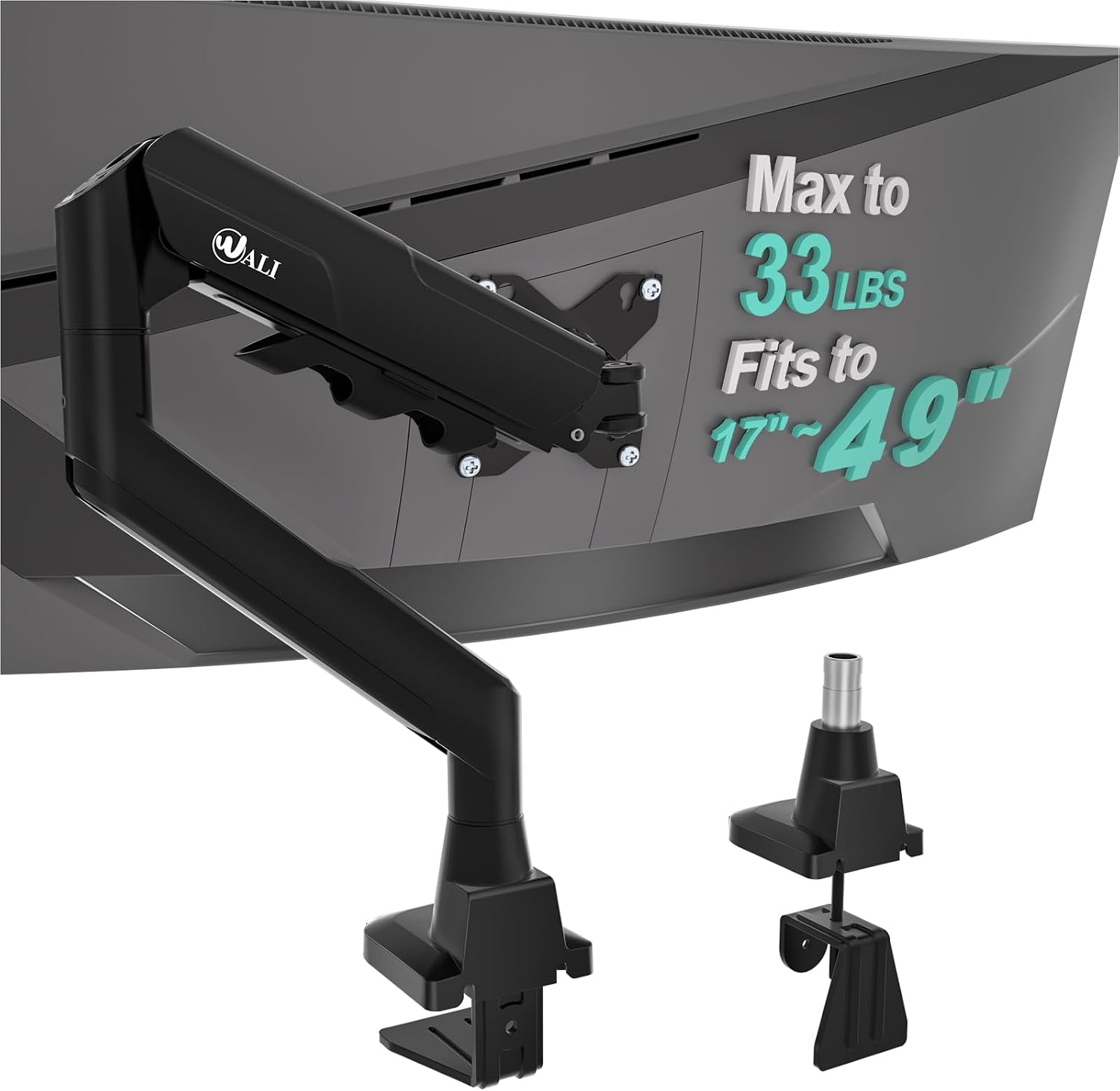
WALI Ultrawide Single Monitor Arm for 17-49 inch Curved Screen, up to 33lbs
Single monitor arm with a stated fit range of 17 to 49 inch screens and a stated capacity of up to 33 pounds, aimed at curved and ultrawide panels that outgrow a typical desk stand.
Visit on Amazon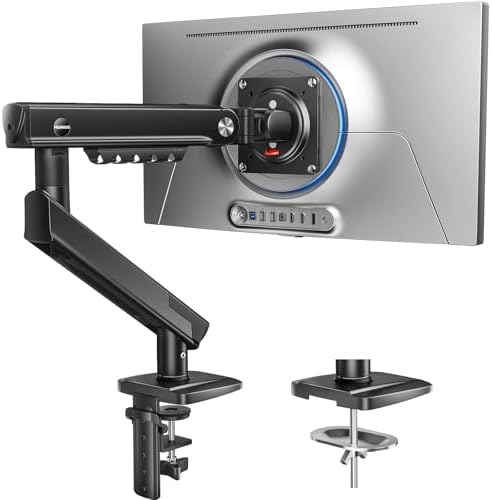
HUANUO FlowLift™ Pro Monitor Arm for 13-32" Screens, MechaSpring Monitor Mount, Fully-Adjustable Monitor Stand with Tilt/Swivel/Rotation, Tool-Free VESA Mount, C-Clamp/Grommet Base, Max Load 19.8 lbs
Spring-assisted mount for 13 to 32 inch screens with tilt, swivel, and rotation, a tool-free VESA plate, and a base that works as either a C-clamp or a grommet mount. Stated maximum load is 19.8 pounds.
Visit on Amazon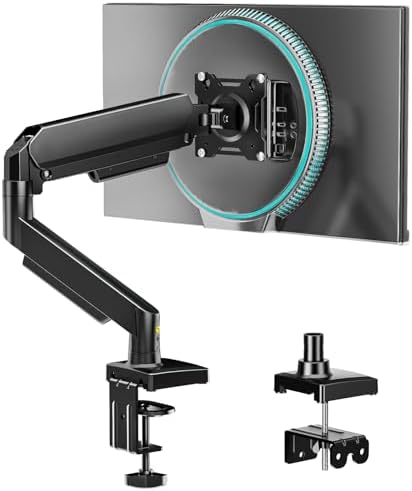
Single Monitor Arm, Monitor Mount for 17-32 inch Screens Gas Spring Adjustable Monitor Stand, Vesa Mount with Clamp and Grommet Aluminum Base - Fits 4.4 to 22lbs LCD Computer Monitors AX09DB01-1
Gas spring monitor arm for 17 to 32 inch screens, with a stated fit range of 4.4 to 22 pounds and a clamp and grommet base in aluminum. Model AX09DB01-1.
Visit on Amazon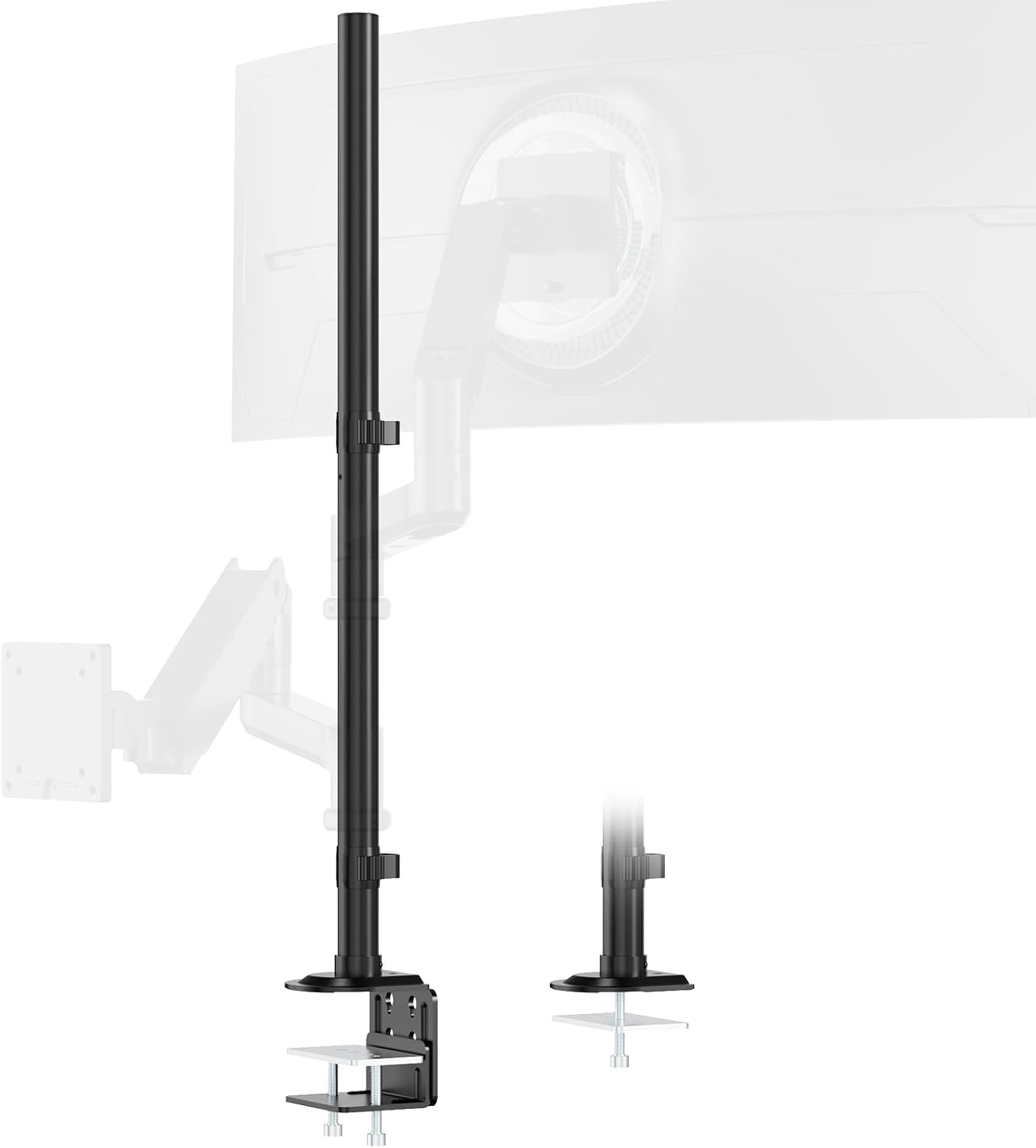
Steel Extra Tall 32 Inch 2-Section Monitor Stand Pole with Mounting Base
Two-section steel pole that reaches 32 inches and terminates in a mounting base. This is a fixed-height pole rather than a spring arm, so it holds a screen at a set height instead of counterbalancing its weight.
Visit on Amazon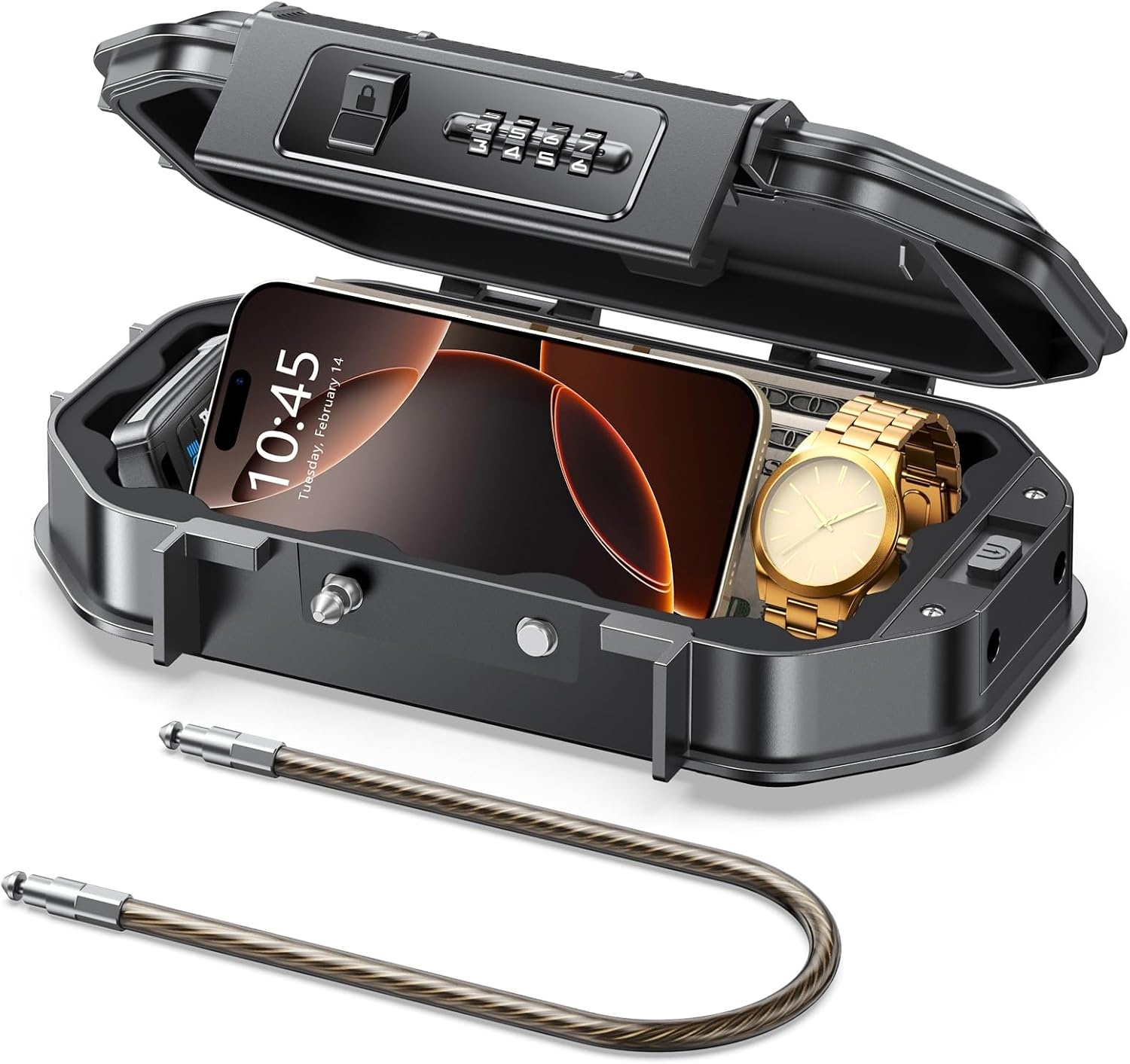
Portable Travel Safe Lock Box Waterproof & Durable, 4-Digit Combination Anti-Theft Personal Beach Safe with Removable Steel Cable, Small Security Case Lock Box for Beach/Travel/Hotel/Dorm
Check current Amazon price
Small lock box with a four-digit combination and a removable steel cable, described for beach, travel, hotel, and dorm use. This is not a monitor product; it is listed here for dorm and shared-desk security.
Visit on Amazon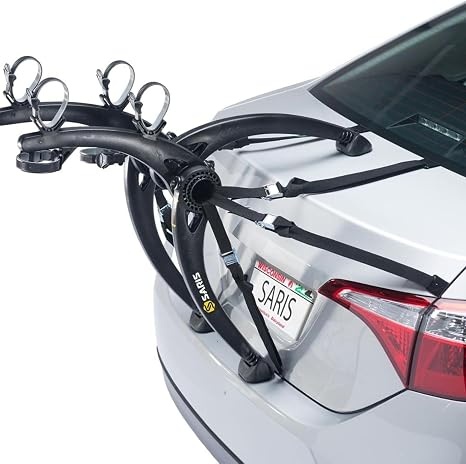
Saris Bones Car Trunk Bicycle Rack Carrier, Mounts 2 Bikes, Black - Durable, Rust-Free, Anti-Sway Straps, Fits Most Vehicles, Made in USA, Arc-Based Design, 100% Recyclable Materials
Trunk-mounted carrier for two bicycles, with anti-sway straps and an arc-based frame. This is not a monitor product either; it is included because it arrived with this batch and does not belong in a desk category.
Visit on AmazonPrices and availability may change. Check the retailer for current details.
How these products were compared
This guide compares stated weight capacity, stated screen size range, desk attachment method, adjustability features named by the maker, and how well the mount's physical footprint matches the desk it will sit on. Product names, images, and retailer links are matched by ASIN so that every card points to the product shown.
Nothing in this article is presented as a laboratory measurement or a long-term durability result. Where a number appears, it is a number the manufacturer publishes: 33 pounds and 17 to 49 inches for the WALI arm, 19.8 pounds and 13 to 32 inches for the HUANUO mount, 4.4 to 22 pounds and 17 to 32 inches for the gas spring arm, and 32 inches of pole height for the steel stand. Where the published data does not support a meaningful distinction between two products, this guide says so instead of inventing one.
How to choose the right monitor arm
Start with weight, not screen size. Look up your panel's weight without its stand, then add anything else that will ride on the arm, such as a VESA adapter plate. Choose an arm whose stated capacity sits above your total, not exactly at it. An arm rated for 17.6 pounds will hold a 15-pound monitor, and that headroom is the point: it is what keeps the joint from creeping downward over months of daily use. The two spring arms here bracket that range neatly, with one covering 4.4 to 22 pounds and the other covering up to 19.8 pounds, while the WALI arm is rated far above both for people running a large curved panel.
Screen size range is the second filter, and it is not the same question as weight. A 34-inch ultrawide can weigh less than a thick 27-inch gaming panel, but an arm rated for 17 to 32 inch screens is built around a smaller VESA plate and a shorter reach. Match the stated range to the diagonal you actually own. The WALI arm's 17 to 49 inch range is the reason it leads this list for curved and ultrawide setups.
Then comes the desk. A C-clamp grabs the edge and needs roughly one to two inches of clearance below the desktop, plus a lip solid enough to take clamping pressure. A grommet mount passes through an existing cable hole, which is tidier but requires that hole to exist and to be reachable. Measure your desk thickness before you order, and check for a steel frame rail or a drawer box that blocks the edge where you planned to clamp. If your desk offers neither a clampable lip nor a grommet hole, a pole with a mounting base sidesteps the problem entirely.
Finally, look at how adjustment is done. Tilt tension that can be set by hand is the difference between a monitor you reposition and a monitor you leave crooked for two years. Cable routing channels matter for the same reason: a floating screen with three cables hanging off the back looks broken, no matter how good the arm is. If you want the longer version of the clamp versus grommet decision, it is covered in the related article linked above.
WALI Ultrawide Single Monitor Arm for 17-49 inch Curved Screen, up to 33lbs
The WALI arm takes the top spot because it covers the most ground on paper. Its stated screen range runs from 17 to 49 inches and its stated capacity reaches 33 pounds, which is the highest figure in this group by a wide margin. For anyone running a large curved panel, that combination of range and capacity is the whole purchase decision, because most sag complaints trace back to an arm that was rated for the monitor's diagonal but not for its actual mass at full extension.
The trade-off is worth naming. An arm built to hold 33 pounds is designed around big, heavy panels, so on a small, light screen the spring tension may need to be dialed well down before the head sits neutrally, and a very light panel can feel over-supported until that adjustment is made. It is also worth confirming your desk edge before ordering, since a heavy panel puts the most load through the clamp. If you run a 24-inch office monitor and nothing heavier, the next two options cover that job with less arm than you need.
Alternatives to consider
The HUANUO FlowLift™ Pro Monitor Arm for 13-32" Screens, MechaSpring Monitor Mount, Fully-Adjustable Monitor Stand with Tilt/Swivel/Rotation, Tool-Free VESA Mount, C-Clamp/Grommet Base, Max Load 19.8 lbs is better suited to a standard 13 to 32 inch desk monitor, and its tool-free VESA plate plus dual clamp-or-grommet base makes it the easier install when you are not sure which mounting style your desk supports. Its stated 19.8 pound ceiling is the number to check against your panel.
The Single Monitor Arm, Monitor Mount for 17-32 inch Screens Gas Spring Adjustable Monitor Stand, Vesa Mount with Clamp and Grommet Aluminum Base - Fits 4.4 to 22lbs LCD Computer Monitors AX09DB01-1 is a stronger fit when your monitor sits on the lighter end, since its stated range starts at 4.4 pounds. That lower floor matters: an arm rated only for heavy panels can fight you on a thin, light display, and this one is specified to handle both ends of the 17 to 32 inch class.
The Steel Extra Tall 32 Inch 2-Section Monitor Stand Pole with Mounting Base covers a different job entirely. It is a pole, not a spring arm, so it does not counterbalance a panel's weight; it holds a screen at a set height. That makes it a reasonable answer for stacking a display above a laptop on a desk with no clampable lip and no grommet hole, as long as you accept that repositioning means loosening and re-tightening rather than nudging.
The Portable Travel Safe Lock Box and the Saris Bones Car Trunk Bicycle Rack Carrier round out the batch, and neither belongs in a monitor arm category. The lock box is a small combination case with a removable cable, described for dorm, hotel, and travel use, which makes it plausible for a shared dorm desk where small valuables need somewhere to live. The bike rack is a trunk-mounted carrier for two bicycles and has nothing to do with desks. Both are listed here for completeness, not as desk recommendations.
Day-to-day use and maintenance
Once an arm is mounted, the first week is when most of the settling happens. Re-check the tilt tension a few days after install, because a joint that felt correct on day one can loosen slightly as the panel's weight finds its resting angle. If the screen drifts downward on its own, that is a tension adjustment, not a defect, on any of the spring arms here. Check the clamp or grommet hardware at the same time and confirm it is still snug against the desk.
Cable management is not cosmetic. Route the display cable and the power lead along the arm's own path and leave a service loop near the head so the panel can still travel through its full range without tugging a connector. Leave slack at the desk end too, since a cable pulled tight at full extension is how ports get damaged.
Respect the stated capacity. Mounting hardware ratings assume the arm is carrying a monitor, not a monitor plus a shelf plus a webcam plus a headset hook. If you need to add accessories, weigh them and subtract that from your remaining headroom. For the pole-style stand, the equivalent check is stability: a tall pole with a screen mounted high puts leverage on the base, so keep the base on a flat, solid surface and avoid hanging extra weight from the pole. Periodically wipe the joints free of dust, and re-tighten any bolt that has worked loose. None of this is exotic maintenance, but it is the difference between an arm that lasts and one that gets replaced inside a year.
Buying checklist
- Measure the weight of your monitor without its stand, then add adapters and accessories.
- Measure your desk thickness and check for at least one to two inches of clearance under the edge if you plan to clamp.
- Confirm whether you have a grommet hole, a clampable lip, or neither before choosing a mount style.
- Match the arm's stated screen size range to your actual panel diagonal, not just its weight.
- Verify that the exact model includes the mounting style you need, since some arms ship in multiple configurations.
- Check that tilt tension can be adjusted without tools, or accept that you will set it once and never touch it again.
- Read the maker's installation and care instructions before drilling or clamping anything.
- Verify current availability and return terms at the retailer, and use the card links above to confirm details for the exact model.
Final recommendation
Choose the WALI Ultrawide Single Monitor Arm for 17-49 inch Curved Screen, up to 33lbs when you are mounting a large curved or ultrawide panel and want the widest stated screen range and the highest stated capacity in this group. Choose the HUANUO FlowLift™ Pro Monitor Arm for 13-32" Screens when you are mounting a standard 13 to 32 inch display and want a tool-free VESA plate with both clamp and grommet mounting in the box. Choose the Single Monitor Arm for 17-32 inch Screens when your monitor is on the lighter side and you need an arm whose stated range reaches down to 4.4 pounds. And if your desk has no edge to clamp and no hole to pass a bolt through, the Steel Extra Tall 32 Inch 2-Section Monitor Stand Pole is the honest alternative, as long as you accept a fixed height instead of a counterbalanced one.