Most desks are losing a fight with their monitors. The stand that shipped in the box eats six inches of depth, pins the screen at one height, and leaves the cables to dangle off the back edge. A single monitor arm fixes all three problems at once, but the category is wider than it looks: desk clamps and wall mounts, gas springs rated from 19 to 35 pounds, and arms built specifically for 45 and 49 inch curved panels.
This guide covers six products. Five are single monitor arms spanning 13 to 49 inch screens, and one is an under-desk cable organizer that finishes the job the arm starts. Each card is matched to the exact product by its listing code, so what you click is what is described. Prices move constantly, so confirm the current Amazon price on the listing itself rather than trusting a number printed in an article.
Related: How to Choose a Monitor Arm for a Heavy Ultrawide
Quick answer
The ErGear Single Monitor Arm is the strongest fit for a typical desk because it covers 13 to 34 inch screens up to 19.8 lbs with an integrated C-clamp and a cable management channel built into the arm. Choose the Ergotron Upgraded LX Pro Premium Single Monitor Arm instead when you can anchor the arm to a wall and want a premium hardware tier, or the monTEK Single Monitor Arm when your display is a 45 inch ultrawide that needs a 35 lb rating.
Single monitor arms worth comparing
These six products are the shortlist. Screen size range, weight capacity, and mounting method do most of the separating, so those are the first three things to check on any card.
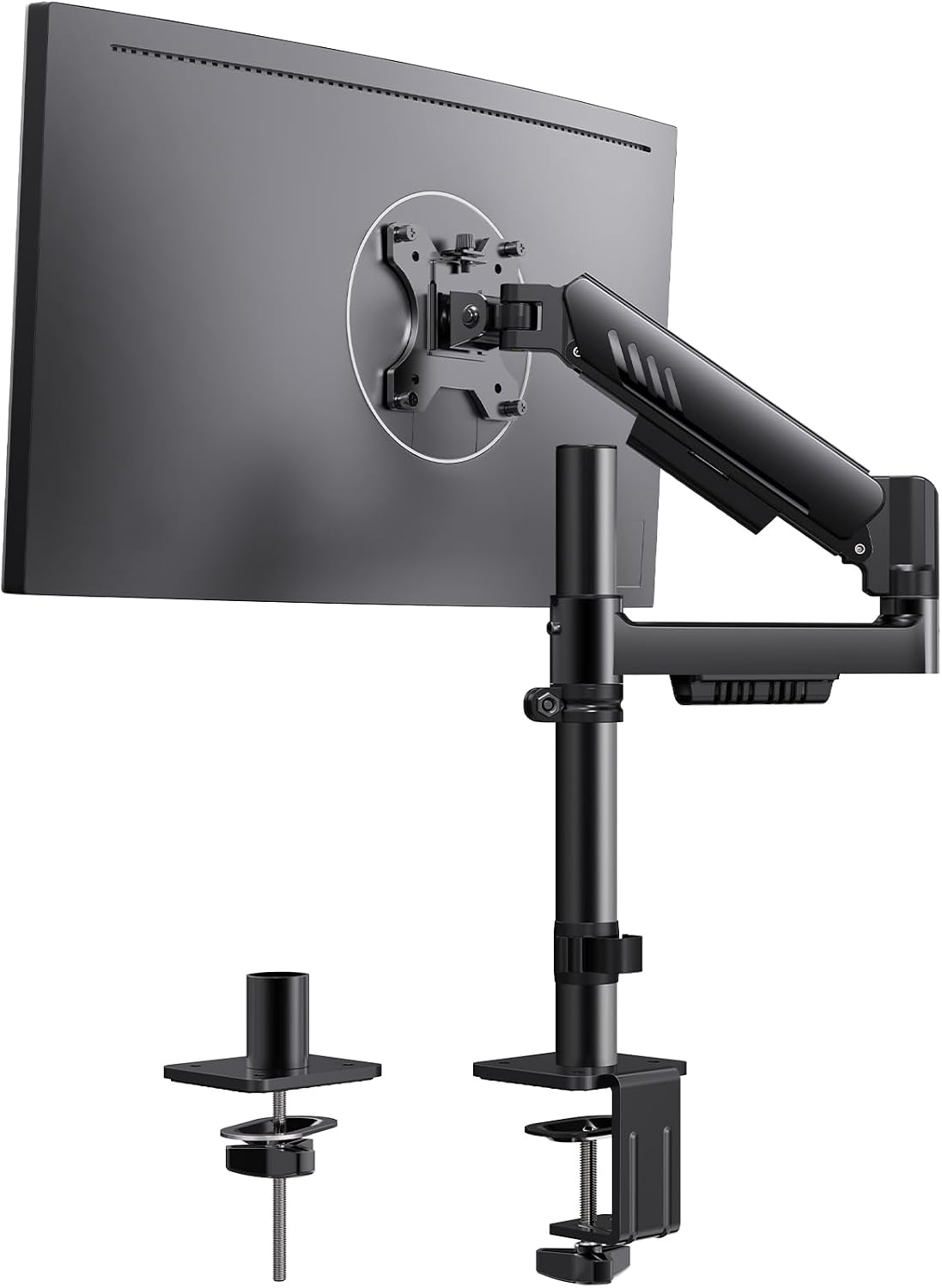
ErGear Single Monitor Arm, Adjustable Desk Gaming Monitor Mount for 13-34″ Screens, Up to 19.8 lbs, Enhanced Stability with Integrated C-Clamp, Upgraded Cable Management, Black
Covers 13 to 34 inch screens up to 19.8 lbs, with an integrated C-clamp for the desk edge and an upgraded cable management channel along the arm.
Visit on Amazon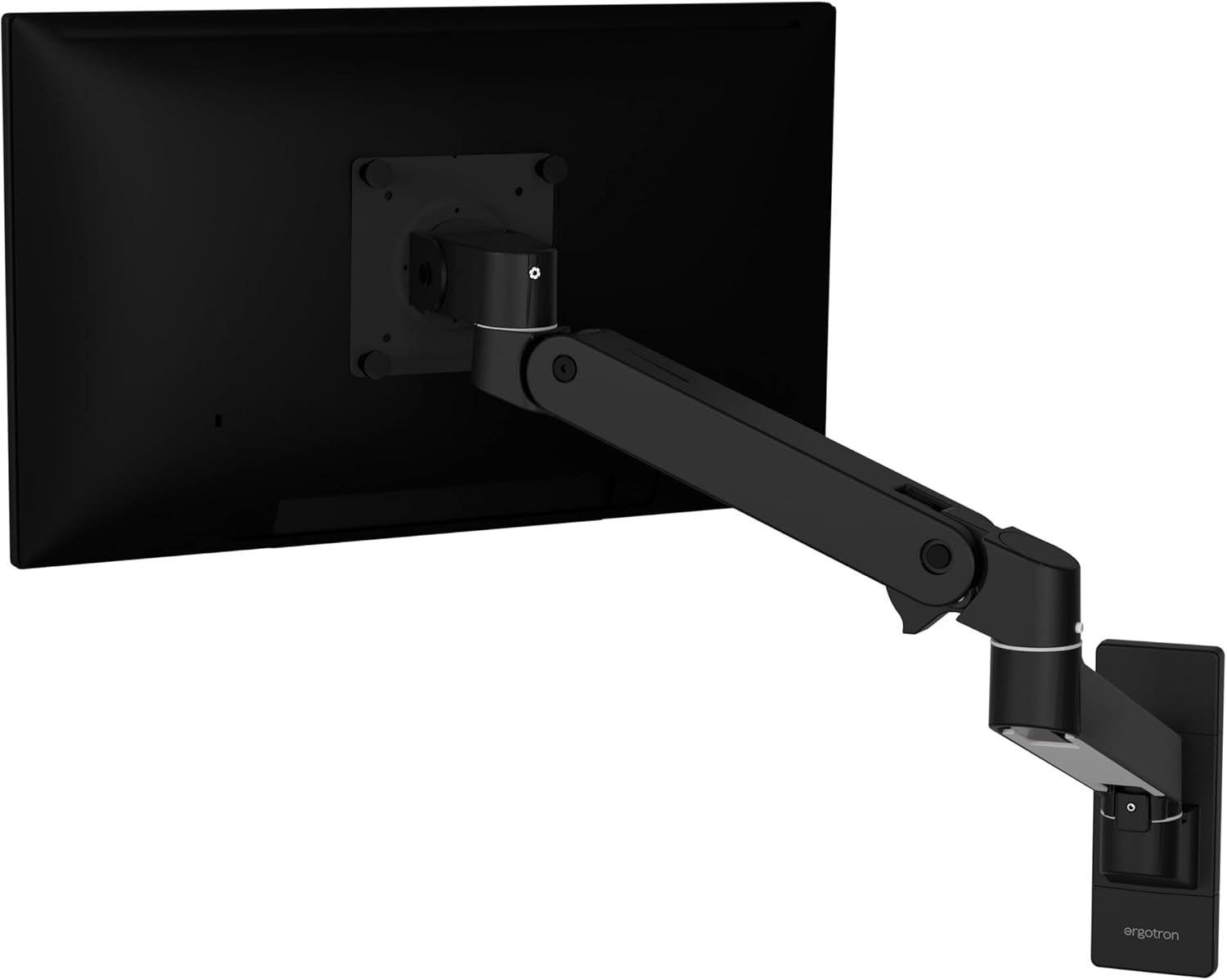
Ergotron, Upgraded LX Pro Premium Single Monitor Arm, VESA Wall Mount, for Monitors Up to 34 Inches, 4 to 22 lbs, Matte Black
A VESA wall mount arm for screens up to 34 inches and 4 to 22 lbs, in matte black, built for setups that can anchor to a wall instead of a desk edge.
Visit on Amazon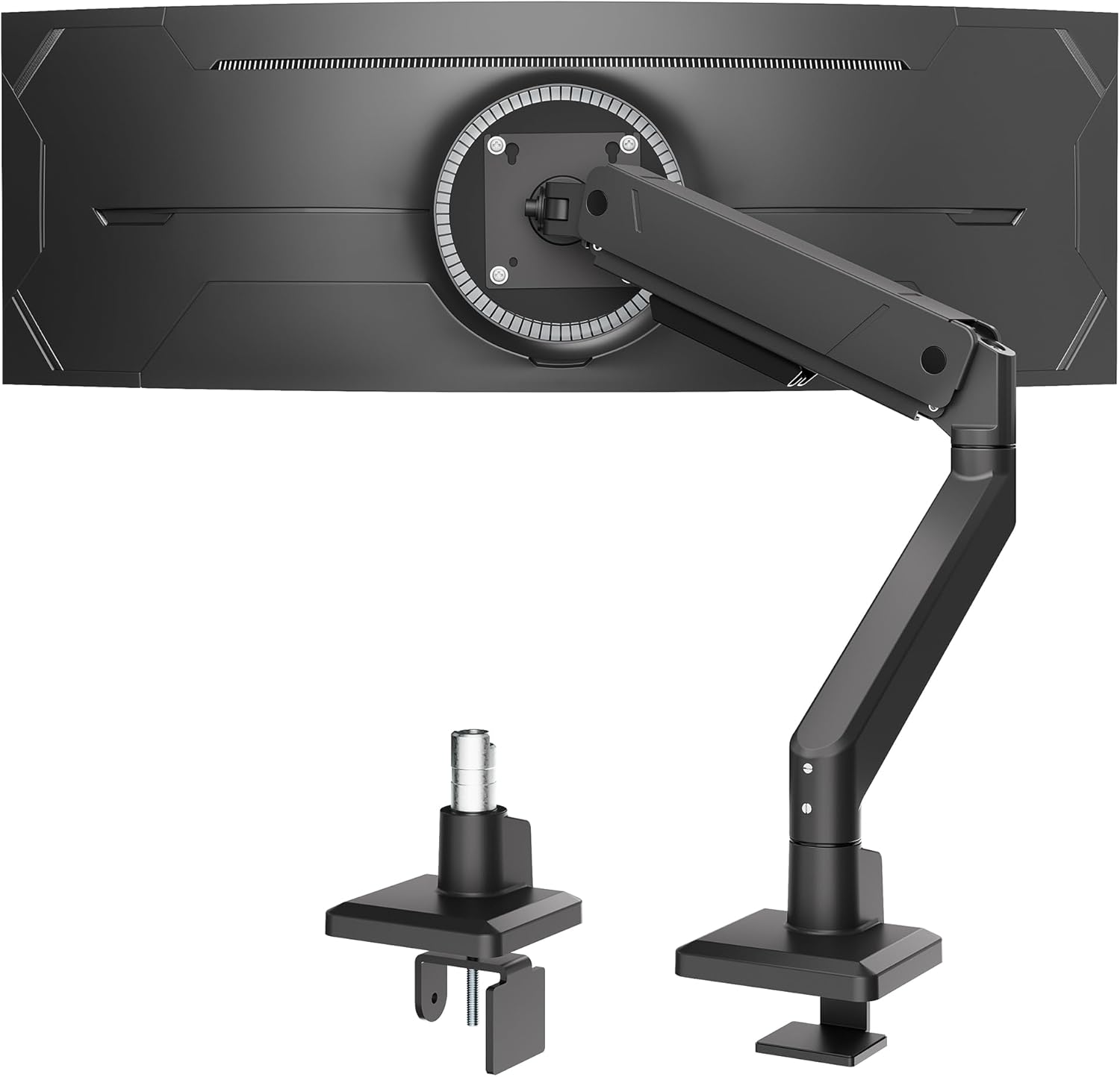
monTEK Single Monitor Arm for Max 45 Inch Ultrawide Screens, Holds 35 Lbs
Rated for ultrawide screens up to 45 inches and loads up to 35 lbs, aimed at large curved panels that outrun a standard desk arm.
Visit on Amazon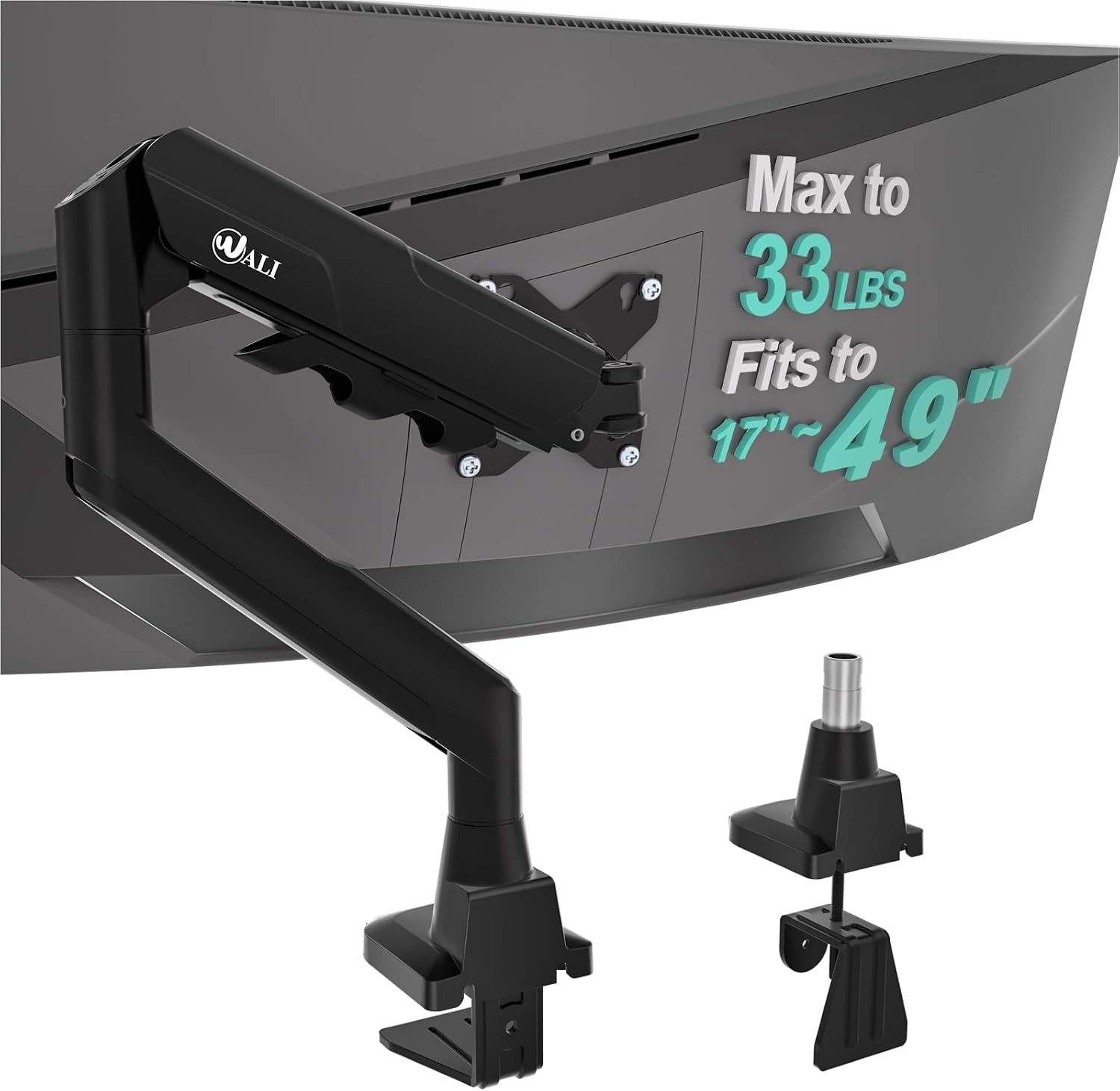
WALI Ultrawide Single Monitor Arm for 17-49 inch Curved Screen, up to 33lbs
Handles 17 to 49 inch curved screens up to 33 lbs, the widest screen range in this group.
Visit on Amazon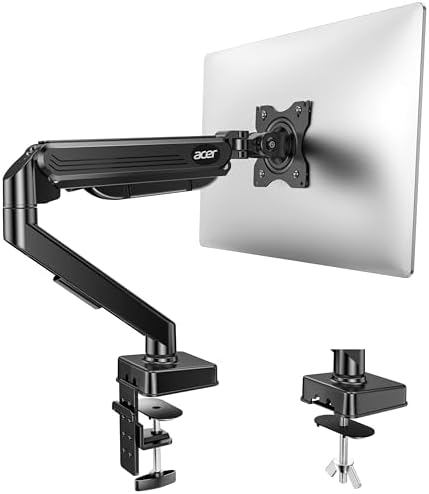
Acer Single Monitor Mount, Fully Adjustable Monitor Arm Fits 17-34" Screens
A fully adjustable mount for 17 to 34 inch screens, sized for standard office and gaming panels.
Visit on Amazon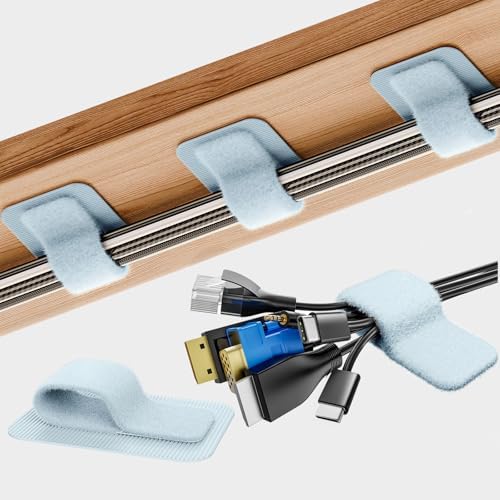
Cable Management Under Desk, Enhanced up to 15 Cord Organizer 20 Pair-Black
An under-desk cord organizer listed for up to 15 cords and supplied as a 20 pair pack, for routing what the arm channel cannot reach.
Visit on AmazonPrices and availability may change. Check the retailer for current details.
How these products were compared
This guide compares screen size range, weight capacity, mounting method, adjustment range, and cable management. Product names, images, and retailer links are matched by listing code so that every card points to the product shown.
Nothing here is a laboratory measurement. The specifications come from the product listings, and the reasoning comes from how this category of hardware behaves on a desk: a gas spring rated close to the monitor weight has less margin than one rated well above it, and an arm with no cable channel leaves the last meter of cable to gravity. Do not read any criterion as hands-on testing. Treat it as the filter to apply before you order.
No current price appears in this article. Use the call to action on each card to confirm the current price, availability, and return terms for the exact model.
How to choose the right single monitor arm
Start at the back of your monitor. Every arm in this group mounts through the VESA pattern, so a panel without VESA holes is a non-starter. Check two numbers before anything else: the diagonal screen size and the weight of the panel, not the weight of the box. A 27 inch screen typically lands in the low teens, a 34 inch ultrawide can push past 15 lbs, and a 45 or 49 inch curved panel can approach 30 lbs. An arm rated for 19.8 lbs holding a 12 lb monitor is not overkill. That headroom is what keeps a gas spring from bottoming out at full extension, and it is the single biggest reason two arms that look identical behave differently after a year. If your panel is unusually heavy or deeply curved, the sizing math changes, and how to choose a monitor arm for a heavy ultrawide walks through it step by step.
Next, decide how the arm attaches to the furniture. Four of the six products here clamp to a desk edge with a C-clamp, which means they need a flat lip with roughly one to two inches of clear space behind it and enough thickness for the clamp to bite without crushing a hollow core. The Ergotron LX Pro in this group is a VESA wall mount instead, so it needs a wall or a solid panel behind the desk rather than a desk edge. That is a genuine trade-off, not a downgrade: a wall mount clears the desk surface completely and never moves when you bump the desk, but it also fixes the arm position and puts holes in your wall. Measure the desk edge thickness, the clearance behind the desk, and the distance from the wall to your normal viewing position before you order anything.
Finally, think about curvature and cable routing. Curved panels push their center of mass forward of the mounting plate, which is why the widest arms here are rated for 33 to 35 lbs rather than the 19.8 lbs of a standard desk arm. Cable management matters just as much. A channel that runs the display cable and power lead along the arm keeps the floating look intact; without one, a monitor that hovers above the desk still trails a loop of cable down to the floor, and it reads as broken rather than clean.
ErGear Single Monitor Arm
The ErGear arm is the pick for a standard desk because it covers the widest practical slice of everyday monitors: 13 to 34 inches and up to 19.8 lbs. That range takes in a 24 inch office panel, a 27 inch gaming screen, and most 34 inch ultrawides that stay under the weight limit. The integrated C-clamp is the reason it sits at the top of this list rather than a competing arm. The clamp is part of the arm structure rather than a bolted-on afterthought, and the listing describes enhanced stability as a result of that design, which is the failure point on cheap arms: the clamp flexes, the arm leans, and the monitor ends up two degrees off level forever. The upgraded cable management channel runs the display cable and power lead along the arm, so the desk surface stays clear from the monitor to the rear edge.
The trade-off is headroom. At 19.8 lbs, this is not the arm to buy for a 45 inch panel, and the 34 inch ceiling rules out the largest curved screens no matter what they weigh. It is also a desk clamp only, so a desk with a glass top, a thick decorative apron, or no accessible rear lip will not accept it. Buy it for the common case and it will do the common case well. Buy it for a 49 inch ultrawide and you will be back shopping within a month.
Alternatives to consider
The Ergotron Upgraded LX Pro Premium Single Monitor Arm is better suited to wall-mounted installs, with a 4 to 22 lb range, a 34 inch screen ceiling, and matte black hardware that stays out of the way. It is the pick when the desk edge is unusable or when you want the arm anchored to something that will not move, while the monTEK Single Monitor Arm is a stronger fit when you run a 45 inch ultrawide and need a 35 lb rating with the reach to match the panel width.
The WALI Ultrawide Single Monitor Arm, the Acer Single Monitor Mount, and the Cable Management Under Desk kit cover the remaining cases. WALI stretches the screen range to 49 inches with a 33 lb capacity for curved panels. The Acer mount handles 17 to 34 inch screens with full adjustability for a straightforward desk. The cable organizer takes the cords that no arm channel reaches, with capacity listed for up to 15 cords in a 20 pair pack, which is the piece most setups forget until the first time they look under the desk.
Day-to-day use and maintenance
A monitor arm is a moving assembly under constant load, so the first month matters more than the first day. Set the tilt tension while the monitor is mounted, at the height and extension you actually use, because a joint adjusted at the base position can feel different once the arm is fully extended. If the panel drifts downward over a week, the spring or the joint is at its limit for that weight, and the fix is less extension, not more force.
Check the clamp bolt and the VESA screws about a week after installation, then again a month later. Wood and laminate compress slightly under clamp pressure, and a clamp that felt tight on day one can develop a millimeter of play. Keep a small amount of slack in the cable where it enters the monitor, so that raising and lowering the arm does not pull on the connector. Wipe the arm with a dry or barely damp cloth rather than a solvent, and keep the channel cover closed so dust does not collect inside it. Never use the arm as a handle to reposition the desk, and never hang anything from the arm that the listing does not rate it for.
Buying checklist
- Measure the monitor weight without the stand, plus the VESA plate, against the arm's rated capacity.
- Confirm the screen size falls inside the arm's listed range, especially above 34 inches.
- Choose clamp, grommet, or wall mounting based on the desk you actually own, not the one you plan to buy.
- Check the VESA pattern on the back of the monitor matches the arm's plate.
- Verify the current retailer price, availability, and return terms.
Final recommendation
Choose the ErGear Single Monitor Arm when you run a 13 to 34 inch monitor on a desk with a usable edge, want integrated clamping and cable management, and would rather not spend premium money on a standard panel. Choose the Ergotron Upgraded LX Pro Premium Single Monitor Arm when the arm can be wall mounted and you want the longest service life in the group, the monTEK Single Monitor Arm when a 45 inch ultrawide needs a 35 lb rating, or the WALI Ultrawide Single Monitor Arm when a 49 inch curved screen is the target. Add the Cable Management Under Desk kit to any of them if the run from desk to floor is still visible. Check the current Amazon price on each listing before you commit, since availability and pricing on all six move with the season.