A monitor arm is furniture, not a gadget, and the wrong one announces itself in month three when a joint gives up and the screen sags toward the desk. This guide covers a narrow but genuinely useful slice of the category: a pole mount monitor arm built for long reach, a dual-screen mount, a height-adjustable gas spring arm, a bolt-on extension arm, and the cable straps that keep a floating display from looking like a science fair project. Everything below comes from published product specifications rather than a bench test, so treat every number as the manufacturer's claim and confirm the details on the product page before you commit.
Related: How to Measure Desk Clamp Clearance Before You Buy an Arm
Quick answer
The monTEK Long Arm Pole Mount Monitor Arm,17-32" Full Motion,22 lbs, 25" Reach is the strongest fit for a single large screen that needs to travel across the desk, because it combines a 25 inch reach with a 22 pound capacity and a listed screen range of 17 to 32 inches. Choose the HUANUO Dual Monitor Mount for 2 Monitors up to 32 inches instead when you run two displays side by side and would rather hang both from one mount.
Monitor arm options worth comparing
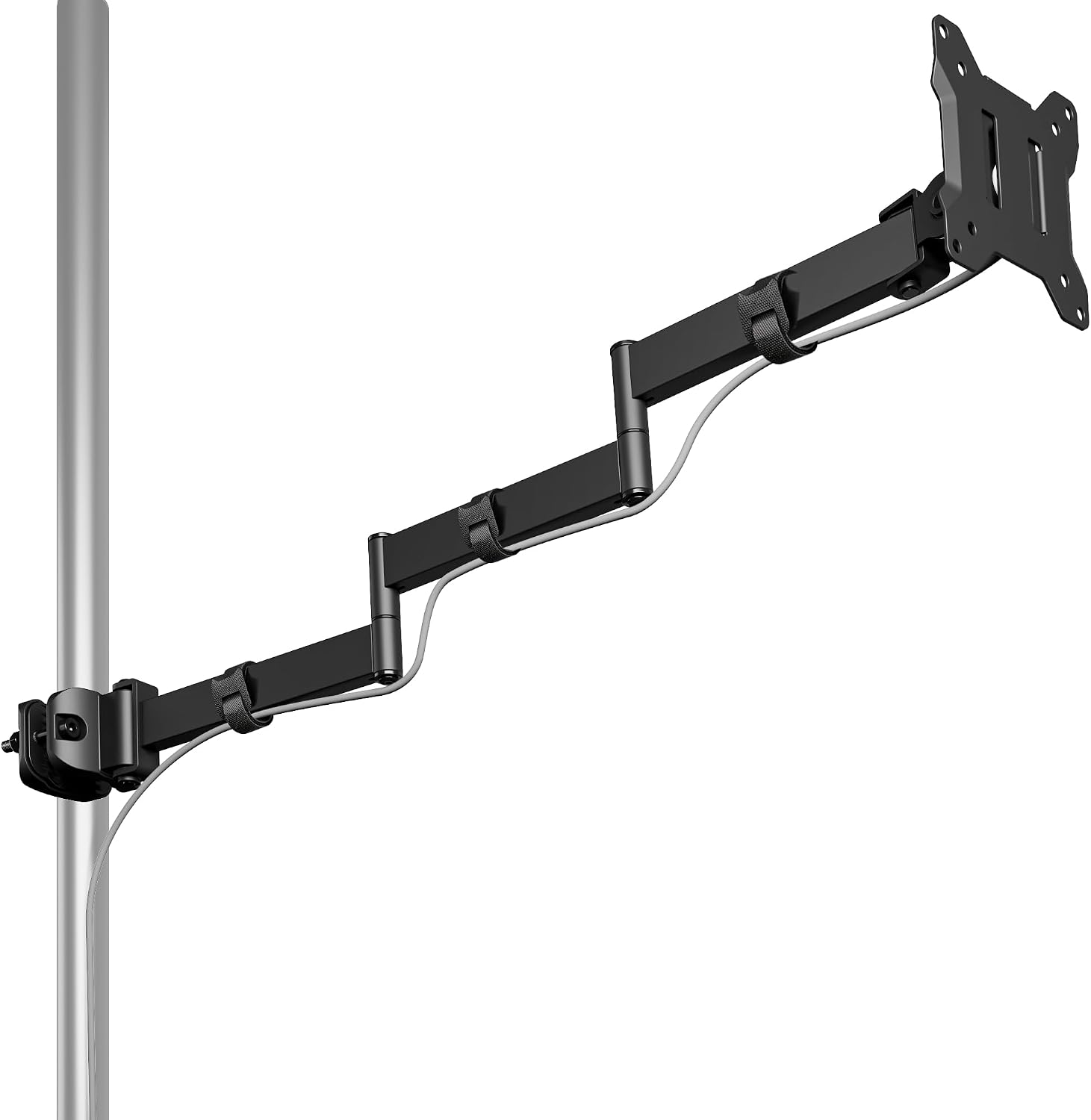
monTEK Long Arm Pole Mount Monitor Arm,17-32" Full Motion,22 lbs, 25" Reach
A pole-mounted arm listed for 17 to 32 inch screens with a 22 pound capacity and a 25 inch reach. The long arm and full motion head are aimed at desks where the monitor needs to swing well clear of the work surface.
Visit on Amazon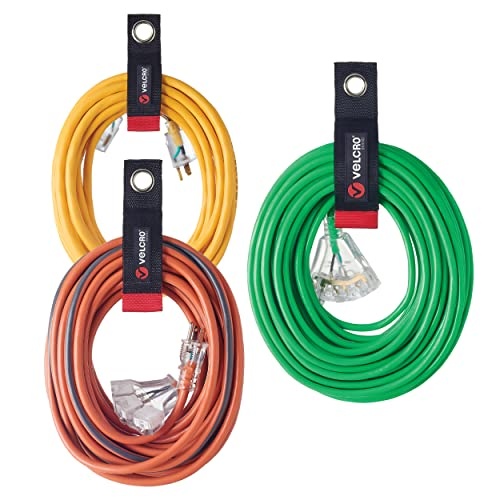
VELCRO Brand Easy Hang Extension Cord Holder Straps Variety Pack, Black
A variety pack of hook-and-loop extension cord holder straps in black. Not a mount at all, but the piece that keeps a floating display from looking unfinished once the arm is up.
Visit on Amazon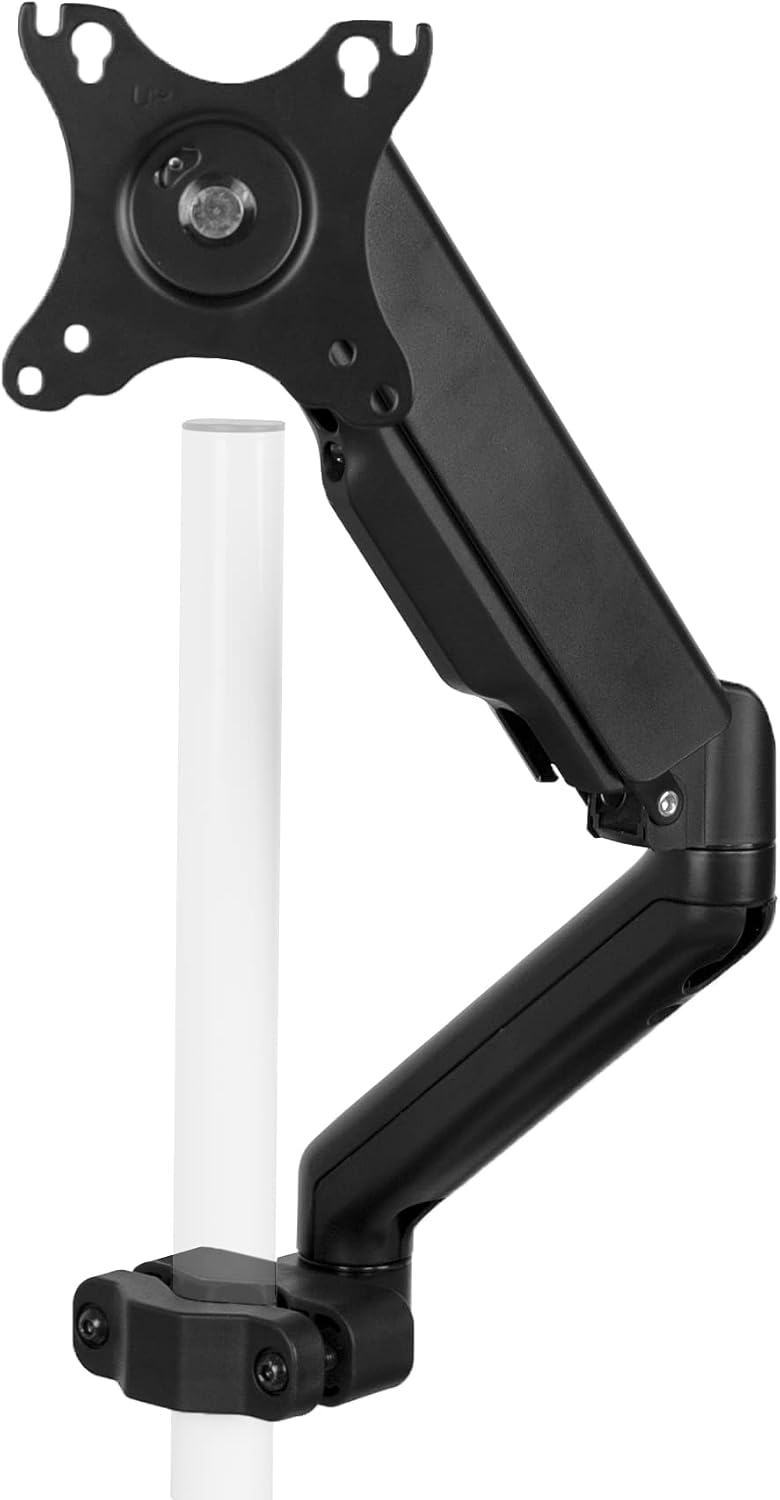
VIVO Black Pole Mounted Monitor Arm, 17-32 in Screens, MOUNT-POLE05O
A black pole-mounted arm from VIVO covering 17 to 32 inch screens. The pole carries the load vertically, which keeps the desk edge free for the keyboard instead of a clamp body.
Visit on Amazon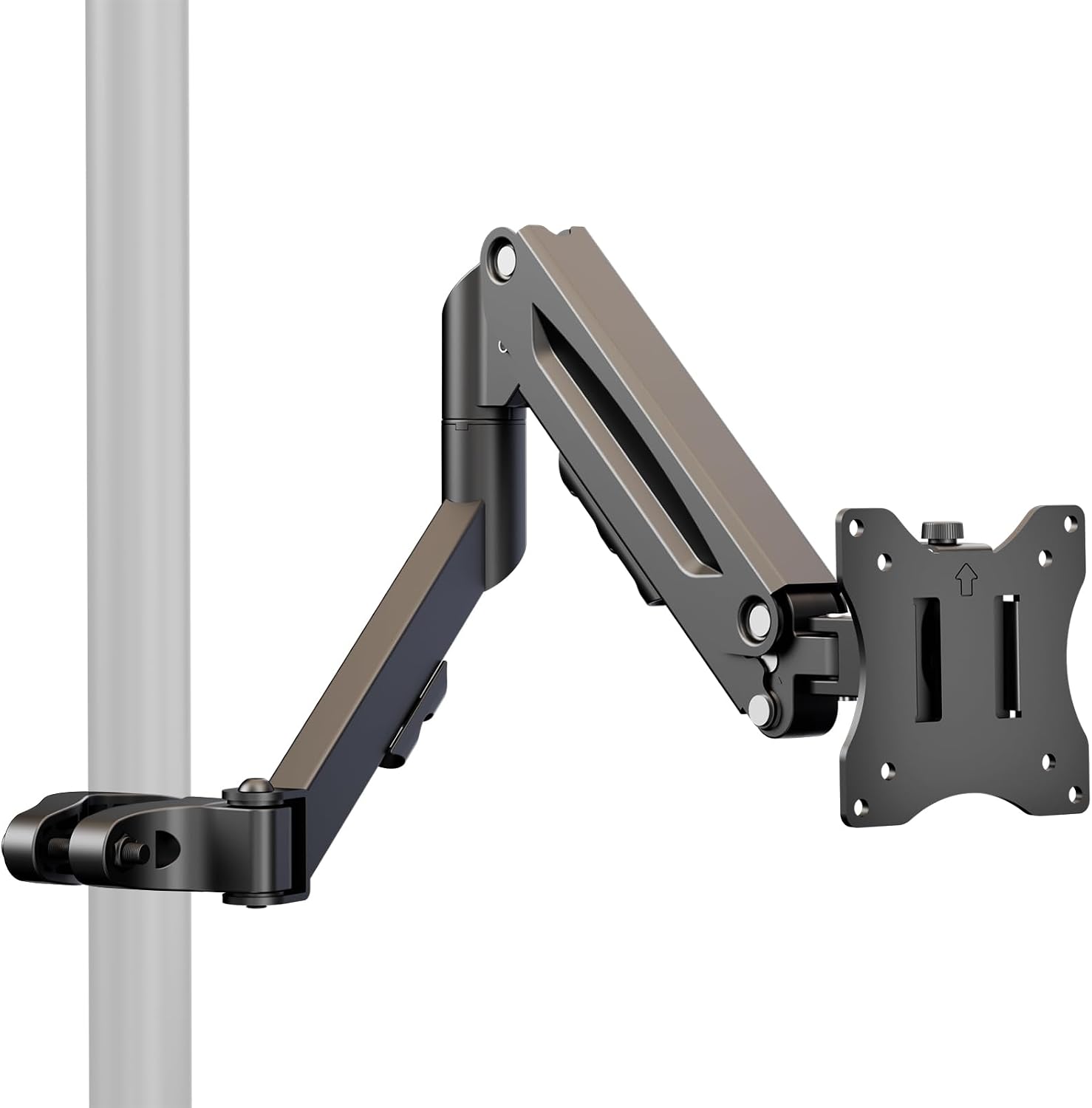
Height Adjustable Pole Mount Monitor Arm for 17"-32" with Gas Spring
A pole mount arm with a gas spring, listed for 17 to 32 inch screens. Height adjustment is the headline feature, which matters most on a desk shared by two people of different heights.
Visit on Amazon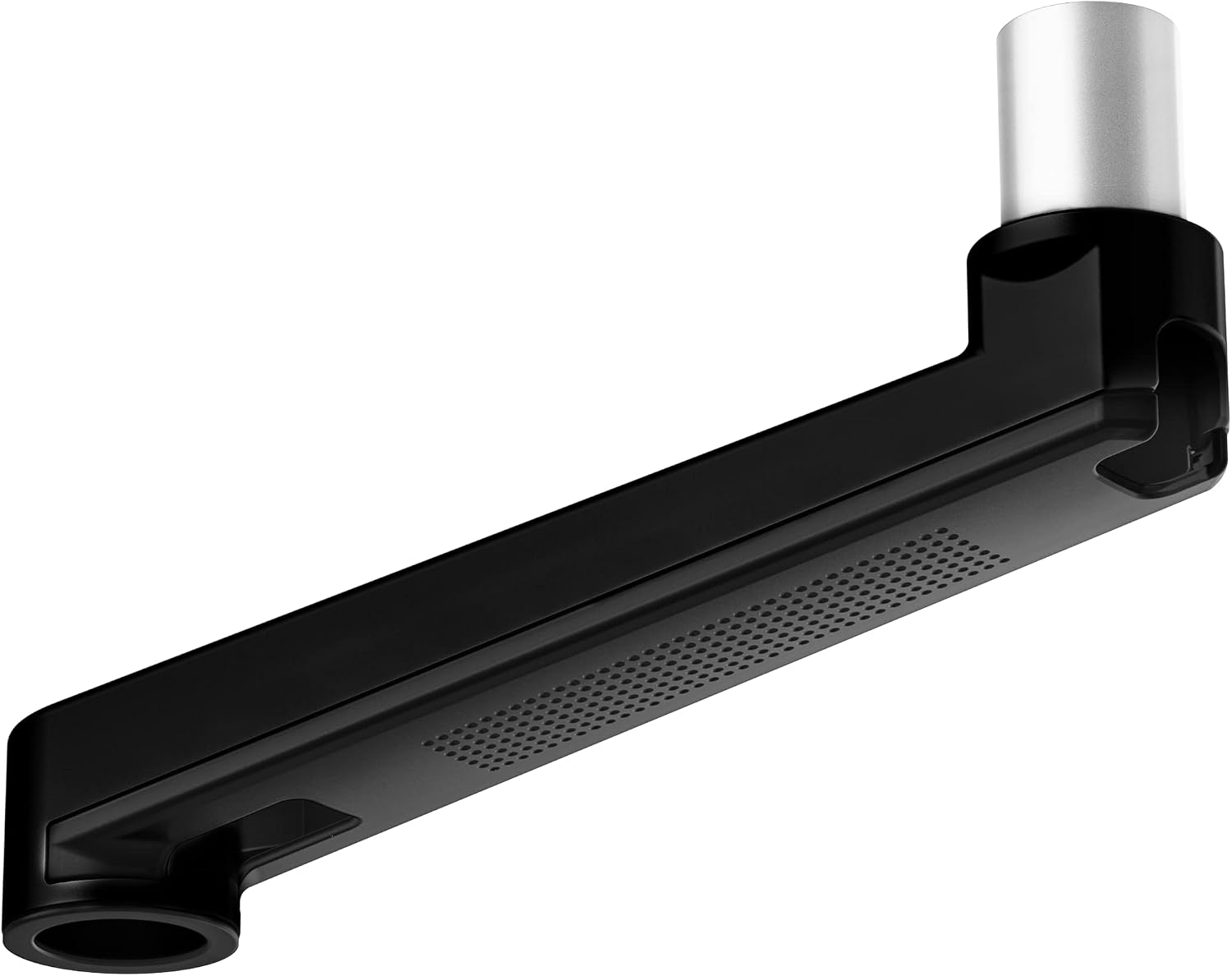
Ergounion Extension Arm Only for Ergounion Monitor Mounts, to Increase Arm Length, Perfect Upgrade for the E6/W6 Series Monitor Arm, Not Compatible with Other Brands Mount, Black
An extension arm only, sold to add length to Ergounion E6 and W6 series mounts. It is explicitly not compatible with other brands, so it only helps if you already own the matching mount.
Visit on Amazon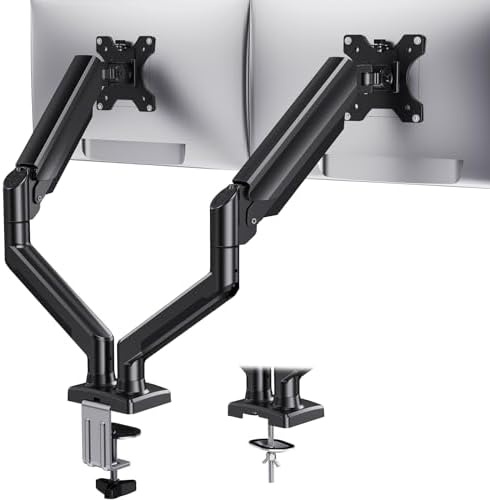
HUANUO Dual Monitor Mount for 2 Monitors up to 32 inches, Each Arm Holds Max 22lbs, Dual Monitor Stand with Advanced System, Height-Adjustable/Tilt/Swivel/Rotate, VESA Standard 75mm or 100mm
Carries two monitors up to 32 inches each at a maximum of 22 pounds per arm, with height, tilt, swivel, and rotation adjustment. VESA compatibility covers both 75mm and 100mm patterns.
Visit on AmazonPrices and availability may change. Check the retailer for current details.
How these products were compared
This guide compares reach and articulation, weight capacity per arm, listed screen size range, mount style, and the accessory and cable management hardware that comes with each product. Product names, images, and retailer links are matched by product code so that every card points to the product shown.
The comparison relies on published specifications and manufacturer descriptions. It is not a hands-on test, and no durability, wobble, or long-term holding performance is claimed here. Where a listing gives a weight rating, that rating is repeated as stated, and it should be treated as a ceiling rather than a target.
How to choose the right monitor arm
Start with the mount style, because it decides whether the product is even an option. A pole mount arm hangs everything from a vertical post, which keeps the desk edge clear and makes it easy to slide a display up and down the pole. A clamp or grommet mount grabs the desk itself and is the more common design. Pole arms tend to suit desks with a thick or awkward edge where a C-clamp has nothing solid to bite, while clamp mounts tend to suit thinner, cleaner desktops.
Weight and screen size come next. A 22 pound rating does not mean you should hang a 22 pound monitor on it and expect comfortable adjustment, because the headroom is what lets the tilt joint hold position instead of creeping. Match the listed screen range to what you actually own: a 17 to 32 inch range covers most single-display desks, while a 32 inch ceiling is the number to watch if you are considering something larger.
Then work through the details that are easy to overlook. VESA compatibility matters more than anything else on the spec sheet, since a monitor without a 75mm or 100mm mounting pattern cannot use any of these products. Adjustability is the next filter: tilt, swivel, and rotation cover the ergonomic basics, and a gas spring or a height-adjustable pole adds vertical travel that a fixed post cannot provide. If you are planning a two-screen desk, compare the dual mount against two single arms before you decide, and check whether an extension arm is a genuine upgrade path or a dead end. Compatibility notes on extension arms are worth reading twice, because a product built for one brand's E6 or W6 series will not fit anything else.
If your desk edge is the open question rather than the arm, it is worth measuring your clamp clearance before ordering anything.
monTEK Long Arm Pole Mount Monitor Arm
The monTEK arm is the top pick here because its listed specifications cover the widest single-screen use case in this group. It is rated for 17 to 32 inch screens, holds up to 22 pounds, and offers 25 inches of reach, which is a long throw for a pole-mounted design. Full motion articulation at the head means tilt, swivel, and rotation are part of the package rather than a paid upgrade.
The practical benefit of that reach is a desk that stays usable. A long arm lets you push the monitor back toward the wall when you need the surface for paperwork, then pull it forward when you want it closer to your eyes. The pole design also means the mounting hardware sits on the post rather than clamping the desk edge, which is useful on desks with a thick lip or a beveled edge that a C-clamp struggles with.
The trade-off is that long reach and full motion only pay off if the pole is stable and the weight is within the listed limit. Confirm that the pole mount is compatible with your desk thickness and that your monitor falls inside both the size range and the 22 pound rating before you buy.
Alternatives to consider
The VIVO Black Pole Mounted Monitor Arm is better suited to a straightforward single-screen setup where you want the pole format without the extra reach, while the Height Adjustable Pole Mount Monitor Arm for 17"-32" with Gas Spring is a stronger fit when vertical travel is the priority and you want the arm to move up and down easily rather than swing far.
The HUANUO Dual Monitor Mount, the Ergounion Extension Arm Only, and the VELCRO Brand Easy Hang Extension Cord Holder Straps cover three different jobs. The HUANUO handles two screens at once with per-arm weight limits and VESA 75mm or 100mm support. The Ergounion arm is a length upgrade for owners of Ergounion E6 or W6 series mounts only. The VELCRO straps are the finishing piece, useful for tidying power and extension cords that run behind a desk.
Day-to-day use and maintenance
Once an arm is installed, most of the ongoing work is checking that it is still doing its job. Periodically confirm that the pole or clamp hardware is tight, particularly in the first few weeks after installation when hardware tends to settle. If a display starts drifting out of position, the usual cause is a joint that needs its tension checked rather than a mount that has failed.
Weight discipline matters more than most people expect. Stay under the listed capacity, and remember that the rating applies to the monitor itself, so anything you hang from the arm adds to the load. Keep cables routed with enough slack for the full range of motion, and use a strap or clip to bundle power and extension cords so they do not catch on the arm as it moves. Follow the manufacturer's assembly and care instructions for your specific model, and keep the hardware and any tools that came with it in one place in case you need to adjust the mount later.
Buying checklist
- Measure your desk thickness and edge clearance if you are considering a clamp or grommet mount.
- Confirm your monitor has a 75mm or 100mm VESA pattern before looking any further.
- Match the arm's screen size range and weight rating to your display, and leave headroom rather than running at the limit.
- Decide whether you need a pole mount, a desk clamp, a single arm, or a dual mount before comparing features.
- Check compatibility notes on accessory and extension arms, since brand-specific parts rarely fit other mounts.
- Read the assembly, cleaning, and maintenance instructions for the exact model.
- Verify the current retailer price, availability, and return terms before ordering.
Final recommendation
Choose the monTEK Long Arm Pole Mount Monitor Arm,17-32" Full Motion,22 lbs, 25" Reach when you want a single pole-mounted arm with long reach, full motion at the head, and a weight rating that covers most 17 to 32 inch displays. Choose the HUANUO Dual Monitor Mount for 2 Monitors up to 32 inches when you run two screens and want one mount with independent height, tilt, swivel, and rotation adjustment for each. If you already own an Ergounion E6 or W6 series mount, the extension arm is the sensible upgrade; if you are simply fighting cable clutter, the VELCRO straps solve that for far less than a new arm.