Most desks do not get taller or wider when a third screen arrives, so the monitor arms and mounts you choose end up deciding how the whole setup feels. The difficulty is that this category lumps together very different products: a compact single gas spring arm, a triple desk mount built around a 38 inch ultrawide center bracket, a dual wall mount with telescoping arms, and even a cable management kit that only exists because a floating monitor with dangling cables looks broken.
This guide compares six products that cover the configurations people actually build: one screen, two screens, three screens, wall mounted, desk clamped, and the cable routing that finishes the job. Every product below is described from its published specifications, its stated screen size range, its stated weight capacity, and its mounting method. Where a number matters, it comes from the product listing rather than a bench, so treat the manufacturer figures as your starting point and confirm the details on the listing before ordering.
Related: How Monitor Arm Weight Ratings Actually Work
Quick answer
The Ergotron, Upgraded LX Pro Premium Single Monitor Arm, VESA Wall Mount, for Monitors Up to 34 Inches, 4 to 22 lbs, Matte Black is the strongest fit for a single screen up to 34 inches on a wall mounted setup because its stated 4 to 22 lb range covers everything from a light office panel to a heavier 32 or 34 inch display. Choose the VIVO Premium Triple Monitor Desk Mount for 3 Screens up to 22 lbs instead when three screens have to share one desk clamp and the center position needs to carry an ultrawide.
Monitor arms and mounts worth comparing
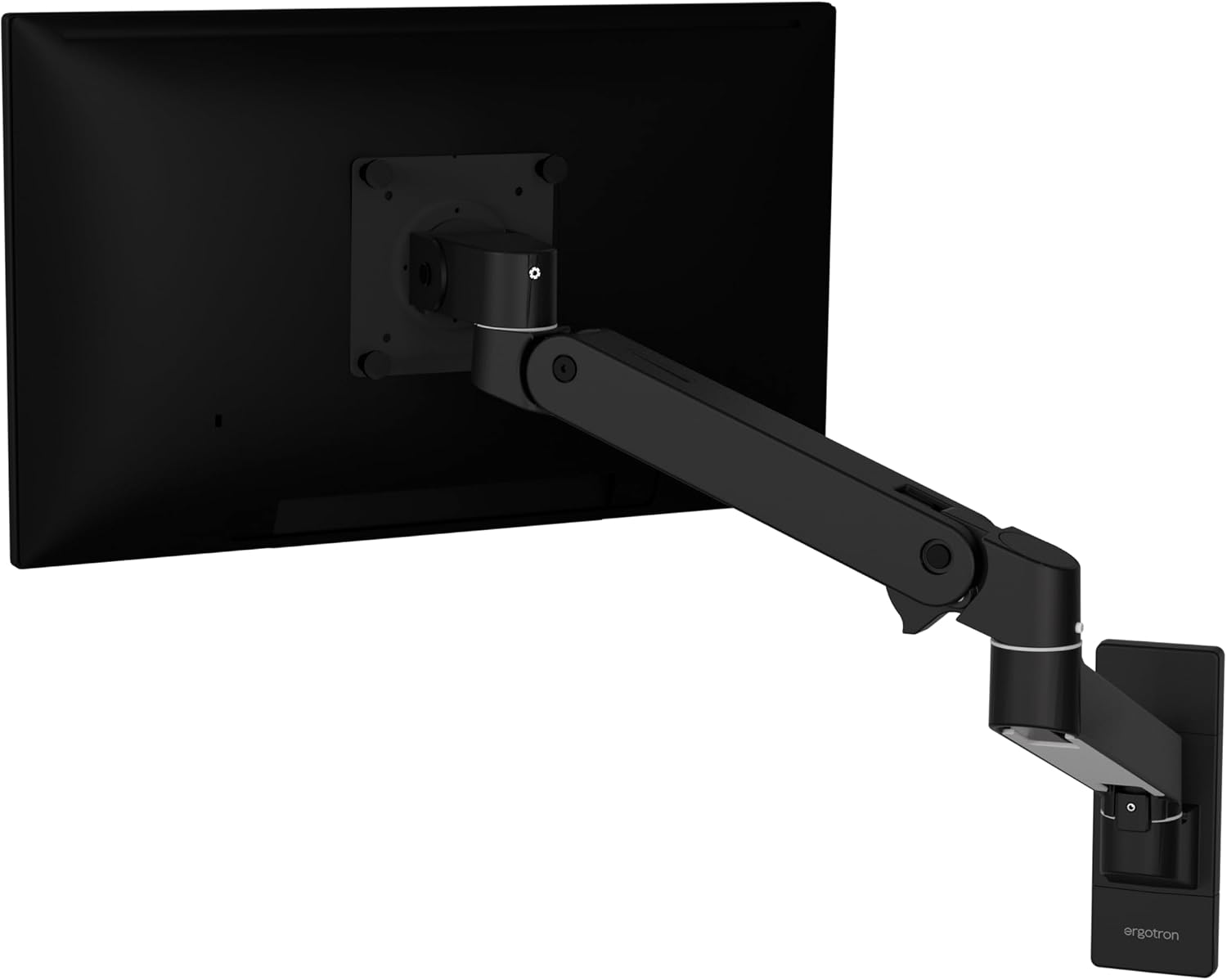
Ergotron, Upgraded LX Pro Premium Single Monitor Arm, VESA Wall Mount, for Monitors Up to 34 Inches, 4 to 22 lbs, Matte Black
A single monitor arm from the LX line with a wall mount base, a stated weight range of 4 to 22 lbs, support for monitors up to 34 inches, and a matte black finish.
Visit on Amazon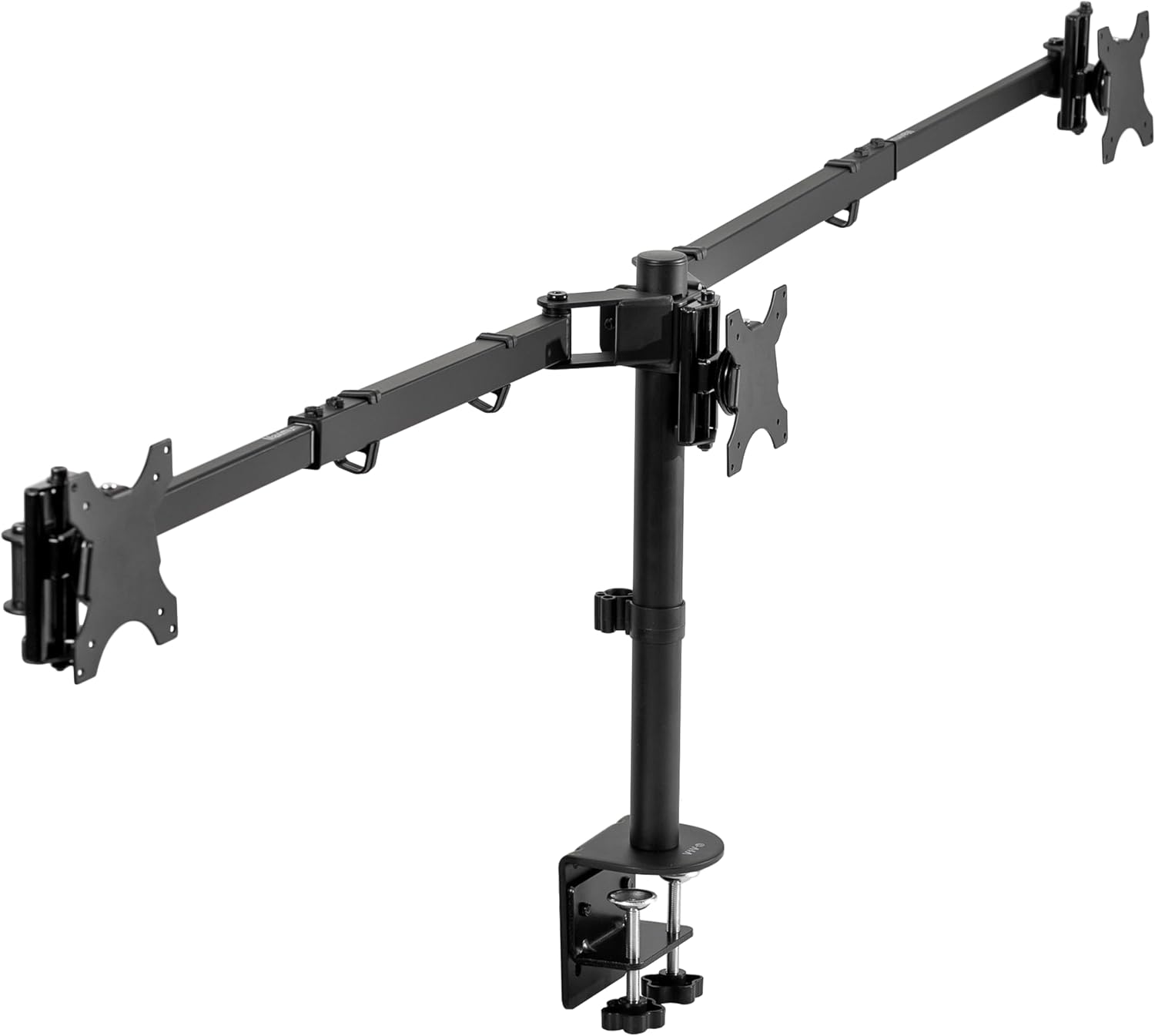
VIVO Premium Triple Monitor Desk Mount for 3 Screens up to 22 lbs, Fits up to 38 inch Ultrawides on Center Bracket, Adjustable Telescoping Arms, Flush Wall Setup, Black, STAND-TS03C
A triple desk mount rated for three screens up to 22 lbs each, with adjustable telescoping arms and a center bracket sized for ultrawides up to 38 inches.
Visit on Amazon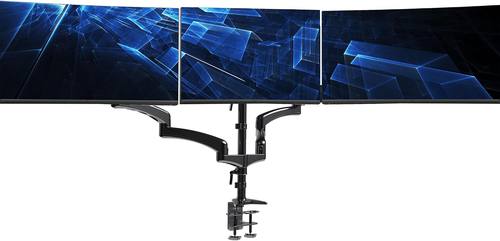
VIVO Triple Pneumatic Monitor Mount for 3 Screens up to 32 inches, Fully Adjustable, Heavy Duty Desk Stand with C-Clamp, Black, STAND-V300G
A pneumatic triple monitor mount for three screens up to 32 inches, built as a heavy duty desk stand with a C-clamp base and fully adjustable positioning.
Visit on Amazon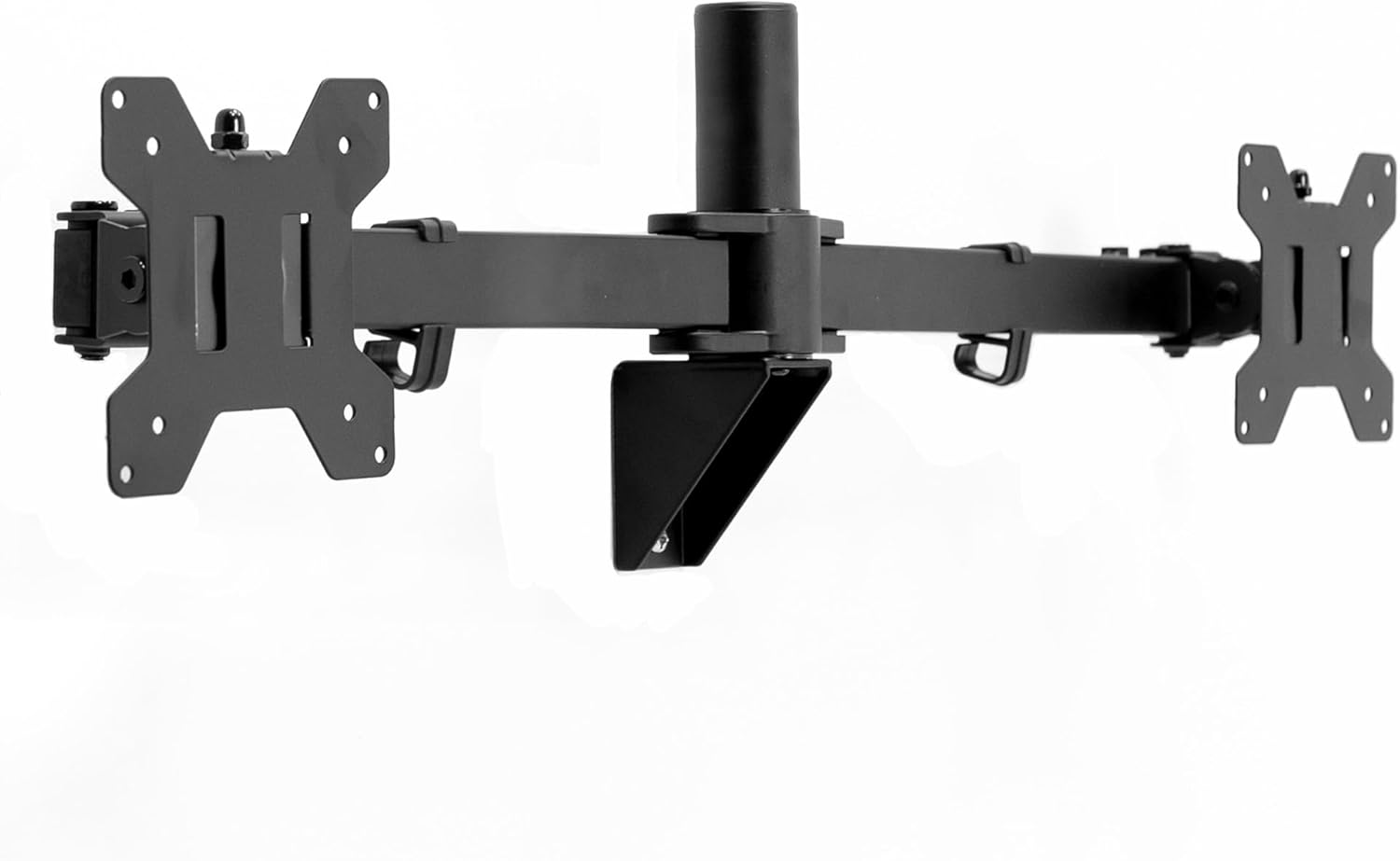
VIVO Premium Dual 21 to 32 inch LCD LED Monitor Wall Mount, Heavy Duty Telescoping Arms, Flush Wall Setup, Fits 2 Screens, Black, MOUNT-TS32B
A dual wall mount for two 21 to 32 inch screens, using heavy duty telescoping arms and a flush wall setup to keep the pair close to the surface.
Visit on Amazon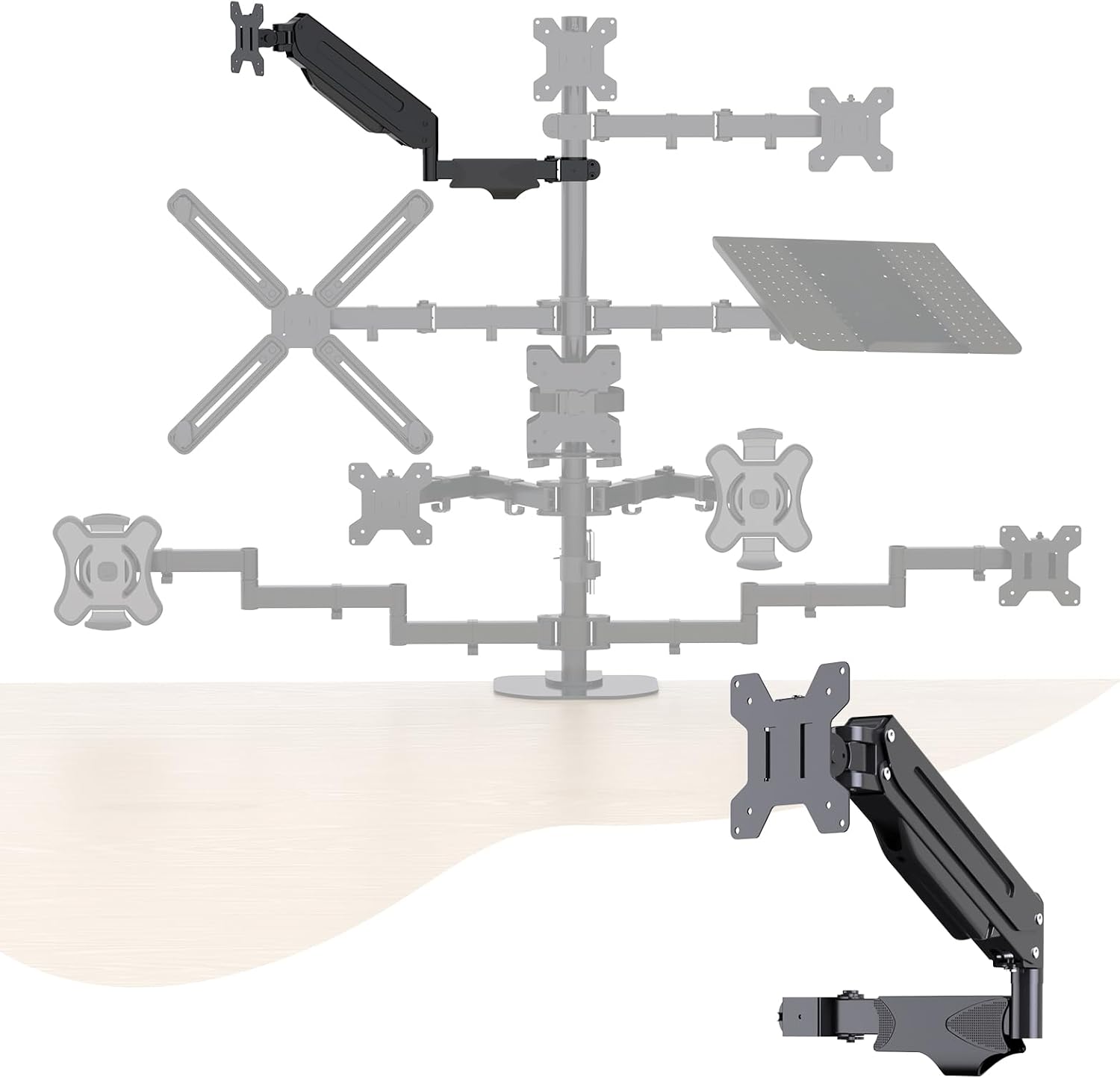
Pholiten Single Monitor Arm, Gas Type, Double Articulated
A single monitor arm with a gas type spring and a double articulated joint, aimed at light single screen desks that need the screen off the surface.
Visit on Amazon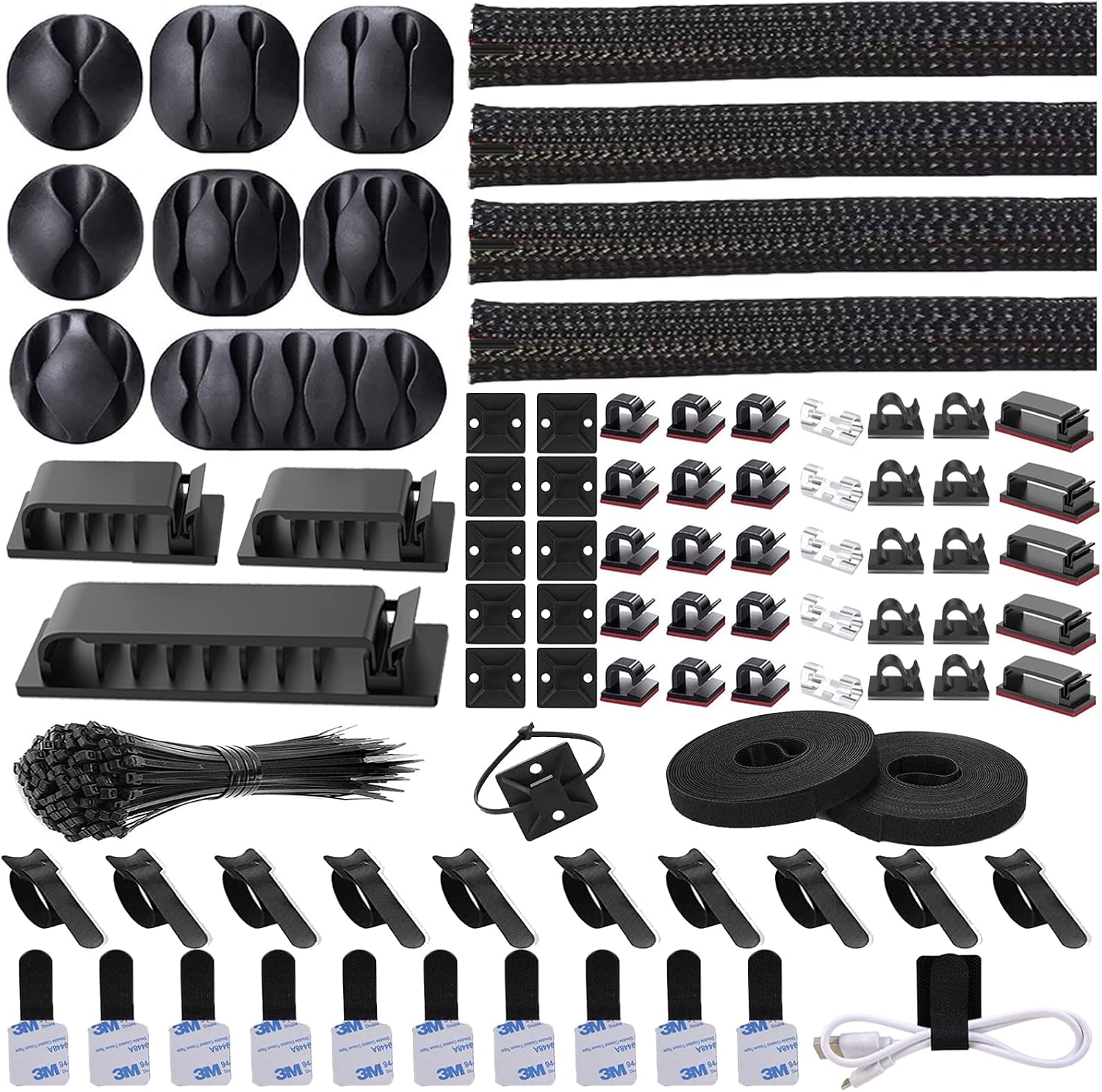
N NOROCME 192 PCS Cable Management Kit 4 Wire Organizer Sleeve
A 192 piece cable management kit with four wire organizer sleeves for routing the cables a floating monitor leaves behind.
Visit on AmazonPrices and availability may change. Check the retailer for current details.
How these products were compared
Five things separate these products from one another: the stated screen size range, the stated weight capacity per screen, the mounting method (desk clamp, wall plate, or free standing base), the articulation design (pneumatic cylinders, telescoping arms, or double articulated joints), and the provisions for routing cables.
Nothing here is presented as bench testing or long term ownership. The comparison is drawn from published product specifications and the descriptions that ship with each listing, and product names, images, and retailer links are matched to the same listing so the card you click is the product described. Two of the six entries are not arms in the usual sense: the triple desk mount with the ultrawide center bracket is a complete multi screen system, and the cable management kit is an accessory that solves the last ten percent of the job. They earn their place because a three screen build usually needs both.
Because prices move, no price is printed in this article. Use the link on each card to confirm the current price, availability, and return terms before ordering.
How to choose the right monitor arm
Start with weight, not with screens. Every mount here publishes a per screen weight range, and the top of that range is a ceiling, not a target. A mount holding a panel near its stated maximum is still within spec, but it leaves the least margin for a heavier display later, for a webcam or microphone arm clamped to the same post, or for the slow loss of spring pressure over years of use. Buying with headroom is the difference between an arm that holds position at full extension and one that drifts down by month three.
Next, confirm two compatibility numbers on the listing: the screen size range and the VESA mounting pattern behind your monitor. A mount designed for 21 to 32 inch panels is not the right shape for a 38 inch ultrawide, and a monitor without VESA holes cannot take an arm at all without an adapter. Check both before you compare anything else.
Then decide where the hardware can physically attach. A desk clamp needs enough desk thickness for the jaws and a solid, flat lip to bite, and it will not work on a rounded or glass edge without a reinforcement plate. A grommet mount needs an existing cable hole. A wall mount needs a wall you can anchor into properly, and the flush wall designs trade reach for a tighter footprint against the surface. The Ergotron LX Pro in this guide is the wall mount version of a single arm, so the wall itself becomes part of the decision.
Screen count drives the rest. One screen is a single arm decision, two screens usually means either a dual mount or two singles, and three screens needs a mount designed for three, because the geometry of a triple setup is different from two arms sharing a desk. The VIVO triple desk mount goes further by sizing its center bracket for ultrawides up to 38 inches, which is the position that most often needs the extra capacity.
Finally, look at adjustment and cable routing. Tilt and swivel that can be set without hunting for a hex key are worth more than they sound, because the joint you cannot adjust by hand is the joint you stop adjusting. Cable channels matter just as much: a floating monitor with cables hanging off the back looks broken no matter how good the arm is. If your desk cannot take a clamp at all, our walkthrough on clamp versus grommet mounting covers the measurements to take first.
Ergotron, Upgraded LX Pro Premium Single Monitor Arm, VESA Wall Mount, for Monitors Up to 34 Inches, 4 to 22 lbs, Matte Black
This is a single monitor arm in the LX line with a wall mount base rather than a desk clamp. The stated weight range is 4 to 22 lbs and the stated screen size limit is 34 inches, which puts most 27 inch panels comfortably in the middle of its range and a heavier 32 or 34 inch display near the upper end. It ships in matte black and mounts through a VESA wall plate.
The practical argument for it is margin. A 22 lb ceiling means a typical 27 inch monitor is not sitting at the top of what the arm is designed to hold, and that headroom is exactly what keeps an arm from creeping downward over time. The wall base also removes the desk edge from the equation entirely, which is useful on thin, rounded, or glass topped desks that will not accept a clamp.
The trade-off is mounting surface. Because this is a wall version, it needs a wall you can anchor into, and it holds one screen, so a two or three screen build needs a different approach. The stated range also begins at 4 lbs, which means the lightest panels sit at the bottom of what the arm is designed for rather than in the middle. If your only option is clamping to a desk, a clamp based arm is the more practical shape, and the Pholiten single arm is the budget route for that case.
Alternatives to consider
The VIVO Premium Triple Monitor Desk Mount for 3 Screens up to 22 lbs is better suited to a three screen desk where the center display is an ultrawide, since its center bracket is sized for panels up to 38 inches and its telescoping arms are adjustable. The VIVO Triple Pneumatic Monitor Mount for 3 Screens up to 32 inches is a stronger fit when the three screens are conventional sizes and you want a pneumatic desk stand with a C-clamp base rather than a wall plate.
The VIVO Premium Dual 21 to 32 inch Monitor Wall Mount, the Pholiten Single Monitor Arm, and the N NOROCME 192 PCS Cable Management Kit cover the remaining cases. The dual wall mount handles two screens between 21 and 32 inches with telescoping arms and a flush wall setup. The Pholiten is the low cost entry for a single light monitor on a gas type arm with a double articulated joint. The NOROCME kit is not a mount at all, but a 192 piece set of sleeves and organizers for the cable run between the arm and the desk, which is the step most people skip and then regret.
Day-to-day use and maintenance
Check the attachment hardware after installation and again a few weeks later. Clamp bolts and wall plate fasteners can settle as the load rests on them, and a mount that felt solid on day one is worth re-checking once the monitor has been hanging in place. If the arm holds a monitor below its stated ceiling, the spring or pneumatic tension will usually need setting to the panel weight rather than left at the factory position.
Keep the tilt joint at a tension you can adjust by hand. A joint that requires a tool for every tweak tends to stay where it was set on installation day, which is rarely where your neck wants it six months later.
Route cables through the channels with slack at every pivot. Cables pulled tight across a moving joint will eventually wear or pull a connector loose, and a sleeve or organizer keeps the run tidy along the arm. Follow the manufacturer's cleaning instructions for the arm and the mounting surface, and keep the total load per screen within the stated rating rather than adding accessories to the same head.
For wall mounted arms, anchoring is a safety matter rather than a convenience. Use fasteners appropriate to the wall construction and the stated load, and confirm the mounting instructions before drilling. For clamp mounted arms, confirm the desk can take the clamp pressure without crushing a hollow core.
Buying checklist
- Measure your desk thickness, lip depth, and the clearance under the edge before choosing a clamp mount.
- Check the VESA pattern on the back of every monitor you plan to mount.
- Choose a weight capacity with headroom above your heaviest screen rather than exactly at it.
- Confirm the screen size range covers your largest panel, especially the center screen of a triple setup.
- Verify that tilt and swivel can be adjusted without tools.
- Count your cables and confirm the arm has a routing path for all of them.
- Verify the current retailer price, availability, and return terms before ordering.
Final recommendation
Choose the Ergotron, Upgraded LX Pro Premium Single Monitor Arm, VESA Wall Mount, for Monitors Up to 34 Inches, 4 to 22 lbs, Matte Black when you are mounting one screen up to 34 inches, the panel falls inside the 4 to 22 lb range, and a wall is available to anchor into. Choose the VIVO Premium Triple Monitor Desk Mount for 3 Screens up to 22 lbs when three screens share a desk and the center display is an ultrawide up to 38 inches. For a conventional three screen desk on a C-clamp, the pneumatic VIVO triple mount is the closer match, and for a single light monitor on a tight budget, the Pholiten arm is the entry point. Whichever you pick, add cable routing at the same time, because the arm is only half of what makes a floating monitor look intentional.