Most desks ship with a monitor stand that eats six inches of depth and pins the screen at the wrong height. The best monitor arms fix both problems at once, but only when the arm matches three numbers: your monitor's weight, your desk's thickness, and the VESA pattern on the back of the screen. Get those wrong and you end up with a sagging arm, a clamp that will not close, or a mounting plate that will not bolt up. This guide compares six current arms across single and dual configurations, from budget dual mounts to a premium single arm built for ultrawides, and explains which published specifications actually decide whether a setup works.
Related: Monitor Arm vs Monitor Stand: Which One Fits Your Desk
Quick answer
The Ergotron Upgraded LX Pro Premium Monitor Arm is the strongest fit for a single ultrawide or a heavy 27-inch screen because it is rated for 4 to 22 pounds, supports flat and curved monitors up to 34 inches, and accepts both 75x75mm and 100x100mm VESA patterns. Choose the VIVO Dual Monitor Desk Mount instead when you want two screens side by side and your monitors are 30 inches or under at 22 pounds each.
Monitor arms worth comparing
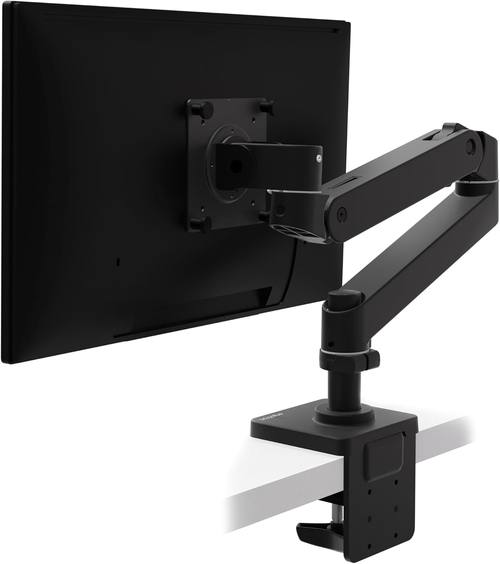
Ergotron, Upgraded LX Pro Premium Monitor Arm, Single Monitor Desk Mount, fits Flat Curved Ultrawide Computer Monitors up to 34 Inches, 4 to 22 lbs, VESA 75x75mm or 100x100mm, Matte Black
A single-arm desk mount rated for 4 to 22 pounds, built for flat and curved ultrawide monitors up to 34 inches, and compatible with both 75x75mm and 100x100mm VESA patterns.
Visit on Amazon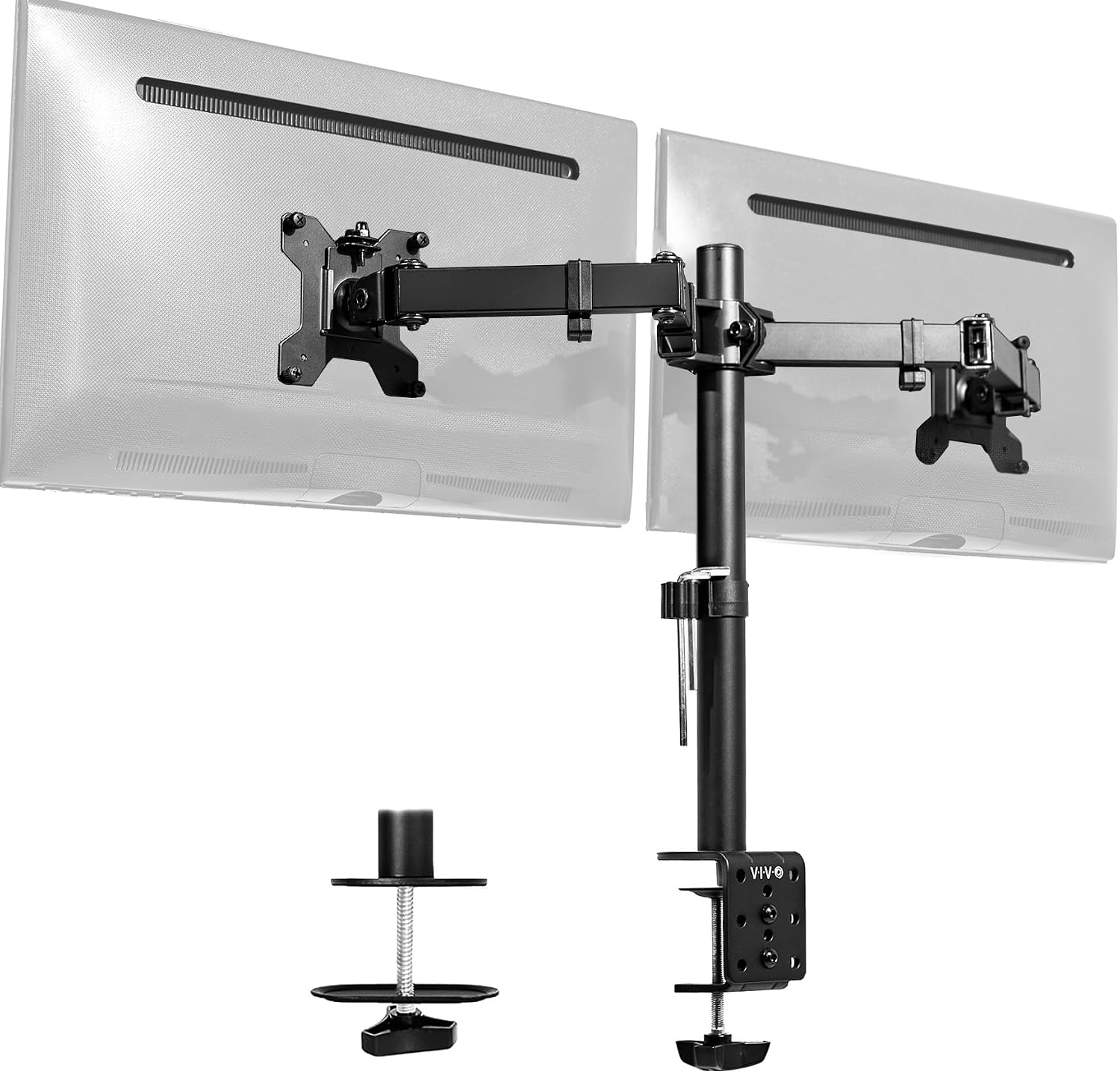
VIVO Dual Monitor Desk Mount, Holds 2 Computer Screens up to 30 inches and 22lbs Each, Heavy Duty Fully Adjustable Steel Stand with C-Clamp and Grommet, Black, STAND-V002
A steel dual mount that carries two screens up to 30 inches and 22 pounds each, with both C-clamp and grommet mounting hardware included.
Visit on Amazon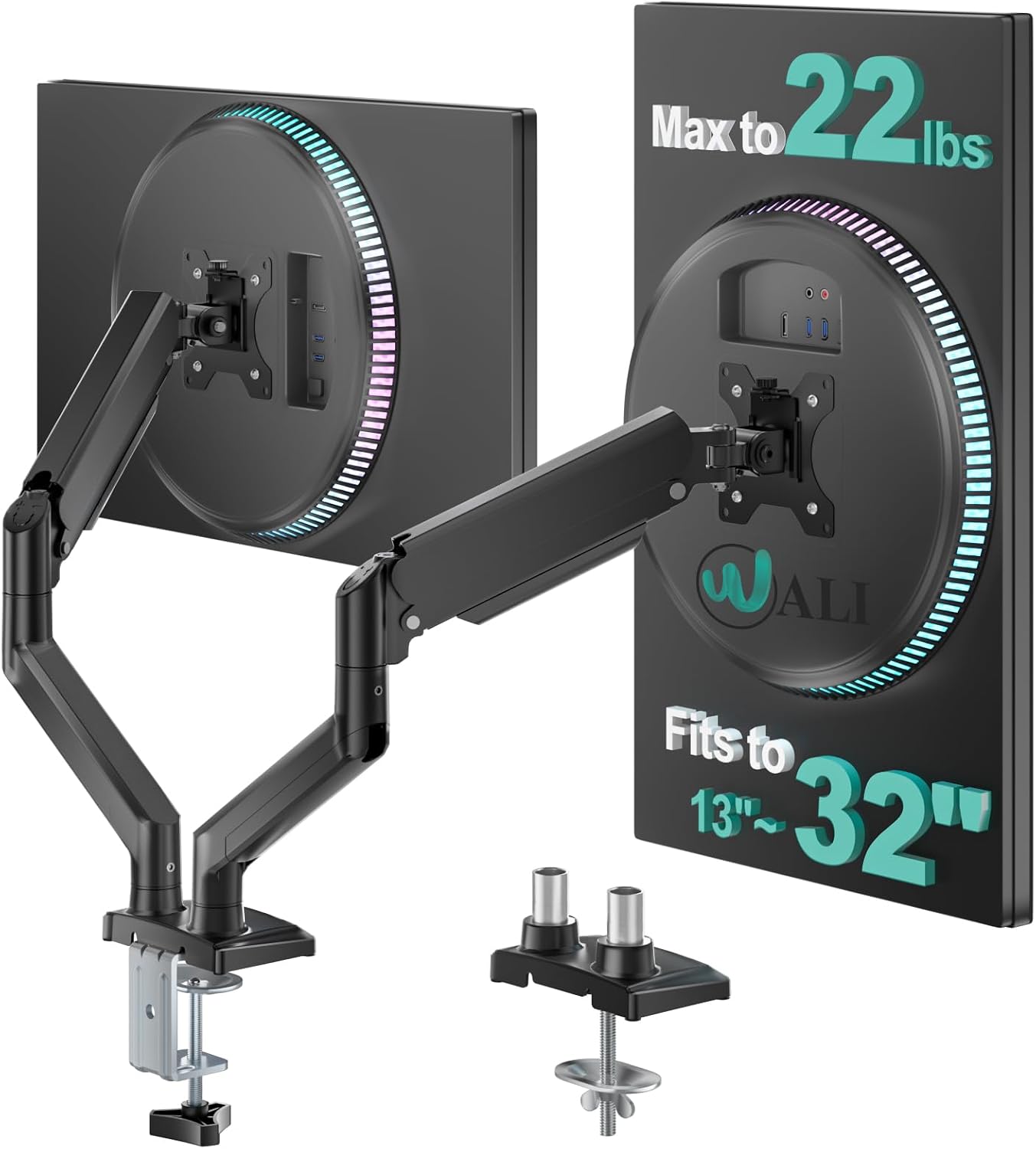
WALI Adjustable Dual Monitor Arm for 13-32 inch Screens, 22 lbs per Arm
An adjustable dual arm sized for 13 to 32 inch screens with a published capacity of 22 pounds per arm, which covers most 27-inch office displays.
Visit on Amazon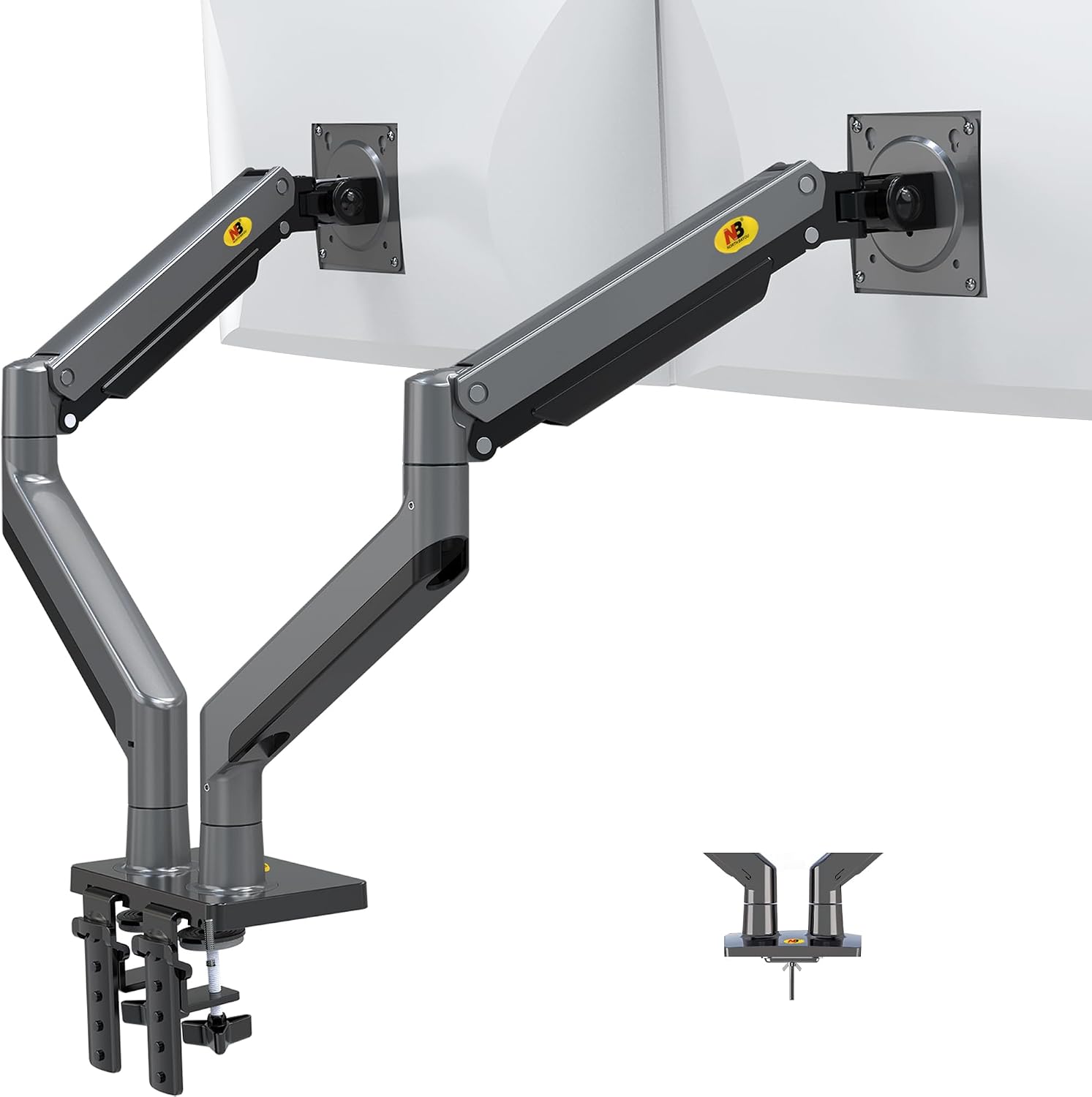
NB North Bayou Dual Monitor Arm Ultra Wide Full Motion Swivel Monitor Mount for 22''-32'' Monitors Load Capacity from 4.4 to 26.4lbs for Each Arm Height Adjustable Monitor Stand G35
Check current Amazon price
A full-motion dual arm for 22 to 32 inch monitors with a per-arm range of 4.4 to 26.4 pounds, height adjustment, and swivel at the joints.
Visit on Amazon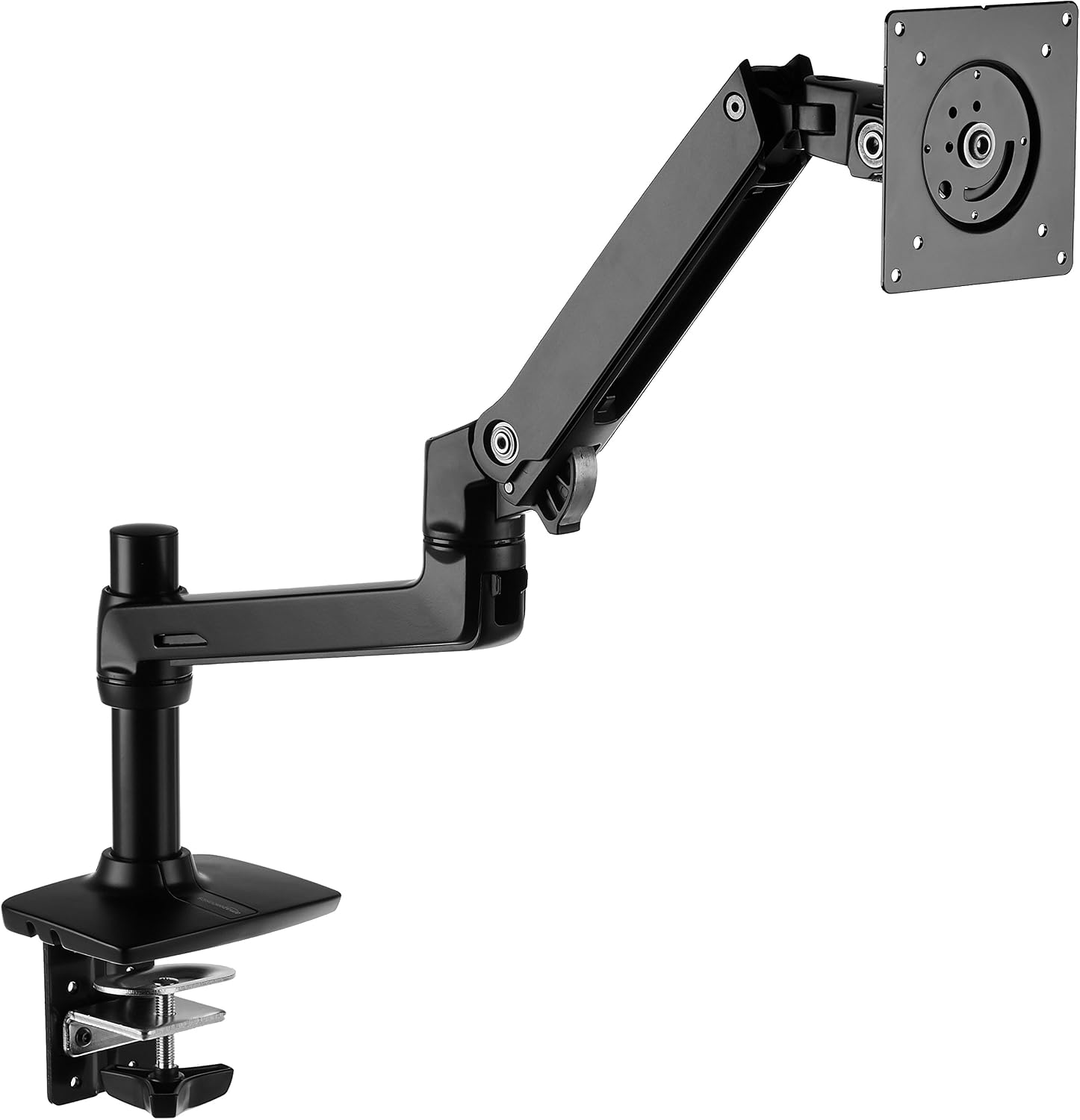
Amazon Basics Single Monitor Stand, Lift Engine Arm Mount, Black
Check current Amazon price
A single-screen stand built around a lift engine arm design in black, aimed at buyers who want one monitor floating without a dual-arm base.
Visit on Amazon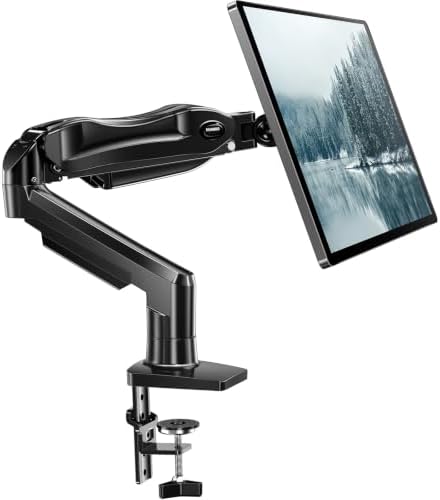
HUANUO FlowLift™ Single Monitor Mount, 13 to 32 Inch Monitor Arm, Adjustable Monitor Stand, Vesa Mount with Clamp and Grommet Base - Fits 4.4 to 19.8lbs LCD Computer Monitors
A single arm covering 13 to 32 inch screens with a published 4.4 to 19.8 pound range and a choice of clamp or grommet base.
Visit on AmazonPrices and availability may change. Check the retailer for current details.
How these products were compared
This guide compares published weight capacity per arm, supported screen size range, VESA pattern compatibility, available mounting hardware, and the adjustment range for height, tilt, and swivel. Product names, images, and retailer links are matched by product identifier so that every card points to the product shown.
The weight figures here come from the manufacturers' own listings, not from a lab bench. That matters because the published range is the single most useful number on the box. The NB North Bayou G35 publishes the widest per-arm range at 4.4 to 26.4 pounds. The VIVO STAND-V002 and the WALI dual arm both list 22 pounds per arm. The Ergotron LX Pro lists 4 to 22 pounds for a single screen. The HUANUO FlowLift tops out at 19.8 pounds, which is the lowest ceiling in this group and the number to watch if you run a heavy ultrawide.
No current price is printed anywhere in this article. Use the retailer link on any card to confirm today's price and availability, because both move.
How to choose the right monitor arm
Start with weight, not brand. Weigh your monitor with its stand removed, then add a little headroom. An arm rated for exactly your monitor's weight sits at the edge of its spring range, and edge-of-range is where sagging starts. If your screen lands at 18 pounds, an arm rated to 22 pounds gives you margin; an arm rated to 19.8 pounds gives you almost none. The Ergotron LX Pro and the VIVO dual mount both publish a 22 pound ceiling, the WALI dual matches that per arm, and the North Bayou goes higher still at 26.4 pounds per arm. The HUANUO FlowLift is the one to skip if you are mounting a big curved panel.
Next, screen size. Size range and weight range are separate limits, and an arm has to clear both. The North Bayou starts at 22 inches, so it is a poor match for a pair of small secondary displays. The WALI and HUANUO arms start at 13 inches, which covers laptops-on-arms, portable panels, and small second screens. Only the Ergotron LX Pro publishes support for curved ultrawides up to 34 inches, which is the number that matters if your desk has one wide screen instead of two normal ones.
Then mounting. A desk clamp grabs the front edge of the desktop and needs enough lip and clearance underneath for the C-clamp to close; a grommet mount passes a bolt through an existing hole in the desktop and is the better choice on thin or fragile tops where a clamp would crush the edge. The VIVO STAND-V002 and the HUANUO FlowLift both list clamp and grommet hardware. The Ergotron LX Pro and the North Bayou G35 are listed as desk mounts, so check the mounting hardware section of the listing before you order rather than assuming. If you are unsure which style your desk can take, the desk clamp versus grommet comparison walks through the clearance math.
Finally, decide single versus dual. A dual arm like the VIVO, WALI, or North Bayou puts two screens on one base, which frees a large patch of desktop and keeps both panels at the same height. The trade-off is that a single clamp or grommet now carries the load of two arms and two monitors, so desk thickness and material matter more. A single arm is the simpler install and the better fit when one screen does the work.
Ergotron Upgraded LX Pro Premium Monitor Arm
The Ergotron LX Pro is a single-monitor desk mount with a 4 to 22 pound range, support for flat and curved ultrawide screens up to 34 inches, and compatibility with both 75x75mm and 100x100mm VESA patterns. Those two VESA sizes cover essentially every desktop monitor you are likely to own, so the mounting plate is not a dead end if you swap screens later.
The trade-off is configuration. This is one arm for one screen, so if you want a side-by-side pair, you are buying two of them or stepping down to a dual mount. It is also the most specialized arm in this group in the sense that its published range is aimed at a single wide screen rather than two mid-size panels, and its per-arm capacity is lower than the North Bayou's. If your monitor sits well under 22 pounds and you run one display, the wide VESA support and the 34 inch ceiling are the reasons to pick it.
Alternatives to consider
The VIVO Dual Monitor Desk Mount is better suited to two-screen productivity work on a desk where you want the clamp and grommet options in the box, while the WALI Adjustable Dual Monitor Arm is a stronger fit when your screens are between 13 and 32 inches and you want 22 pounds of capacity per arm at a lower configuration cost.
The NB North Bayou G35, Amazon Basics Single Monitor Stand, and HUANUO FlowLift Single Monitor Mount cover the rest of the field. The North Bayou is the pick when you need the highest per-arm capacity and full-motion swivel for 22 to 32 inch monitors. The Amazon Basics stand is a single-screen lift engine design for buyers who want one monitor raised without a dual base. The HUANUO FlowLift is the lightest-duty single arm here, and its clamp or grommet base plus 13 to 32 inch range make it a reasonable match for a standard 24 or 27 inch panel that sits comfortably under 19.8 pounds.
Day-to-day use and maintenance
Most of what goes wrong with a monitor arm happens in the first week and then never again. Set the arm to its highest position, load the monitor, and then let it settle before you judge the spring tension. If the screen drifts down on its own, the arm is at or past its rated weight, or the tension adjustment needs a turn. If it drifts up, back the tension off. Do this with the monitor mounted, not with the arm empty.
Check the clamp or grommet bolt after the first few days of use. Desktops compress slightly under load, and a clamp that felt tight during install can loosen once the monitor is hanging on it. Re-check it again a month in. Route cables through the arm's channels as you assemble it rather than after, because threading cables through a fully built arm is the part everyone skips and later regrets. A floating monitor with cables dropping straight to the floor looks broken, and it also puts load on the connectors.
Keep the joints clean and free of dust, and do not force a tilt joint that feels stiff; if the joint needs a tool to move, adjust it once and leave it. Before mounting anything, confirm the VESA plate matches the hole pattern on the back of your monitor, and have a second person hold the screen while you seat the plate if it is a large panel.
Buying checklist
- Weigh your monitor without its stand, then compare that number against the arm's published range with headroom to spare.
- Confirm the arm's supported screen size range covers your display, since size and weight are separate limits.
- Check the VESA pattern on the back of your monitor against the patterns the arm supports.
- Measure your desk thickness and edge lip, and decide between a C-clamp and a grommet mount.
- Verify that the exact model listing includes the mounting hardware you need.
- Confirm current price, availability, and return terms at the retailer before ordering.
Final recommendation
Choose the Ergotron Upgraded LX Pro Premium Monitor Arm when you run a single screen, especially a curved ultrawide up to 34 inches, and you want both common VESA patterns covered with a 4 to 22 pound range. Choose the VIVO Dual Monitor Desk Mount when you want two screens up to 30 inches at 22 pounds each on one base and you need clamp and grommet hardware in the box. If your monitors are 22 inches or larger and you want the most per-arm capacity in this group, the NB North Bayou G35 is the alternative worth pricing out.