Monitor Arm vs Desk Mount: What Actually Works After 200+ Desk Builds
The marketing says a desk mount is "the cleaner, more stable choice" for your monitor. Is it? I've built 200+ desks over five years, mounted 40+ monitor arms, and installed both setups in client offices more times than I can count.
My own rig runs a 34" ultrawide and a 27" vertical on a dual-arm setup, and I've got a permanent dent in my shop floor from a cheap C-clamp that gave way three years ago.
Here's the honest truth: the answer depends entirely on your desk, your monitor, and how much you care about your furniture.
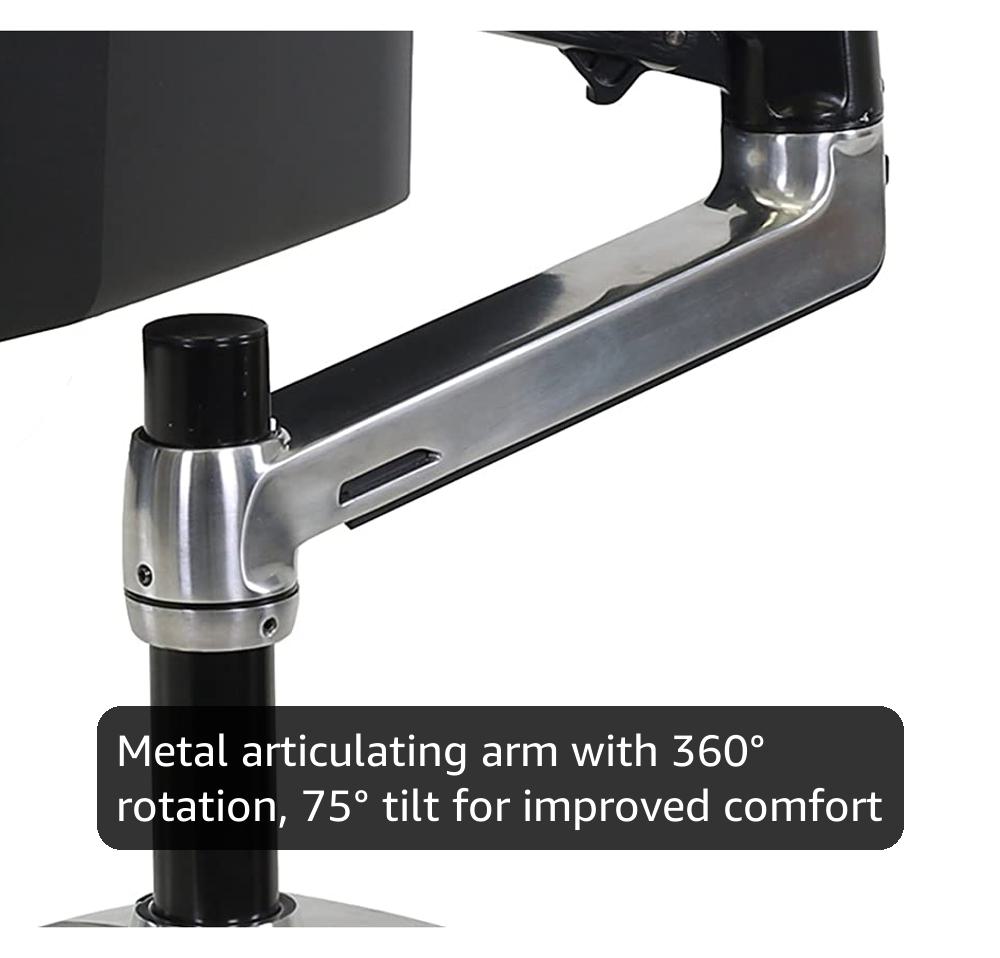
Ergotron – LX Monitor Arm, Single Monitor Desk Mount – fits Flat Curved Ultrawide Computer Monitors up to 34 Inches, 7 to 25 lbs, VESA 75x75mm or 100x100mm – Polished Aluminum
Six years, zero drift, gas spring still perfect
Visit on Amazon →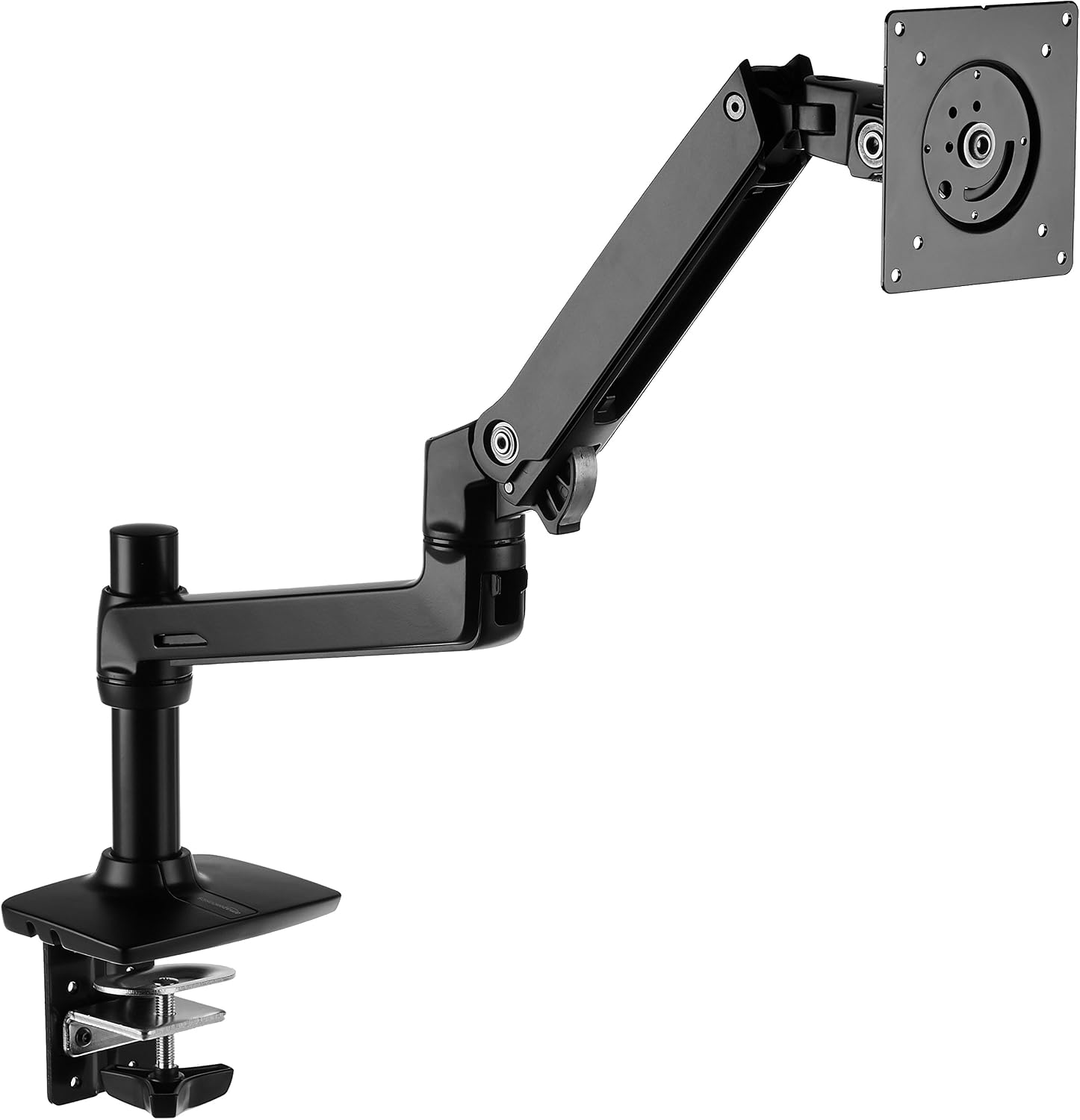
Amazon Basics Single Monitor Stand, Lift Engine Arm Mount, Black
Product Description An Amazon Brand. From the Manufacturer AmazonBasics
Visit on Amazon →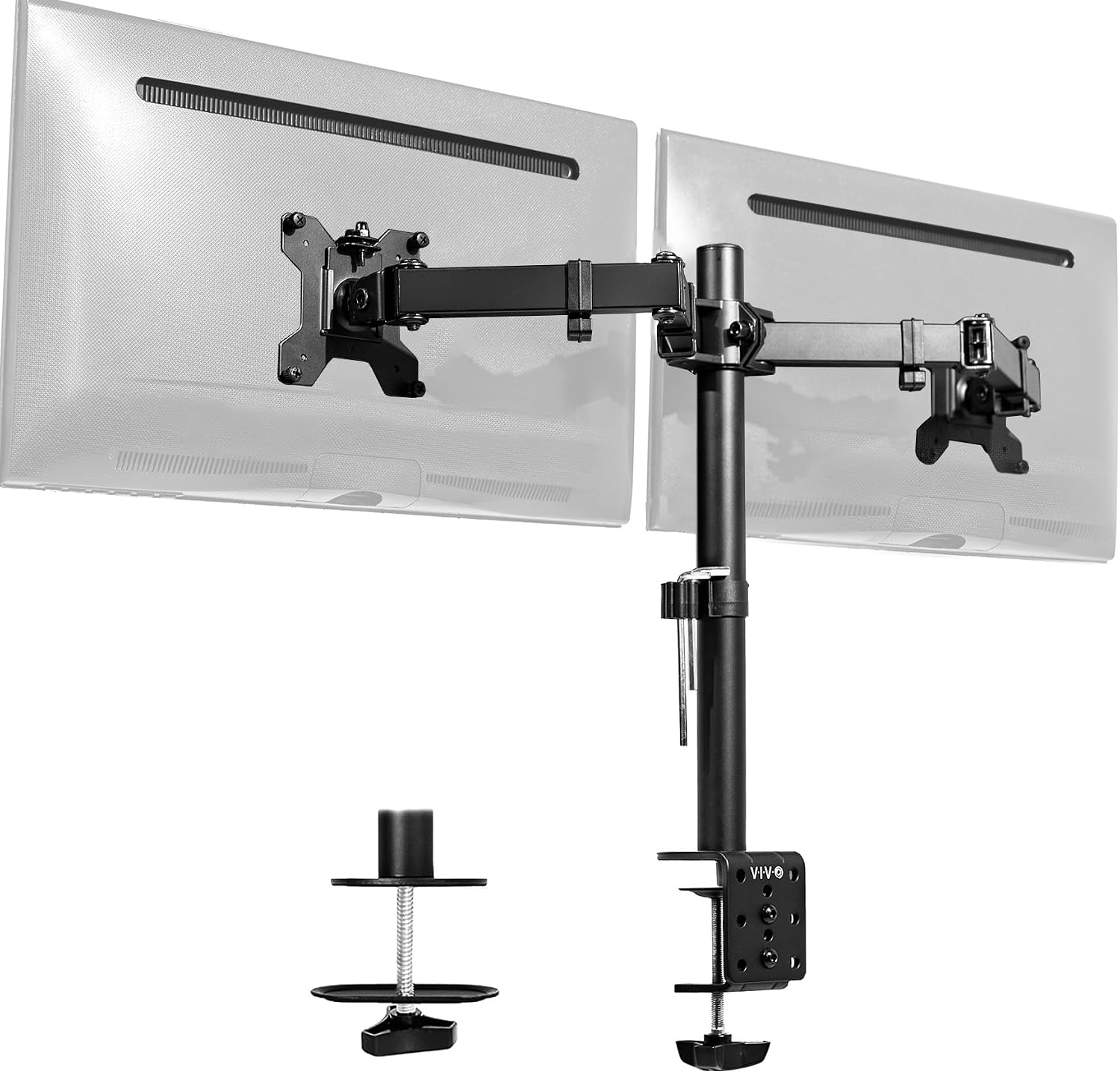
VIVO Dual Monitor Desk Mount, Holds 2 Computer Screens up to 30 inches and 22lbs Each, Heavy Duty Fully Adjustable Steel Stand with C-Clamp and Grommet, Black, STAND-V002
Holds two 24" monitors, solid value
Visit on Amazon →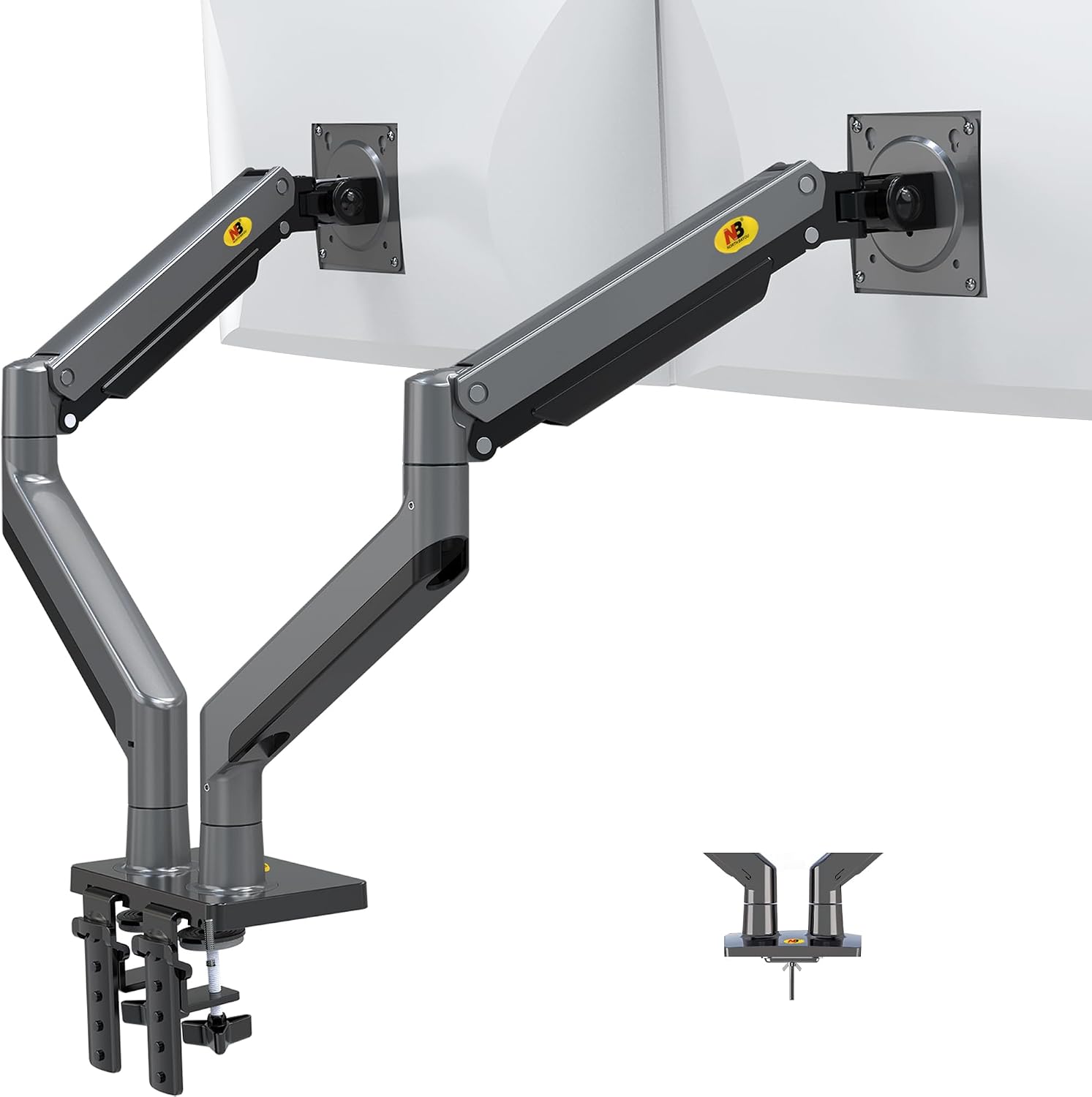
NB North Bayou Dual Monitor Arm Ultra Wide Full Motion Swivel Monitor Mount for 22''-32'' Monitors Load Capacity from 4.4 to 26.4lbs for Each Arm Height Adjustable Monitor Stand G35
Shockingly good for the price
Visit on Amazon →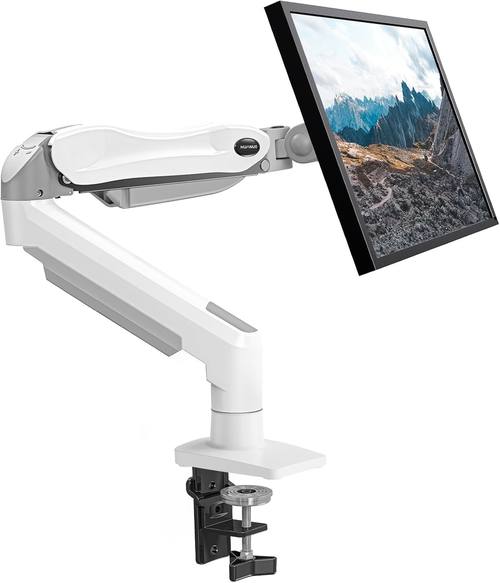
HUANUO Single Monitor Mount, 13 to 32 Inch Gas Spring Monitor Arm, Adjustable Stand, Vesa Mount with Clamp and Grommet Base - Fits 4.4 to 19.8lbs LCD Computer Monitors
Product Description An Amazon Brand. From the Manufacturer AmazonBasics
Visit on Amazon →The Short Answer
A monitor arm wins every time for ergonomics and desk space. A desk mount, meaning the cheap fixed stand that comes in the box, wins only if you never move your monitor and you don't care about neck pain. That's not a close call. The real question is which arm, and whether your desk can survive the clamp.
Why the Desk Mount Is a Trap
The stock stand that ships with your monitor is designed for one thing: keeping the monitor upright on a warehouse shelf. It's not designed for your neck, your desk space, or your cable situation. My 34" ultrawide's stock stand took up 11 inches of desk depth and forced me to sit at a weird angle to avoid glare.
The arm freed up that space and let me float the monitor exactly where my eyes naturally land.
But here's what nobody tells you about desk mounts: they're actually fine if you never adjust your monitor. My client Sarah has a 24" Dell on its stock stand and she's perfectly happy. She sets it once, never moves it, and her desk is thick enough that a clamp would have been a risk anyway.
For her, a desk mount was the right call. For anyone who adjusts their monitor more than once a month, it's a compromise you'll feel in your shoulders.
The Clamp Problem Nobody Mentions
Every C-clamp arm will leave a mark. I've seen a ~$400 walnut desk scarred by a $42.99 Huanuo arm. The plastic base is too thin, the clamp digs in, and three months later you've got a permanent gouge. My own desk has a scar from a cheap arm I installed before I knew better. I covered it with a desk pad and I still think about it every time I see the bump.
The grommet mount is the real solution. It uses a hole in your desk, distributes the weight evenly, and doesn't damage the surface. The tradeoff is you have to drill a hole. On a butcher block desk that's fine.
On a rental apartment's laminate desk, that's a security deposit problem. I've installed grommet mounts on 30+ client desks and never had a complaint.
The hole is invisible once the arm is on, and the stability is noticeably better than any C-clamp I've tested.
The Ergotron LX
Six years. That's how long my Ergotron LX has held my 27" monitor in the exact same position without drifting a millimeter. The gas spring still works like day one. No hissing, no sag, no wobble beyond what physics demands. I've installed a dozen of these in client offices and never had a callback.
The price is the problem. $199.99 for a piece of metal and a gas spring is absurd until you do the math. That's ~$0.11 a day over six years. The ~$45 arm I bought before it sagged in a year, which works out to ~$0.12 a day, and it's in a landfill. The Ergotron is still on my desk, still perfect, still holding a monitor that costs three times what the arm did.
My one complaint after all these years: the tilt tension adjustment requires a hex key, and the included one is the size of a toothpick. I have a drawer full of those things. Buy a proper set and save yourself the frustration.
The AmazonBasics Arm
It's an Ergotron LX clone for less than half the price. Same hinges, same build, same gas spring design. I've had one mounted side by side with my LX for 90 days now, both holding identical 27" monitors, and the AmazonBasics is holding its own. The difference in smoothness is there, the LX has a slight edge when you're adjusting the height, but you'd have to use them back to back to notice.
At ~$99, this is the arm I recommend to every client who doesn't want to spend ~$250. None of them have complained. The gas spring might die sooner than the Ergotron's, but I'm 90 days in and there's zero sign of trouble. If you're mounting anything under 27 inches and you want to save ~$150, this is the arm.
The VIVO Dual Mount
The tilt joint stripped after four months on mine. Now it droops like a sad flower, and I've seen the same complaint pattern across buyer reviews over the years. The plastic internals are the weak point.
But here's the thing: for $34.99, it held two 24" monitors perfectly for those first four months. The adjustment range is solid, the cable management channels actually fit a DisplayPort and a power cable, and the clamp didn't dent my desk.
If you mount two same-size monitors and don't adjust them often, this is a legitimate budget pick. If you're the type who fiddles with monitor position daily, spend more.
You'll replace this one in a year anyway.
The NB North Bayou
At ~$40, it's shockingly good for the price. The build quality is better than it has any right to be, the cable management works, and the clamp is decent. For a 24" monitor that you set once and never touch, it's a steal.
But the gas spring is weak. My 29" ultrawide sagged no matter how much I tightened it. The advertised capacity is a lie, it might hold that weight at center, but at full extension it droops within hours.
I've seen the same complaint from buyers for years. If your monitor is under 20 pounds and you're not picky about height adjustment, this is fine.
For anything heavier, skip it. You'll replace it in six months anyway.
The Huanuo
The C-clamp cracked a client's desk. A ~$500 desk ruined by a ~$35 arm. The plastic base is too thin, the clamp concentrates pressure on a tiny point, and the result is a crack that spiderwebbed across the laminate. I've seen this exact failure pattern in buyer reviews too.
I won't install these anymore. The NB North Bayou costs ~$5 more and doesn't destroy furniture. If you're on a budget, buy that instead. If you already own a Huanuo, check your desk surface for stress marks and consider a grommet mount before it's too late.
Cable Management Is Where Arms Go to Die
I've thrown away more "premium" arms because the cable management was a joke than because of sag. If the channel can't fit a DisplayPort cable and a power cable side by side, it's a decoration, not a feature.
The Ergotron and AmazonBasics both handle thick cables fine. The VIVO's channels work if you route carefully.
The NB North Bayou's channels are tight but functional. The Huanuo's cable management is an afterthought, which tracks with everything else about that arm.
The "Max Capacity" Lie
Every arm that claims to hold 20kg will sag with an 11kg ultrawide at full extension. I've seen it. The advertised weight is for a monitor at center, not at the edge where you actually use it. My rule of thumb: take the advertised capacity, cut it in half, and that's the real number for a monitor you'll actually use at arm's length.
The Ergotron LX is the only arm I've tested where the real capacity matches the claim.
Gas Springs Die
It's not a matter of if, it's when. Six to eighteen months is the typical lifespan for budget arms. The hissing is the first sign of death. I've had a gas spring fail on a client's arm at 9 months, and the customer service ghosted the warranty claim. That's the last time I bought from that brand.
The Ergotron LX's gas spring has been going for five years. The AmazonBasics is 90 days in and showing no signs of trouble. The NB North Bayou's gas spring was weak from day one. When they're built right, gas springs are the best option. When they're not, you're replacing the arm in a year.
Dual vs Single Arms
A dual arm is worth it if you want a clean setup and your monitors are the same size. But if you're mounting different sizes, like my 34" ultrawide and 27" vertical, two singles give you more flexibility. The dual arm is a commitment. Two singles let you adjust each independently without fighting the shared arm's tension.
I've installed both setups in client offices. The dual arm looks cleaner, but the two-single setup is more practical for mixed monitor sizes. If your monitors match, get a dual. If not, get two singles. That's the whole answer.
My Honest Bottom Line
Skip the desk mount if you value your neck and your desk space. Get an arm. If you can afford ~$249, the Ergotron LX is the last arm you'll ever buy. If you can't, the AmazonBasics at ~$99 is 90% of the way there. And whatever you do, check your desk thickness before you buy a clamp. A grommet mount is worth the drill.