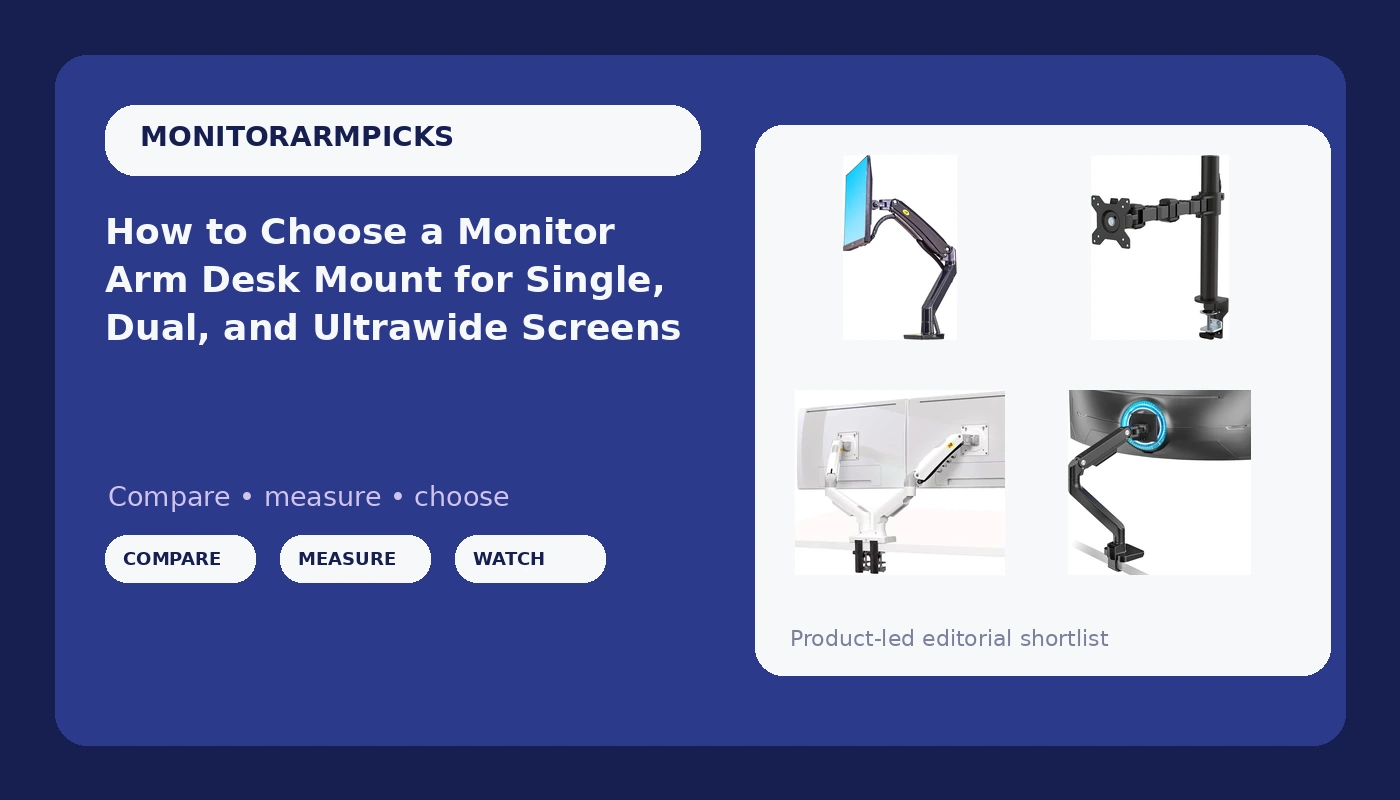
A monitor arm is a furniture purchase wearing a gadget's price tag. An arm that sags in month three was never the cheap option, and the failure is rarely random: it comes from matching an arm to the wrong panel weight, the wrong VESA pattern, or the wrong desk edge. This monitor arm desk mount guide works from three numbers you can measure in about ten minutes, then points to four listings that cover the range most desks actually need: a heavy-duty arm for large panels, a full-motion single arm, a dual-screen arm, and a low-cost single stand.
Related: VESA Mount Patterns Explained: 75x75 and 100x100 →
Quick answer
Match the arm to the panel, not to the product photo. Measure the VESA hole spacing on the back of your monitor, weigh the panel with its cables attached, and check the thickness and lip of your desk where a clamp would sit. Then: the ARES WING Ultrawide Monitor Desk Arm covers the widest range here, listed for 17 to 49 inch screens with a 44 lb load. The North Bayou single arm is listed for screens up to 30 inches with 13 inches of adjustable height. The NB North Bayou dual arm carries two 17 to 27 inch screens at 4.4 to 19.8 lbs for each display. The Amazon Basics single stand fits 13 to 30 inch screens and includes cable management.
Four useful options
| Model | Best fit | What stands out |
|---|---|---|
| ARES WING Ultrawide Monitor Desk Arm for 17 to 49 Inch Screen, Holds 44 Lbs | Large and ultrawide panels | Listed range of 17 to 49 inches with a 44 lb load rating |
| North Bayou Desk Mount Full Motion Swivel Computer Monitor Arm with 13 Inches Adjustable Height | One screen up to 30 inches | Full motion swivel plus 13 inches of adjustable height travel |
| NB North Bayou Dual Monitor Desk Mount Stand Full Motion Swivel F160-W | Two screens side by side | Dual mount listed for two 17 to 27 inch screens at 4.4 to 19.8 lbs each |
| Amazon Basics Single Computer Monitor Stand with Cable Management | One screen from 13 to 30 inches | Cable management, VESA mounting, tilt and rotation, steel construction |
Ultrawide and heavy panel pick: ARES WING Ultrawide Monitor Desk Arm for 17 to 49 Inch Screen, Holds 44 Lbs
The number that matters on this arm is 44 lbs. Most single-screen arms cluster in a much lower band, and that ceiling is what separates an arm that holds a 34 or 49 inch panel at full extension from one that dips when you nudge it back toward the wall. A 44 lb rating is a ceiling, not a target: keep headroom, because cables, a VESA adapter plate, and the panel's own center of gravity all add load the spec sheet never mentions. Check the VESA pattern on your specific model before ordering, since very large displays sometimes use spacing wider than the common 100x100mm pattern.
Full-motion single-screen pick: North Bayou Desk Mount Full Motion Swivel Computer Monitor Arm with 13 Inches Adjustable Height
Height travel is the spec people skip and then regret. If an arm cannot lift your monitor to your seated eye line, you spend the life of the arm looking slightly up or slightly down, and no amount of tilt adjustment fixes a vertical shortfall. Thirteen inches of travel gives you room to work standing or seated on the same mount. The trade-off is scope: this is a one-screen arm listed to 30 inches, so it is not the pick for a dual display setup or a 49 inch ultrawide.
Dual-display pick: NB North Bayou Dual Monitor Desk Mount Stand Full Motion Swivel F160-W
On any dual arm, read the per-display rating, not a combined total. A single number for the whole mount hides the case that matters most: one heavy panel and one light one, where the heavier side is the side that sags. This listing states its range as 4.4 to 19.8 lbs for each display, which also gives you a floor. A spring rated for a heavy panel can be too stiff for a very light one, which is why a minimum weight is worth knowing. Two 27 inch screens sit at the top of the listed size range, so measure the total width against your desk before committing.
Entry-level single-screen pick: Amazon Basics Single Computer Monitor Stand with Cable Management
Cable management is not a cosmetic extra. An arm that lifts a monitor into the air also lifts every cable attached to it, and a floating screen with two cables hanging off the back looks broken no matter how good the mount is. This listing covers the basics: a 13 to 30 inch size range, height adjustment, tilt, rotation, and steel construction. What it does not publish is the same depth of travel and load information as the larger arms above, so if your panel is heavy or your posture demands a specific height, compare the numbers carefully rather than assuming the smaller stand behaves like the bigger ones.
Prices and availability may change. Product images, names, and retailer links are matched to verified listings. No current price, rating, stock status, or measured result is stated here without current evidence.
What a weight rating actually tells you
A load rating is a ceiling, and the useful question is how much headroom you keep below it. Three things add weight that a panel spec sheet never mentions: the cables hanging off the back, a VESA adapter plate if your monitor uses unusual hole spacing, and the lever effect. A monitor pushed 12 inches out from the base applies more torque to the joint than the same monitor tucked in close, which is why an arm can hold a panel perfectly at rest and still dip when you extend it.
Gas springs carry that load on most full-motion arms. A gas spring is a sealed cylinder of pressurized gas, and the pressure inside determines how much weight it can hold in a given position. Budget arms cut cost here first, and a spring sized below the load lets the monitor sink slowly over weeks. That slow sink is what people blame on a loose joint. The rating printed on the listing is the fastest available signal about whether the spring inside is sized for your panel.
Clamp, grommet, and desk thickness
Desk clamp versus grommet mount is not a style choice, it is a desk thickness problem. A C-clamp needs a flat edge, roughly one to two inches of vertical lip to grip, and clearance underneath for the clamp body. A grommet mount replaces the clamp with a bolt through an existing cable hole, which suits desks with a beveled or unusually thick edge that a clamp cannot hold.
Measure before you order. Note the desktop thickness, the depth of the lip or apron under the edge, and the distance from the edge to anything that would block a clamp body, such as a drawer or a crossbar. Then consider the material. Particle board with a hollow core can crush under clamp pressure, while solid hardwood and steel frames take it well, and a scrap of plywood under the clamp spreads the load.
- Find the VESA hole pattern on the back of your monitor and measure the spacing between the holes.
- Weigh the panel with its cables and any adapter plate attached.
- Measure desk thickness, lip depth, and clamp clearance at the exact spot the arm will sit.
- Compare those three numbers against the arm's stated screen range, load rating, and mounting method.
- Check height travel against the distance from the desk surface to your seated eye line.
Practical guidance before you order
- Write three numbers down before opening any product page: VESA spacing, panel weight with cables, and desk thickness at the clamp point.
- Leave headroom rather than matching your panel weight to the rating exactly.
- Confirm cable management exists on the mount, because retrofitting it later is a zip tie problem you will not enjoy.
- Prefer tilt joints you can adjust without hunting for a hex key, since an arm you cannot adjust in ten seconds is an arm you will never adjust.
- On dual arms, compare the per-display rating. The NB North Bayou listing states 4.4 to 19.8 lbs for each display, and that is the number that decides whether one side sags.
Which option should you choose?
Choose the ARES WING Ultrawide Monitor Desk Arm for 17 to 49 Inch Screen, Holds 44 Lbs when your panel is large or heavy, particularly a wide curved display, and you want the most load headroom in this group. Choose the North Bayou Desk Mount Full Motion Swivel Computer Monitor Arm with 13 Inches Adjustable Height when you run a single screen up to 30 inches and want full motion swivel with a long vertical range. Choose the NB North Bayou Dual Monitor Desk Mount Stand Full Motion Swivel F160-W when two 17 to 27 inch screens belong side by side on one base, each inside the listed per-display load range. Choose the Amazon Basics Single Computer Monitor Stand with Cable Management when you want a single-screen VESA arm for a 13 to 30 inch panel with cable routing included.
Everything above rests on the specifications each listing publishes, not on a measured trial of these four units. Verify your VESA pattern and your panel weight against the listing before ordering, and treat every load rating as a ceiling with headroom to spare.
The bottom line
Monitor arm shopping goes wrong in the same three places: a VESA pattern that does not match, a panel sitting at the top of a load rating, and a desk edge that cannot take a clamp. Settle those three first and the choice here becomes straightforward. The ARES WING covers the widest screen range and the heaviest panels. The North Bayou single arm handles one screen up to 30 inches with full motion and 13 inches of height travel. The NB North Bayou dual arm puts two 17 to 27 inch screens on a shared base at 4.4 to 19.8 lbs each. The Amazon Basics stand is the single-screen option for 13 to 30 inch panels with cable management built in. Check current Amazon price on the one whose measurements match your desk.