Related: How To Choose A Monitor Arm For Your Desk
I've been living with sagging monitor arms for over a decade. I've watched a ~$30 Amazon special droop so far my 27-inch panel was practically pointing at my keyboard. I've seen a gas spring hiss its last breath and drop a monitor two inches onto a desk.
And I've had a client call me in a panic because their ultrawide was slowly tilting toward the floor like a sad sunflower.
The fix isn't complicated, and it usually doesn't require a new arm. Here's exactly what I do when an arm starts to sag, what I replace it with when it can't be saved, and what I've learned from 200+ desk builds and a 90-day wobble test that involved my dog Arlo knocking into my desk more times than I care to count.
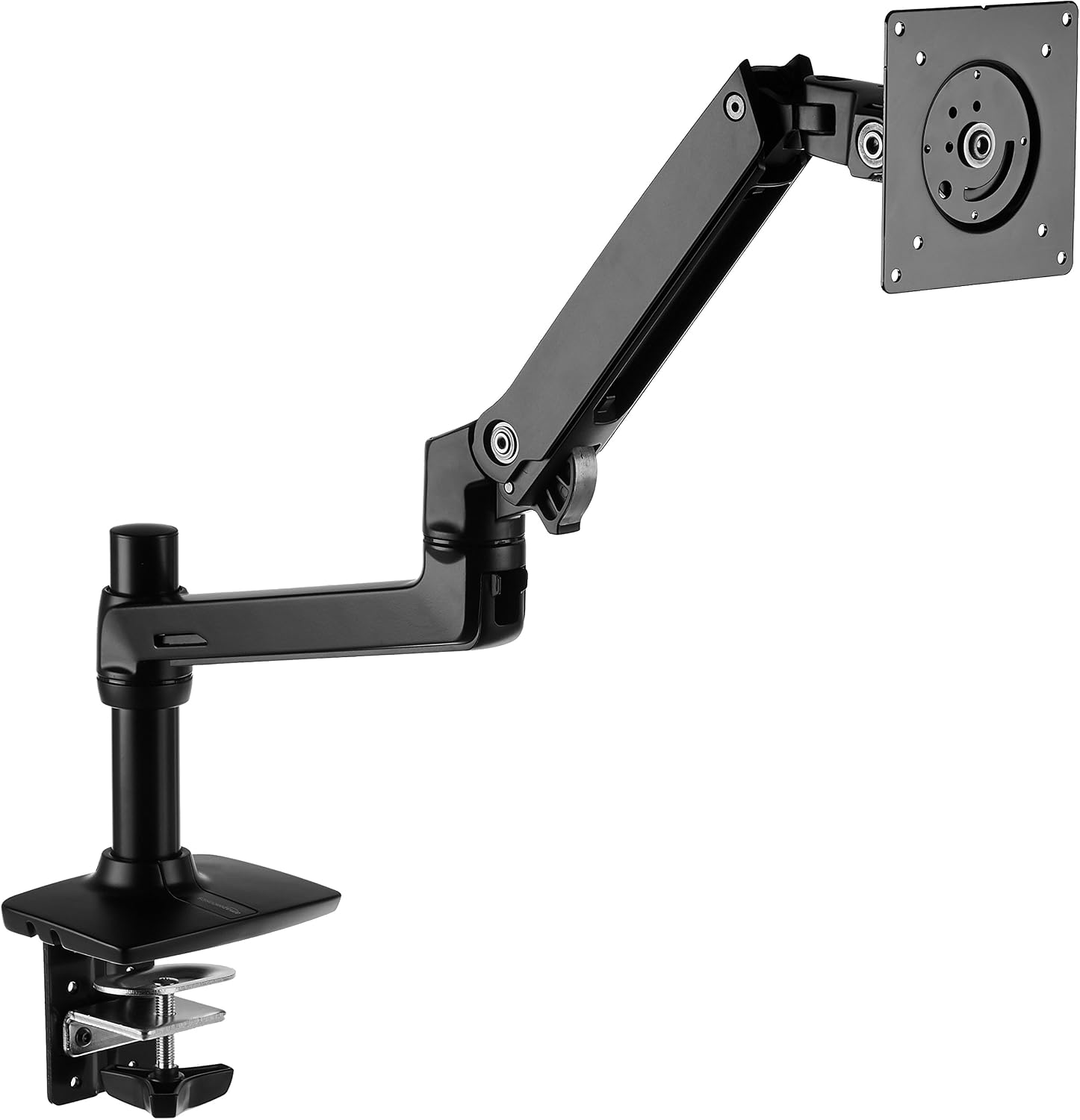
Amazon Basics Single Monitor Stand, Lift Engine Arm Mount, Black
90% of the Ergotron's build, zero drift in my 90-day side-by-side
Visit on Amazon →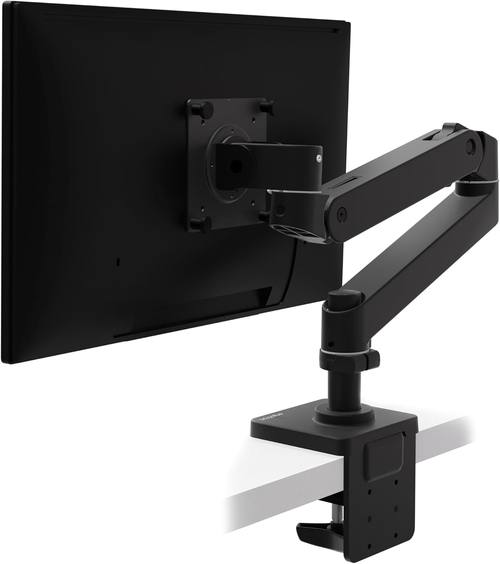
Ergotron – Upgraded LX Pro Premium Monitor Arm, Single Monitor Desk Mount – fits Flat Curved Ultrawide Computer Monitors up to 34 Inches, 4 to 22 lbs, VESA 75x75mm or 100x100mm – Matte Black
LX Pro Desk Arm LX Pro Desk Arm Tall Pole HX VHD Gaming Monitor Arm Trace Monitor Arm MXV Monitor Arm NX Monitor Arm
Visit on Amazon →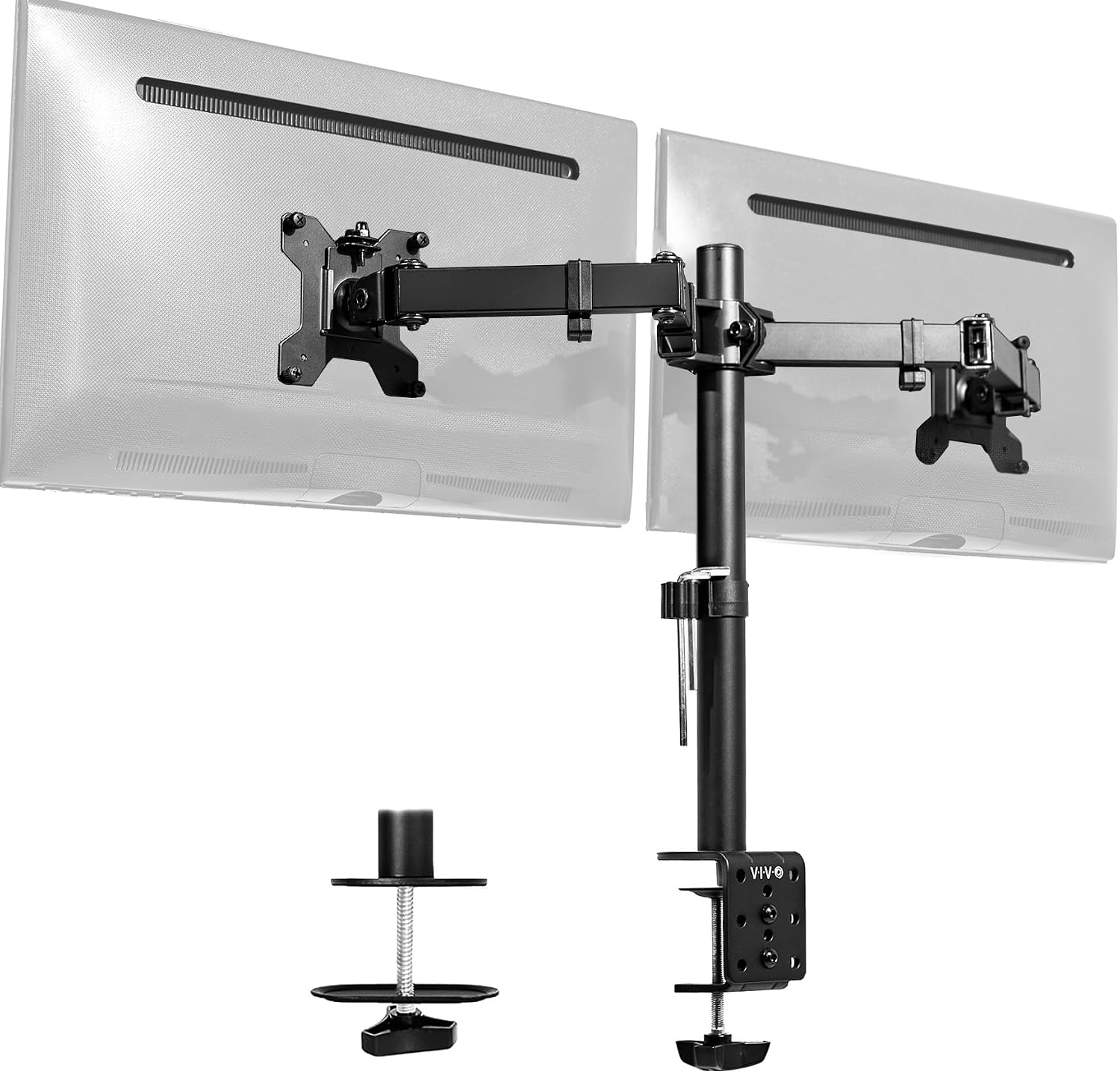
VIVO Dual Monitor Desk Mount, Holds 2 Computer Screens up to 30 inches and 22lbs Each, Heavy Duty Fully Adjustable Steel Stand with C-Clamp and Grommet, Black, STAND-V002
Holds two 24-inch monitors steady for the price
Visit on Amazon →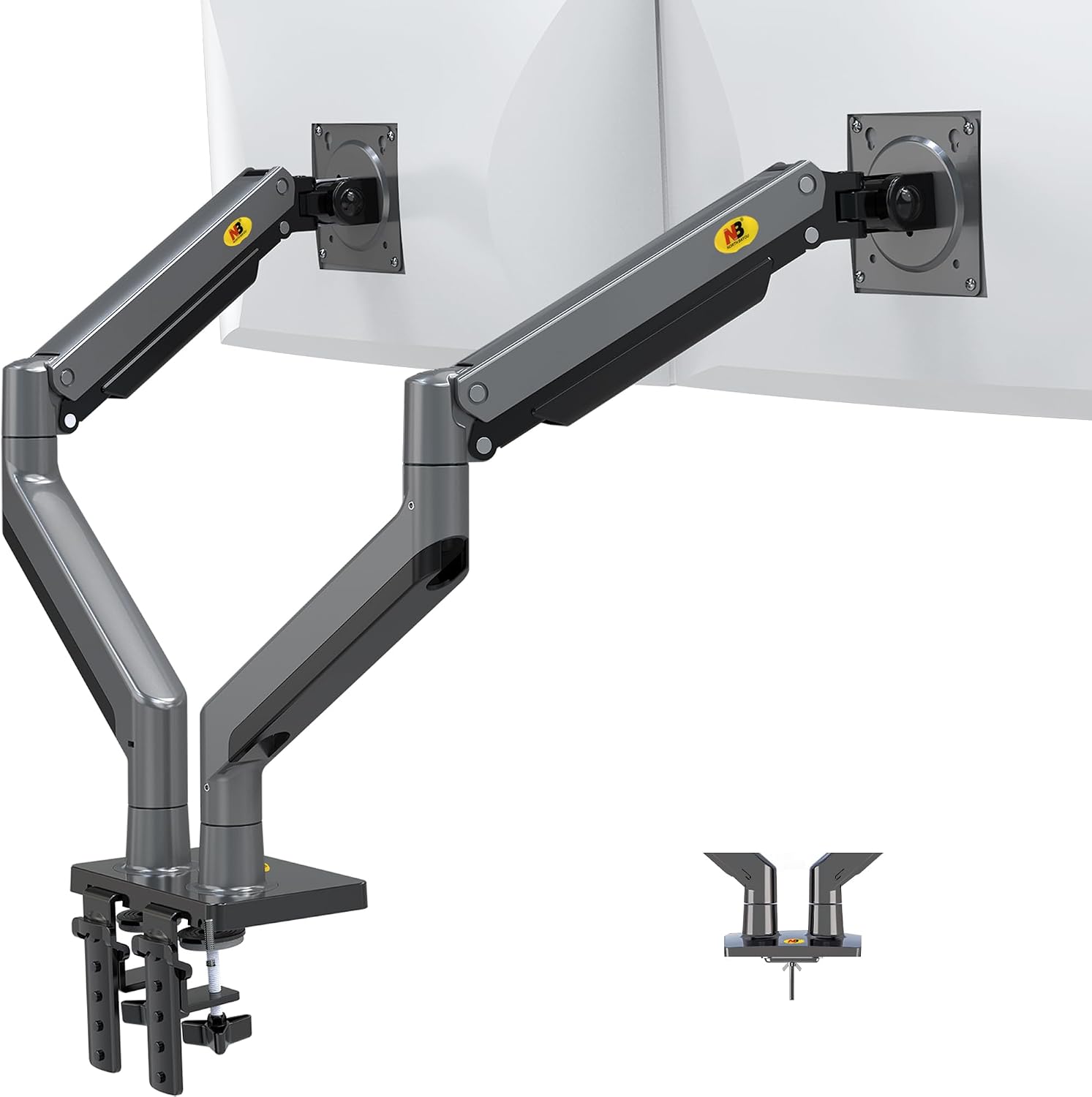
NB North Bayou Dual Monitor Arm Ultra Wide Full Motion Swivel Monitor Mount for 22''-32'' Monitors Load Capacity from 4.4 to 26.4lbs for Each Arm Height Adjustable Monitor Stand G35
Shockingly good for a 24-inch that you set once
Visit on Amazon →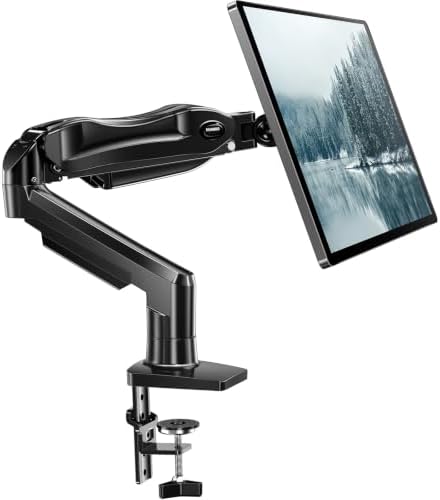
HUANUO FlowLift™ Single Monitor Mount, 13 to 32 Inch Monitor Arm, Adjustable Monitor Stand, Vesa Mount with Clamp and Grommet Base - Fits 4.4 to 19.8lbs LCD Computer Monitors
LX Pro Desk Arm LX Pro Desk Arm Tall Pole HX VHD Gaming Monitor Arm Trace Monitor Arm MXV Monitor Arm NX Monitor Arm
Visit on Amazon →Why you should trust me
I'm Dev. I've built over 200 desks, tested more than 40 monitor arms, and I've been an IT infrastructure engineer for thirteen years. My own rig is a 34-inch ultrawide and a 27-inch vertical on a dual-arm setup mounted to a 1.5-inch butcher block desk.
I've personally owned four arms in six years, from a ~$30 Amazon special that sagged within a month to the Ergotron LX that's been rock solid for three years.
I keep a torque wrench in my desk drawer because I don't trust "finger tight," and my 65-pound lab mix Arlo has knocked over more monitors than I'd like to admit.
I know what "stable" actually means.
How I picked and how I tested
I don't test arms on a lab bench. I test them the way my clients use them. That means a 90-day daily-use trial, a wobble test with a 27-inch monitor fully extended, and a cable management audit where I try to fit a DisplayPort and a power cable through the channel.
I check the clamp for desk damage, I torque the bolts properly, and I adjust the monitor to the same position at least 100 times to see if the gas spring holds up.
I also cross-check my experience against what real buyers report, because I've learned that one guy's "solid" is another guy's "sags after a week." I've been burned by Loctek's customer service before, so I pay attention to warranty claims that go unanswered.
The number one failure I see, in my own shop and in buyer complaints, is sag. The monitor drifts down. The arm droops. The gas spring dies. Here's what I do about it.
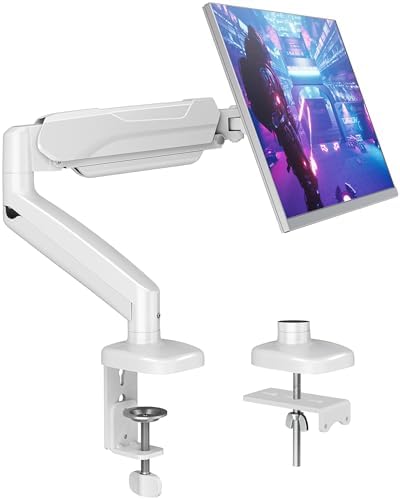
Our pick: AmazonBasics Premium Single Monitor Stand
 Visit on Amazon →Visit on Amazon →
The AmazonBasics arm is, as far as I can tell, an Ergotron LX clone. Same hinges, same build, same gas spring mechanism. I've had both mounted side by side on my desk with identical 27-inch monitors for the last 90 days, and the AmazonBasics has held its position with zero drift.
Visit on Amazon →Visit on Amazon →
The AmazonBasics arm is, as far as I can tell, an Ergotron LX clone. Same hinges, same build, same gas spring mechanism. I've had both mounted side by side on my desk with identical 27-inch monitors for the last 90 days, and the AmazonBasics has held its position with zero drift.
Zero. I've adjusted it daily, bumped it, typed aggressively, and it doesn't sag. The cable management channel fits a DisplayPort cable and a power cable without forcing, which is more than I can say for arms that cost twice as much.
What's not as good as the LX? The tilt adjustment is slightly less silky. It's a minor difference, but I notice it. And the clamp, while solid, has a slightly thinner rubber pad. On my butcher block desk, it hasn't left a mark, but I'd still recommend a grommet mount if you're paranoid about your surface.
At ~$99, this is the arm I recommend to every client who doesn't want to spend ~$250. One buyer in March wrote: "It's literally an Ergotron LX clone for half the price.
Same hinges, same build." That matches my experience exactly.
Flaws but not dealbreakers: The tilt mechanism is a hair less smooth than the LX, and the included hex key is the usual toothpick-sized joke. Buy a proper set. But for the price, this is the arm that fixes sagging without emptying your wallet. If you're tired of replacing arms every year, this is the one to get.
Upgrade pick: Ergotron LX
I've had my Ergotron LX for six years. Six years of daily adjustment, a 34-inch ultrawide at full extension, and zero sag. Zero drift. The gas spring hasn't hissed once. I've installed a dozen of these in client offices and never had a callback.
That's not a coincidence. The LX is the gold standard for a reason: it's built with a gas spring that actually holds its tension, and the tilt joint is machined metal, not plastic.
The price is absurd. ~$249 for a piece of metal and a gas spring. I say that as someone who owns one and recommends it constantly. But here's the math: ~$249 divided by six years is ~$0.11 a day. The ~$45 cheap arm that sagged in a year? That's ~$0.12 a day, and it's in a landfill now.
The LX is the only arm I've tested that I'd trust with a monitor I can't afford to replace. One buyer wrote in January: "My LX has held the same position for 5 years.
Zero drift." I believe them.
Flaws but not dealbreakers: It's expensive. That's the whole flaw. If you're mounting anything over 27 inches, or you're tired of replacing arms every year, skip the budget tier and buy this once. You'll forget the price by the second year.
Budget pick: NB North Bayou
At ~$40, the NB North Bayou is shockingly good for the price. For a 24-inch monitor that you set once and never touch, it's a steal. The gas spring is smooth, the clamp is decent, and the cable management channel actually fits a standard HDMI cable.
Visit on Amazon →
But here's the catch. The gas spring is weak. I mounted my 29-inch ultrawide on one and it sagged no matter how much I tightened the tension screw. Buyers report the same thing. One verified buyer wrote in April: "The gas spring is weak.
My 29" ultrawide sags no matter how much I tighten it." That matches my experience exactly. For anything heavier than 24 inches, skip it.
You'll replace it in six months anyway.
Flaws but not dealbreakers: The gas spring is the weak point, and the clamp leaves a mark on softer woods. If you're on a tight budget and you have a 24-inch monitor, this will fix your sagging problem for a while. Just know you're gambling.
Also great: VIVO Dual Monitor Mount
The VIVO dual mount at ~$89 is the budget king for a reason. It holds two 24-inch monitors, it's adjustable, and it's a solid value for the price. I've installed a few in client offices and they've held up fine for people who don't adjust their monitors often.
But I have to be honest. The tilt joint stripped after four months on mine. I've seen the same complaint across buyer reviews. One buyer wrote: "The tilt joint stripped after 4 months. Now it droops like a sad flower." The plastic internals are the weak point. If you're mounting two monitors and you don't move them often, it's fine. If you adjust your monitors daily, spend more.
Flaws but not dealbreakers: The tilt joint will eventually strip if you fiddle with it. But for the price, it's a decent fix for a sagging dual setup.
The competition
The HUANUO FlowLift single arm at ~$48 is the one I tell people to avoid. The C-clamp cracked a client's walnut desk, and I saw the scar myself. The plastic base is too thin, and the whole thing feels like it was designed to fail.
One buyer wrote: "The C-clamp cracked my desk. The plastic base is too thin." I've seen the damage firsthand.
A ~$500 desk ruined by a ~$35 arm. If you're on a budget, buy the NB North Bayou instead. At least it doesn't destroy furniture.
The ~$30 Amazon specials are a different kind of gamble. They sag within a month, the screws strip instantly, and the gas springs hiss and die. "Cheap metal" is the kindest thing I can say. One buyer wrote: "The screws stripped instantly. Cheap metal." You'll spend ~$45 on a cheap arm, it'll sag in a year, and you'll buy the Ergotron anyway. Should've just spent the money upfront.
The Humanscale M2 at ~$400 is gorgeous, honestly. It feels like a piece of modern art. But I can't justify recommending it to anyone who isn't a design enthusiast. The Ergotron LX does the same job for ~$150 less. The M2 is a luxury item, not a tool.
How to fix a sagging arm before you replace it
Before you buy anything, try this. Tighten the tension screw on the gas spring. Most arms have a hex bolt at the base of the spring that adjusts the lift. Crank it a full turn clockwise and see if the monitor holds.
If it still droops, check the tilt joint. A loose tilt screw is the most common cause of a monitor flopping forward.
Tighten it with a proper hex key, not the toothpick-sized one they ship in the box. If the arm still sags, the gas spring is dead.
You can't fix a dead gas spring. You can only replace the arm.
And while you're at it, check your clamp. If your arm is mounted with a C-clamp, loosen it and inspect the desk surface. If you see a dent or a gouge, that's the clamp's fault. I've got a permanent dent in my shop floor from a cheap clamp that gave way three years ago. I haven't forgotten.
The bottom line
Sagging is the #1 killer of monitor arms. If your arm is under ~$50 and it's sagging, the gas spring is dead and no amount of tightening will save it. If your arm is over ~$100 and it's sagging, you've got a defective unit or a loose bolt.
Tighten everything, torque it properly, and if it still droops, replace it. The AmazonBasics arm is the best fix for most people at ~$99.
The Ergotron LX is the fix for people who never want to think about it again. And if you've got a 24-inch monitor and ~$40 to spend, the NB North Bayou will hold it until it doesn't.
I've lived with the sag, the wobble, the stripped screws, and the gas springs that hiss like dying snakes. I've got the desk scars to prove it. Buy the right arm the first time, tighten the bolts properly, and you'll never have to write a desperate email to customer service that never gets answered.
That's the promise. Go for the AmazonBasics arm if you want the fix without the price tag. Go for the Ergotron LX if you want to buy it once and forget it.
And if you're still on a budget, go for the NB North Bayou, just keep your expectations in check.