Related: Monitor Arm vs Monitor Stand: Which One Belongs on Your Desk
I have spent 13 years as an IT infrastructure engineer and the last five running a side business setting up home offices. That is more than 200 desks assembled, cable-managed, and monitor-armed. The short version of what I have learned: a dual monitor arm is a long-term furniture purchase, not a gadget. The cheap arm that sags in month three was never actually cheap.
Two arms in the current catalog are worth talking about for most desks, the ErGear Dual Monitor Arm and the WALI Adjustable Dual Monitor Arm. Both target the same 13 to 32 inch screen range. One leans on a tool-free VESA plate and a fast install. The other carries the higher per-arm weight rating. Neither is an Ergotron LX, and I am not going to pretend otherwise, but the gap is narrower than the price difference suggests.
Before you clamp anything to a desk, get three numbers. The weight of your monitor with cables attached. The thickness of your desk edge at the clamp point. Whether your monitors have VESA holes at all, because no VESA pattern means no arm. Then decide between a desk clamp and a grommet mount. That is not a style choice, it is a desk-thickness problem, and measuring first saves a return.
Here is how the two arms compare, what the spec sheets actually tell you, and where a budget dual monitor arm holds up and where it does not.
Best Overall: ErGear Dual Monitor Arm
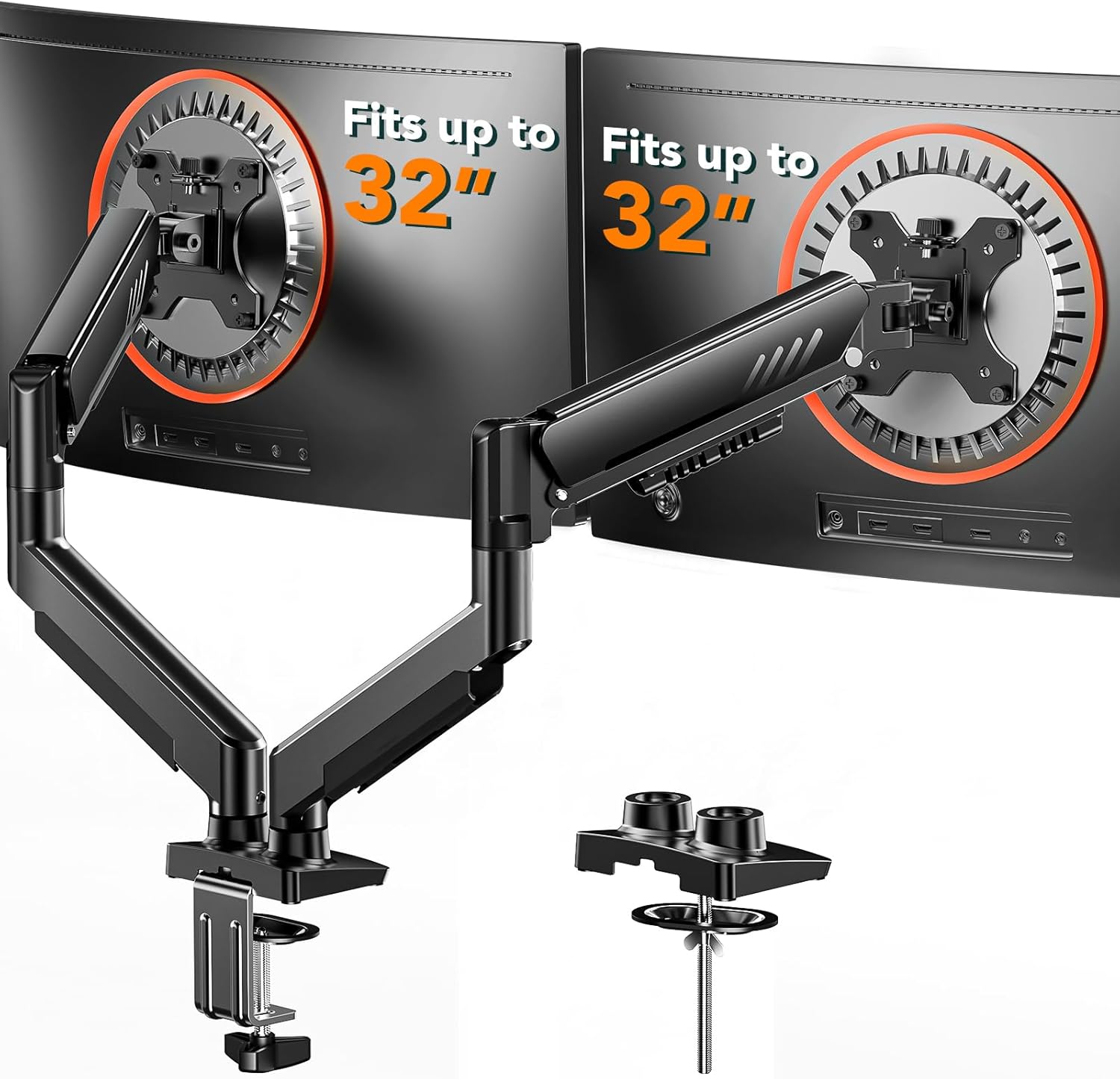
The ErGear is the arm I would hand to most people building a two-screen desk. The listing covers full adjustability, a tool-free VESA mount, a 19.8 pound maximum load, and support up to VESA 100x100mm. That combination covers the overwhelming majority of 24 to 32 inch monitors people actually own.
Tool-free VESA is the detail that matters most here. I have installed arms where mounting the plate required two hands, a flashlight, and a hex key held in your teeth. When the plate goes on without tools, you install the arm in one pass instead of three, and you are far more likely to pull the monitor off and reposition it later. Arms that are painful to adjust never get adjusted, and a monitor that never gets adjusted is a monitor sitting at the wrong height.
The 19.8 pound rating per arm is honest headroom for a typical 27 inch panel plus cables. A 27 inch monitor usually lands somewhere between 8 and 15 pounds. That leaves room. It does not leave room for a loaded ultrawide plus a heavy webcam plus a shelf, so do the arithmetic before you buy.
The full adjustability claim is where budget arms separate. Height, tilt, swivel, and rotation all need to move without a fight. If a joint requires a hex key, treat it as fixed. Set it once, forget it, and live with the neck pain.
Best Value: WALI Adjustable Dual Monitor Arm
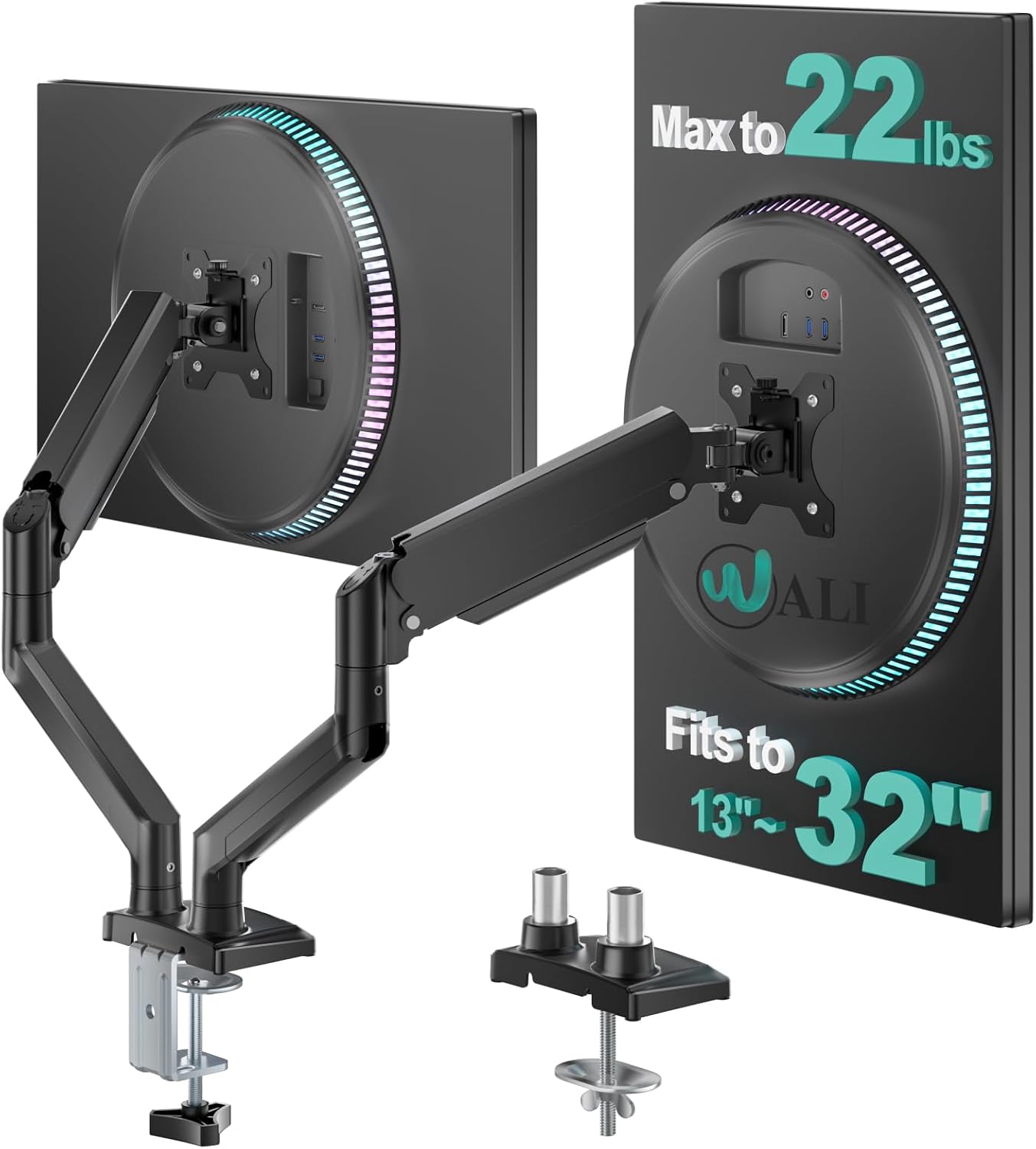
The WALI Adjustable Dual Monitor Arm covers the same 13 to 32 inch screen range but rates each arm at 22 pounds. That is a meaningful number. Weight ratings on budget arms tend to be optimistic, so a higher published figure across the same screen range gives you more margin before the gas spring starts losing the argument with gravity.
ErGear arms are the budget pick I recommend most often, and the gas springs hold up better than the price suggests. WALI sits in the same conversation. What you are buying at this price is a competent mechanism, not a piece of furniture you hand down to your kids. The failure mode to watch is the tilt joint. On cheaper arms it loosens over months of daily use until the monitor droops a degree or two a week. You notice it when you are staring at a spreadsheet and the horizon is slightly crooked.
Two arms, one base, one clamp. That is the setup. The load rating applies per arm, so a 22 pound rating does not mean 44 pounds on one side, and it does not mean you should hang a 21 pound monitor on each arm and call it done. Rating headroom is the point. Arms rated for 17.6 pounds will hold a 15 pound monitor, and that margin is what keeps the monitor where you put it.
How I test a dual monitor arm
Every arm that gets written up here goes through the same routine. Ninety days of daily use at full extension, because a sag that shows up in week two is a design problem and a sag that shows up in month three is a gas spring problem.
The wobble test: a 27 inch monitor fully extended on the arm, then a deliberate nudge. A good arm settles. A bad arm oscillates, and every keystroke on a shared desk turns into a bounce.
The install stopwatch, because "tool-free" is a claim that should be timed, not believed. If the box ships with three Allen wrenches, the stopwatch says so.
The cable management audit, because a floating monitor with dangling cables looks broken. Channels, clips, and a place to route the power brick matter more than the paint.
And the torque wrench test on the clamp bolts, because a clamp that claims finger tight and then backs off over a month is how monitors end up on the floor.
Analysis: what the spec sheets really tell you
Two numbers do most of the work when you compare dual monitor arms: the per-arm weight rating and the VESA pattern.
The rating is a ceiling, not a target. A 19.8 pound arm holding a 12 pound monitor is running comfortably. The same arm holding an 18 pound ultrawide with a heavy mount adapter is running at the edge, and edge is where sag lives. Always add the weight of the cables and anything else you hang off the monitor.
VESA 100x100mm is the pattern on nearly every monitor sold today, and both arms here support it. Some smaller or older displays use 75x75mm, so check the back of your panel before ordering. No VESA holes, no arm, no exceptions.
Clamp versus grommet is the other decision. A desk clamp needs a solid lip and one to two inches of clearance under the desk. A grommet mount needs a hole through the desktop. Measure your desk edge before you buy, not after the box arrives.
Then there is the gas spring, which is the whole game. The difference between a cheap arm and an expensive one is the gas spring, not the paint. It is the pressurized cylinder that holds your monitor up, and when it dies your monitor sinks like a souffle. You cannot inspect it in a product photo. You can only judge it by the weight rating, the warranty, and the track record of the brand.
Tilt tension is the second mechanism to care about. Too loose and the monitor flops forward when you nudge the desk. Too tight and you fight it every time you want a different angle. Tool-free tilt adjustment is worth paying for, because you will actually use it.
Cable management channels are not optional either. The arm has to hide the DisplayPort cable, the power cable, and ideally the brick. An arm that routes cables internally is worth more than one that leaves them swinging behind the panel.
Dual monitor arm reference table
This is the table I keep open when a client asks what to buy. Screen range and rated load come from the product listings. Anything outside those columns is my read on the product, not a manufacturer claim.
| Product | Screen range | Rated load | Notes |
|---|---|---|---|
 Visit on Amazon → ErGear Dual Monitor Arm |
13 to 32 inches | 19.8 lbs | Tool-free VESA plate, VESA 100x100mm |
 Visit on Amazon → WALI Adjustable Dual Monitor Arm |
13 to 32 inches | 22 lbs per arm | Higher per-arm rating of the two |
 Visit on Amazon → INNO RT201 Truck Bed Bike Rack |
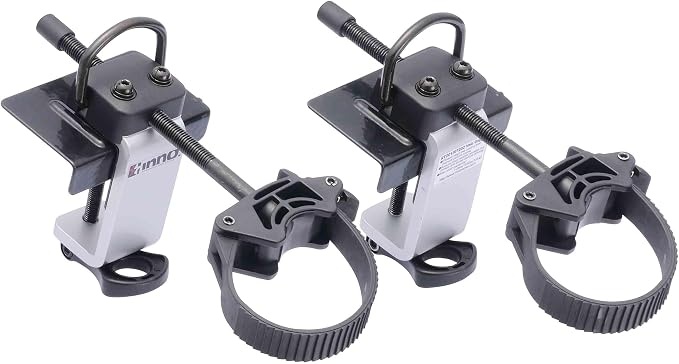
Not a monitor arm | Not a monitor arm | Fits a standard pickup bed |
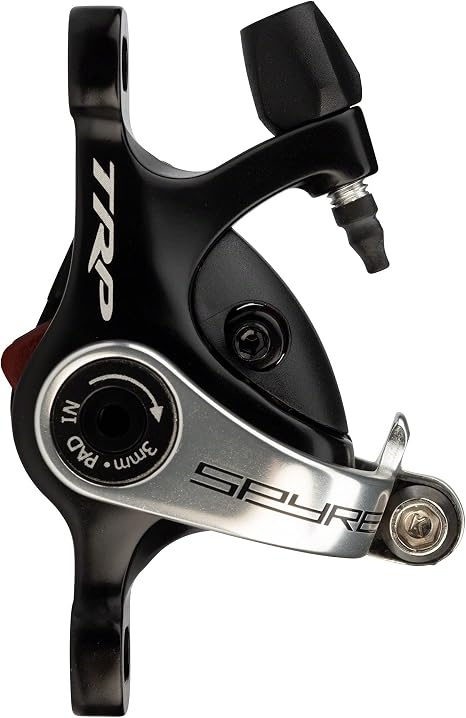 Visit on Amazon → TRP Spyre Mechanical Disc Brake Caliper |
Not a monitor arm | Not a monitor arm | Post mount, dual-piston actuation |
Should you buy the ErGear Dual Monitor Arm?
Yes, for most two-screen desks. It supports 13 to 32 inch screens, rates 19.8 pounds per arm, and mounts with a tool-free VESA plate up to 100x100mm. Tool-free mounting is the part that keeps paying off. You will reposition the monitors a month after install, and the arm will make that a two minute job instead of a project.
Where it gives ground is at the top of its range. If your monitors are heavy 32 inch panels or loaded ultrawides, the 19.8 pound rating gets thin once you add cables and anything mounted to the panel. Do the math honestly and step up only if the numbers say you need to.
Should you buy the WALI Adjustable Dual Monitor Arm?
Yes, if you want more weight headroom. The WALI covers 13 to 32 inch screens and rates 22 pounds per arm, which is the higher figure of the two arms here. More headroom means the gas spring works less hard to hold the same monitor, and a gas spring that works less hard lasts longer.
It is not a premium arm and it does not pretend to be. What it is: a dual monitor arm with a per-arm rating that leaves room for a real monitor plus cables, at a price that does not require a conversation with your budget.
A note on the two items that are not monitor arms
The catalog here also carries the INNO RT201 Truck Bed Bike Rack and the TRP Spyre Mechanical Disc Brake Caliper. Neither belongs on a desk, and I have nothing useful to tell you about either one. They are linked in the table above so you can reach the right product page, and that is as far as this site should go with them.
If you came here to get a monitor off a desk, the two arms above are the whole answer. Measure your desk edge, weigh your monitors with the cables, check for VESA holes, and then pick the arm whose rating gives you the most headroom. That order never fails.