Your monitor's stock stand eats close to a foot of desk depth, locks the screen at one height, and leaves every cable dangling behind the panel. A dual monitor arm mount fixes all three problems at once, but only when the arm matches your screens, your desk, and the way you actually sit. The hard part is that product pages print weight ratings and screen sizes in the same typeface as the marketing copy, so it is easy to buy an arm that fits on paper and disappoints on the desk.
This guide compares four desk and wall mounting options for home offices and small studios, plus two items that a catalog pull returned that have nothing to do with desks. It sticks to the specs that decide whether an arm works: per-arm weight capacity, supported screen size range, VESA pattern support, mounting method, and how much adjustment you get before you have to reach for a tool.
Related: How to Pick a Monitor Arm That Fits Your Desk Thickness
Quick answer
The HUANUO Dual Monitor Stand for 13″, 40″ (HNDS7) is the strongest fit for most two-screen desk setups because it carries two displays on arms rated to 26.4 lbs each, covers 13 to 40 inch screens, adds a USB hub, and includes both a desk clamp and a grommet base. Choose the ROG Ergo Monitor Arm (AAS01R) instead when you are mounting a single large display and want a mechanical spring arm rated to 13.5kg with a 49 inch ceiling.
Monitor arms worth comparing
Four of the six cards below are desk or wall mounts. The other two are not, and the note under the grid explains why they appear here at all.
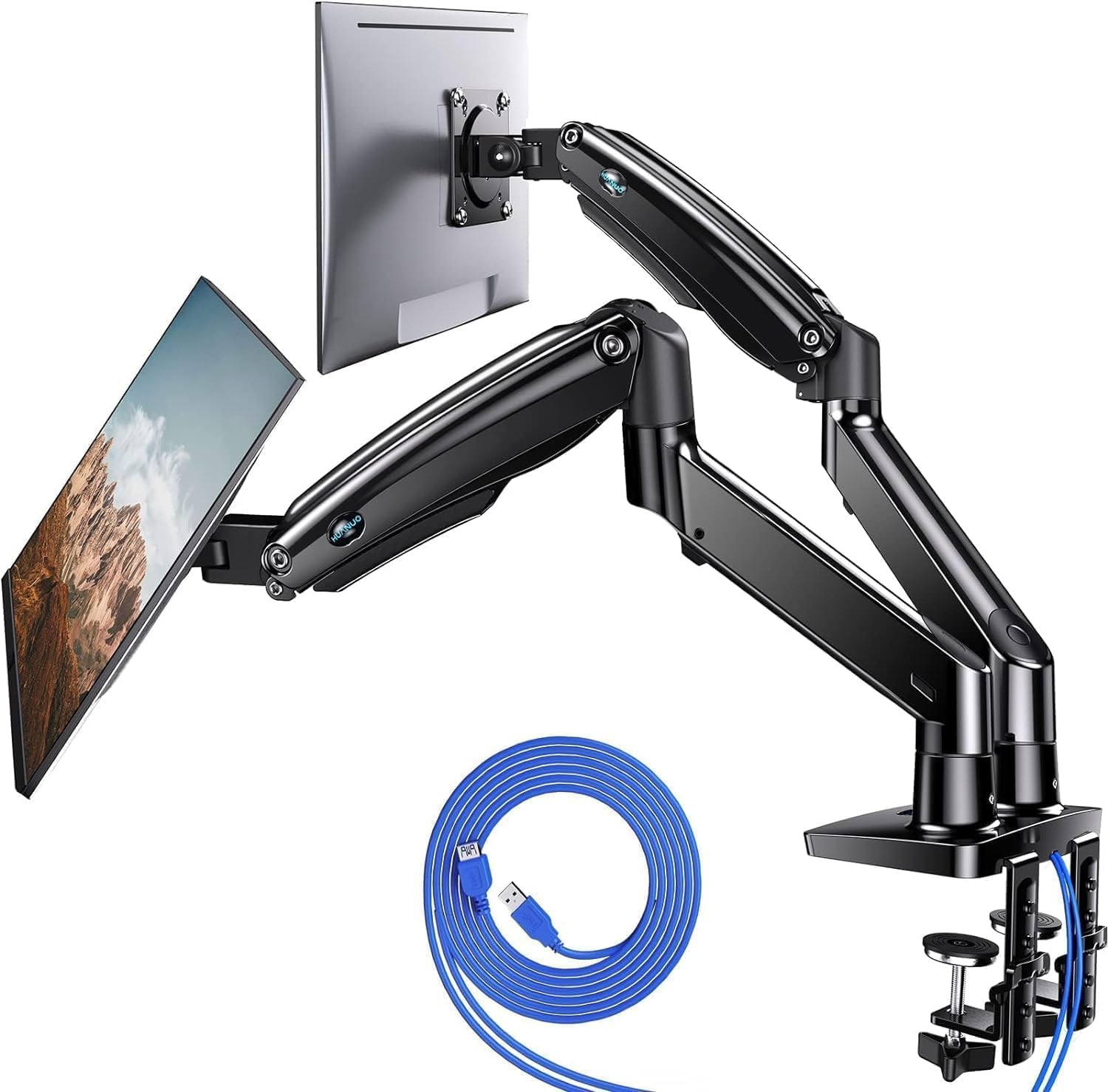
HUANUO Dual Monitor Stand for 13″, 40″, Premium Dual Monitor Mount with USB, Height Adjustable Monitor Stand for 2 Monitors, VESA Mount with Clamp/Grommet Base, Holds 26.4lbs per Arm, HNDS7
Two arms rated to 26.4 lbs each, a 13 to 40 inch screen range, built-in USB, and a base that works as either a desk clamp or a grommet mount.
Visit on Amazon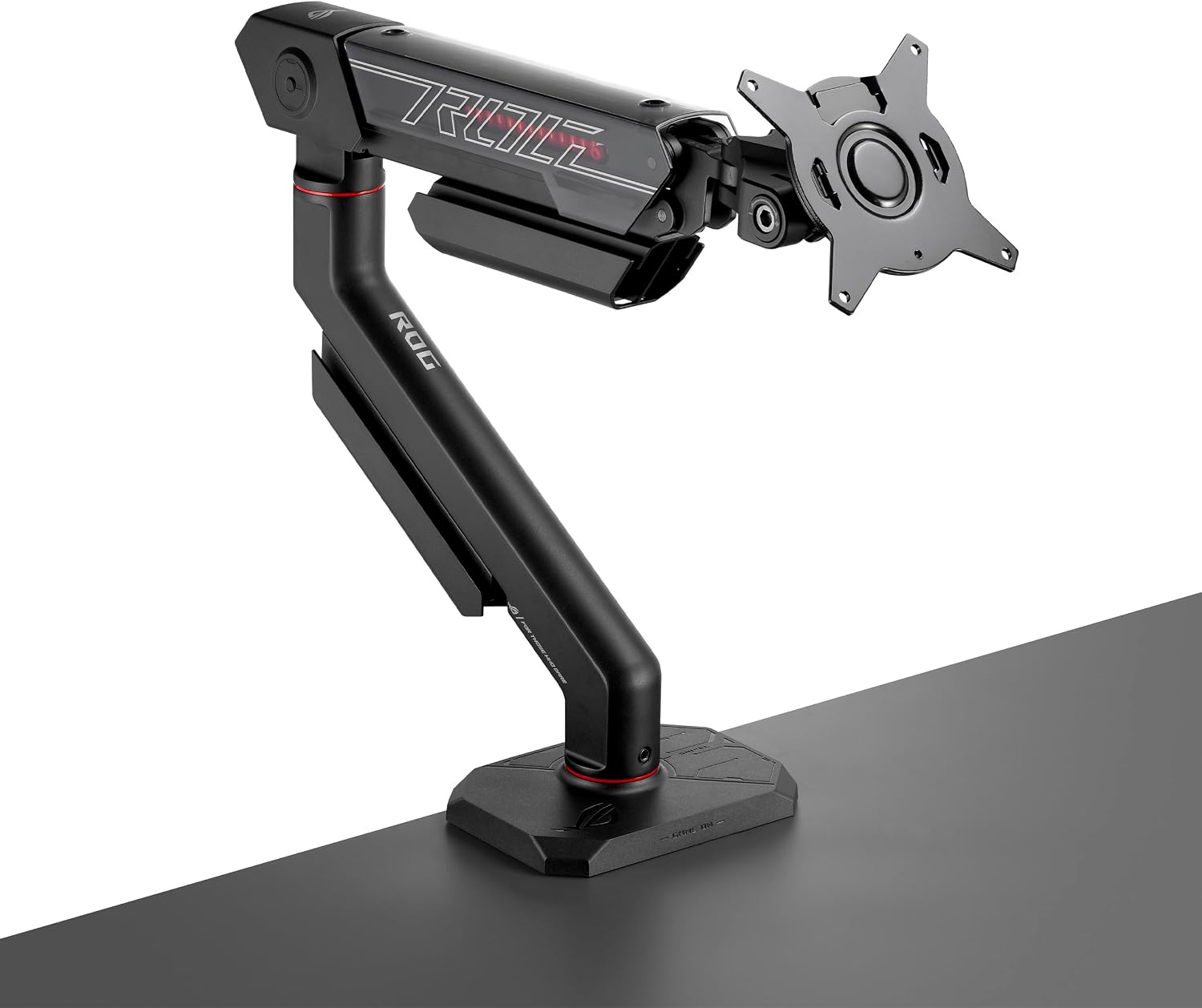
ROG Ergo Monitor Arm (AAS01R), Mechanical Spring Monitor Mount with Desk Clamp and Grommet Mount, Holds Up to 49-inch* Within 13.5kg, Pivot/Swivel/Tilt/Rotation/Height Adjustable, VESA 100 x 100 mm
A mechanical spring arm rated to 13.5kg and up to a 49 inch display, with desk clamp and grommet mounting plus VESA 100 x 100 compatibility.
Visit on Amazon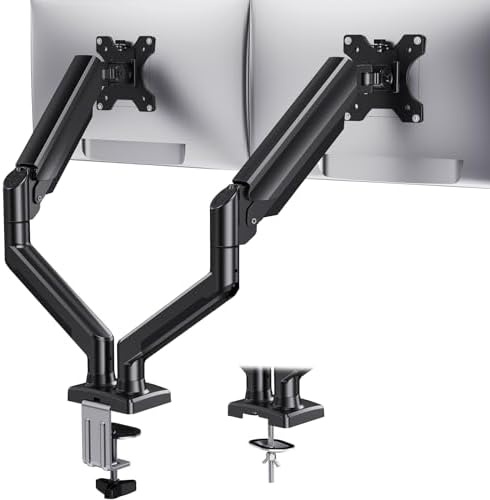
HUANUO Dual Monitor Mount for 2 Monitors up to 32 inches, Each Arm Holds Max 22lbs, Dual Monitor Stand with Advanced System, Height-Adjustable/Tilt/Swivel/Rotate, VESA Standard 75mm or 100mm
A dual mount for screens up to 32 inches with 22 lbs of capacity per arm, height, tilt, swivel and rotate adjustment, and VESA 75mm or 100mm support.
Visit on Amazon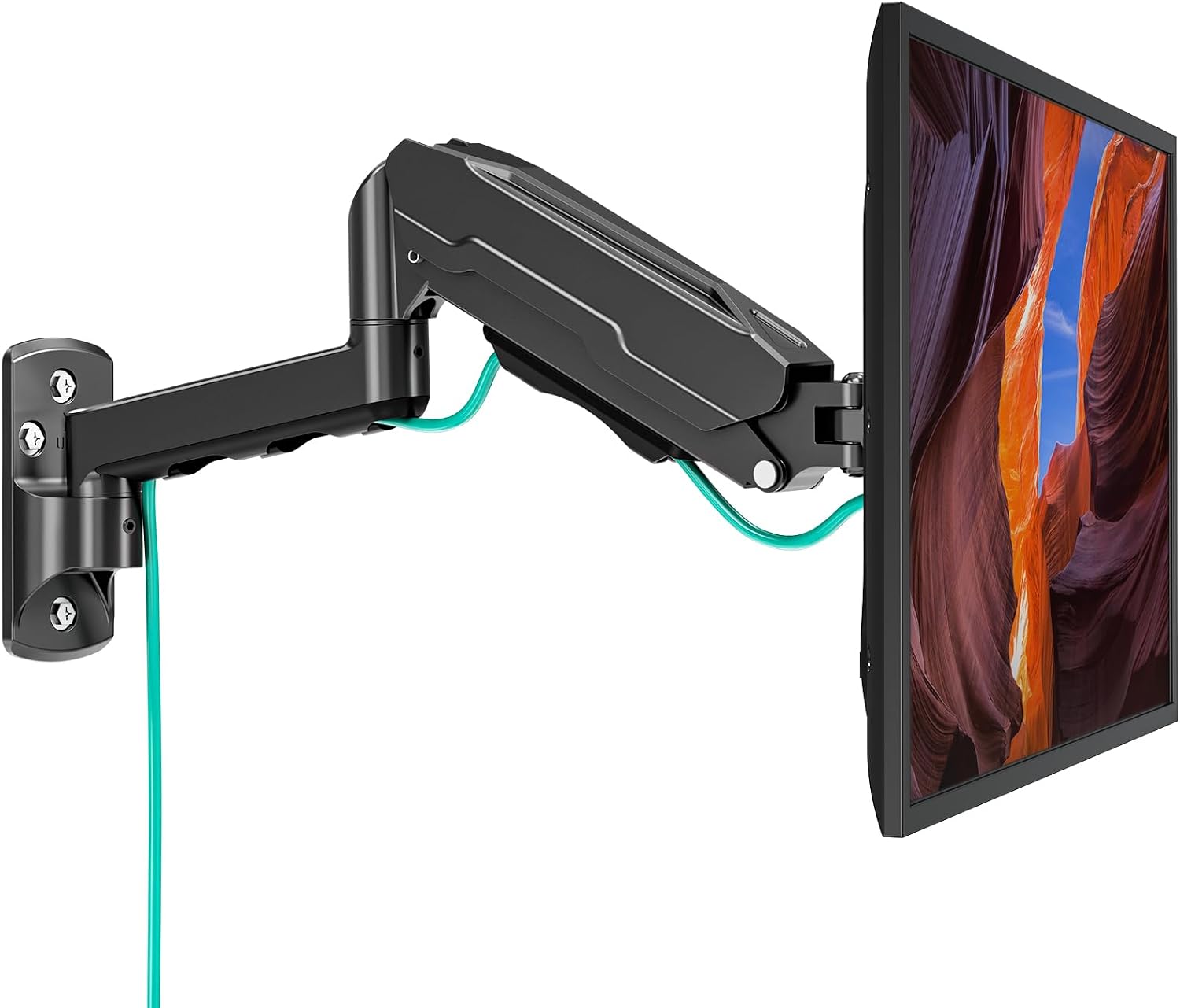
MOUNT PRO Single Monitor Wall Mount for 13 to 32 Inch Computer Screens, Height Adjustable Wall Mount Monitor Arm Holds Up to 19.8lbs, Full Motion Wall Bracket, VESA Mount 75x75, 100x100, Black
A wall-mounted single arm for 13 to 32 inch screens, rated to 19.8 lbs, with full motion adjustment and VESA 75 x 75 or 100 x 100 compatibility.
Visit on Amazon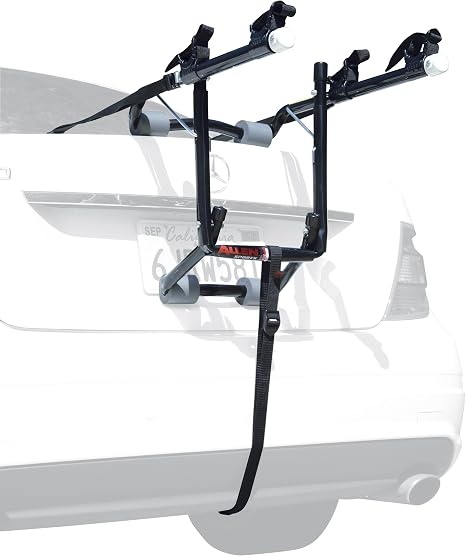
Allen Sports Deluxe 2-Bike Trunk Mount Rack, Model 102DB, Black/ Silver, 23 x 15 x 4 inches
A two-bike trunk-mounted carrier that folds down to a 23 x 15 x 4 inch footprint in black and silver.
Visit on Amazon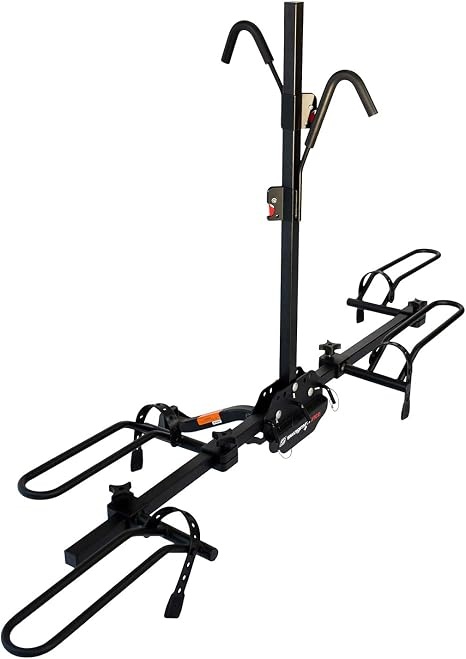
Swagman XTC2 Hitch Mount Bike Rack, Platform Carrier for 2 Bikes, Ratcheting Hook System, Compact Clam-Shell Folding Design
A two-bike hitch platform carrier with ratcheting hooks and a compact clam-shell folding design.
Visit on AmazonPrices and availability may change. Check the retailer for current details.
A note on the last two cards: the Allen Sports trunk rack and the Swagman hitch rack are bike carriers, not desk hardware. They came back in the same catalog pull as the monitor arms, so they are listed with their correct links for completeness, but they were not ranked against the mounts and they play no part in the recommendation below.
How these products were compared
This guide compares per-arm weight capacity, supported screen size range and VESA patterns, mounting method, joint adjustment range, and cable routing plus port extras. Product names, images, and retailer links are matched by product ID so that every card points to the product shown.
The comparison is built from manufacturer specifications and product documentation rather than a lab bench or a timed install. Where an arm's real limit depends on your desk, your panel weight, or how far you extend a joint, that is presented as a decision point instead of a measurement. Prices and availability move constantly, so no number is quoted here. Use the retailer link on each card to confirm the current price, stock, and return terms before you commit.
How to choose the right monitor arm
Start with weight, because it decides everything else. Weigh the panel, then add anything else that will ride on the arm, and compare that total against the per-arm rating. The HUANUO Dual Monitor Stand for 13″, 40″ is rated to 26.4 lbs per arm and the HUANUO Dual Monitor Mount for 2 Monitors up to 32 inches is rated to 22 lbs per arm, which is meaningful headroom for the 27 inch and 32 inch panels most desks carry. Headroom is not padding for the spec sheet; it is what keeps an arm holding its position instead of drifting down a few degrees every afternoon.
Next, confirm the VESA pattern on the back of your monitor. Every mount here supports the common 100 x 100mm pattern, and all but the ROG Ergo also list 75 x 75mm, which matters for smaller screens. If your panel has no VESA holes, no arm on this page will help you. Screen size range is the other half of the fit question: a 13 to 40 inch rating describes how much reach and spring force the arm brings, so pairing a 40 inch panel with a mount capped at 32 inches is a mismatch even if the weight works out.
Then decide how the arm attaches, because that is a desk problem, not a style choice. A desk clamp needs a flat edge with enough thickness and enough clearance underneath; a grommet mount needs a hole through the desktop; a wall mount needs a wall within reach of your seating position and hardware suited to what is behind the drywall. The MOUNT PRO Single Monitor Wall Mount exists for the case where the desk will not take a clamp at all, or where you want the surface completely clear. The two HUANUO dual mounts and the ROG Ergo both cover clamp and grommet bases in one box, which gives you a fallback if your first plan does not survive contact with the underside of your desk.
Finally, look at the joints. Height, tilt, swivel, and rotation are the four adjustments that decide whether an arm feels like furniture or a wrestling match. All four mounts here list them, and the practical difference is how much of that adjustment you can make by hand once the monitor is on the arm.
HUANUO Dual Monitor Stand for 13″, 40″ (HNDS7)
This is the mount that covers the most common setup in one purchase: two screens between 13 and 40 inches, each arm rated to 26.4 lbs, a height adjustable center post, and VESA mounting with a base that works as either a desk clamp or a grommet mount. The built-in USB ports are the detail that earns it the top spot, because a webcam, a phone, or a desk lamp can live on the arm instead of dragging another cable across the desktop.
The trade-off is structural. A dual arm carries both panels on a single base and post, so two heavy displays concentrate their load in one place, and the clamp or grommet has to carry all of it. If you run one large ultrawide plus a smaller second screen, or you want each display on its own independent base, a single heavy-duty arm paired with a wall mount or a second arm gives you more freedom to position each panel. The USB hub is also a convenience feature rather than the reason to buy, so treat it as a bonus and check the product documentation for what it needs to operate.
Alternatives to consider
The ROG Ergo Monitor Arm (AAS01R) is better suited to a single large or heavy display. Its mechanical spring design is rated to 13.5kg and up to a 49 inch screen, it uses the 100 x 100mm VESA pattern, and it ships with both a desk clamp and a grommet mount. If you are mounting one premium panel and want the arm to disappear behind it, this is the one to compare against the top pick.
The HUANUO Dual Monitor Mount for 2 Monitors up to 32 inches is a stronger fit when your screens are 32 inches or smaller, 22 lbs per arm is comfortably above your panel weight, and you want a dual mount without the extra USB hardware. It covers the same four adjustments and the same clamp-style desk installation in a simpler package.
The MOUNT PRO Single Monitor Wall Mount, the Allen Sports Deluxe 2-Bike Trunk Mount Rack, and the Swagman XTC2 Hitch Mount Bike Rack cover cases well outside the standard desk setup. The wall mount is the answer when a desk edge cannot take a clamp or you want the desk surface completely clear, with a 13 to 32 inch range and a 19.8 lb rating. The two bike carriers are not desk products at all; they are listed here only because they appeared in the same catalog pull, and they should not factor into a monitor arm decision.
Day-to-day use and maintenance
Route cables through the arm's channels as you assemble it, not after. Leave a little slack at every joint so the cable can follow the arm through its full range of motion, and keep the run behind the panel short enough that it does not pull when you swing the screen toward you. A floating monitor with a straight, tensioned cable behind it looks intentional; a loop hanging off the back looks like an unfinished install.
Check the clamp or grommet hardware after the first week and again every few months. Desks compress slightly under load, and a clamp that felt solid on day one can loosen as the surface settles. Tighten to the manufacturer's instructions rather than by feel, and never hang a bag, a headset, or anything else from an arm that is already carrying a monitor at its rated capacity.
Set tilt tension before you mount the screen if the arm allows it, and make small adjustments with the panel attached rather than forcing a joint. Clean the arm with a dry or slightly damp cloth and skip solvents, which can damage the finish on painted or coated surfaces. If you are drilling for a grommet mount or anchoring a wall bracket, follow the included instructions and the hardware they specify, and confirm what is behind the wall before you drill.
Buying checklist
- Measure your desk edge thickness and the clearance underneath before choosing a clamp mount.
- Weigh each monitor and confirm the arm's per-arm rating leaves headroom above that number.
- Confirm the panel has VESA 75 x 75mm or 100 x 100mm mounting holes.
- Decide between clamp, grommet, and wall mounting before you order, not after.
- Check that the exact model includes the base type and hardware you need.
- Review the assembly and maintenance instructions for torque and cleaning guidance.
- Verify the current retailer price, availability, and return terms.
Final recommendation
Choose the HUANUO Dual Monitor Stand for 13″, 40″ (HNDS7) when you run two screens between 13 and 40 inches, want 26.4 lbs of capacity per arm, and would rather have the USB ports and the choice of clamp or grommet base in one box. Choose the ROG Ergo Monitor Arm (AAS01R) when you are mounting a single large display, need a mechanical spring arm rated to 13.5kg, and want the 49 inch ceiling that the dual mounts do not offer. Choose the HUANUO Dual Monitor Mount for 2 Monitors up to 32 inches if your panels are smaller and 22 lbs per arm is plenty, and the MOUNT PRO Single Monitor Wall Mount if your desk cannot take a clamp at all. The two bike carriers in this catalog pull are not part of that decision.