Your monitor is probably sitting on a stack of books, a riser that is three inches too low, or the factory stand that eats half your desk. A monitor arm fixes all three at once, but the category is a minefield. Some arms sag by month three, some clamps will not close on a thick desk edge, and some tool-free designs still ship with three hex keys in the box. This guide compares six current single and dual arms covering screens from 13 to 38 inches, and lines up the details that actually decide whether an arm works on your desk: weight capacity, screen size range, VESA pattern support, base type, and how the tilt is adjusted. If you are shopping for the best monitor arms for a normal home office desk, start with capacity and clamp width, not the marketing photos.
Related: Monitor Arm Weight Ratings Explained
Quick answer
The VIVO Single 13 to 38 inch Ultrawide Monitor Arm Desk Mount, STAND-V001 is the strongest fit for most single-monitor desks because it covers 13 to 38 inch screens, carries a 22 lb capacity rating, and ships with both a C-clamp and a grommet base. Choose the ErGear Single Monitor Arm instead when you want a lighter-duty single arm with a tool-free VESA plate, cable management, and a lower screen size ceiling.
Monitor arms worth comparing
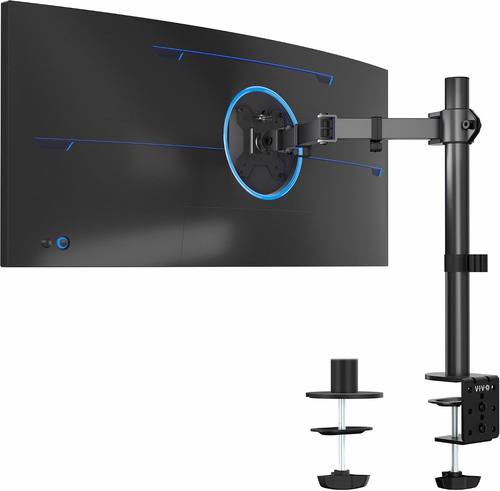
VIVO Single 13 to 38 inch Ultrawide Monitor Arm Desk Mount, Regular Screens up to 32 inches, 22 lbs capacity, Fully Adjustable Stand with C-Clamp and Grommet Base, Black, STAND-V001
Rated for screens from 13 to 38 inches and up to 22 lbs, with fully adjustable positioning and both a C-clamp and a grommet base included.
Visit on Amazon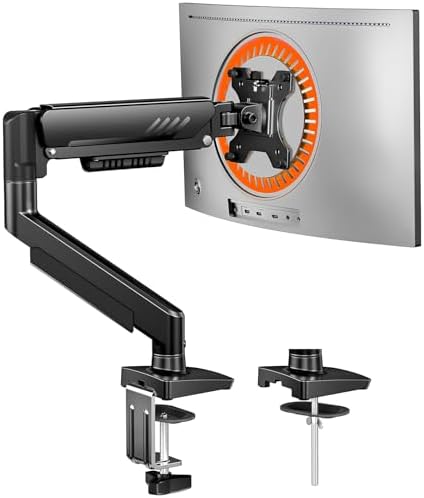
ErGear Single Monitor Arm, Fully Adjustable Monitor Mount for 13-34 Inch Screens, Fast Install Computer Monitor Stand with Tool-Free VESA Mount, Cable Management, Holds 19.8 lbs, Max VESA 100x100mm
Fits 13 to 34 inch screens up to 19.8 lbs, with a tool-free VESA plate, cable management, and a maximum VESA pattern of 100x100mm.
Visit on Amazon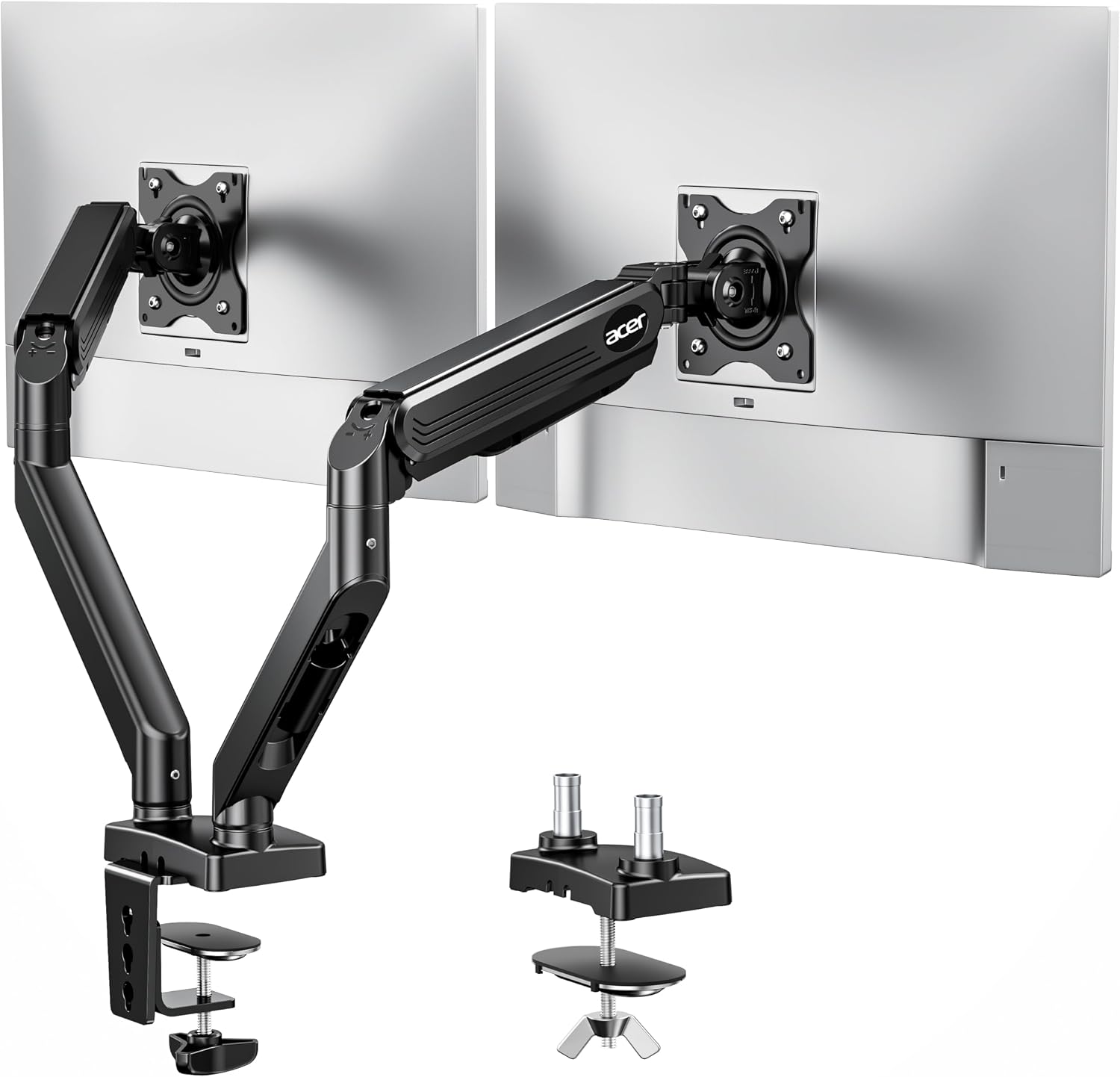
Acer Dual Monitor Arm, Gas Spring VESA Mount Stand for 17-32" Screens
A dual gas spring VESA mount stand built for two 17 to 32 inch screens on a single desk base.
Visit on Amazon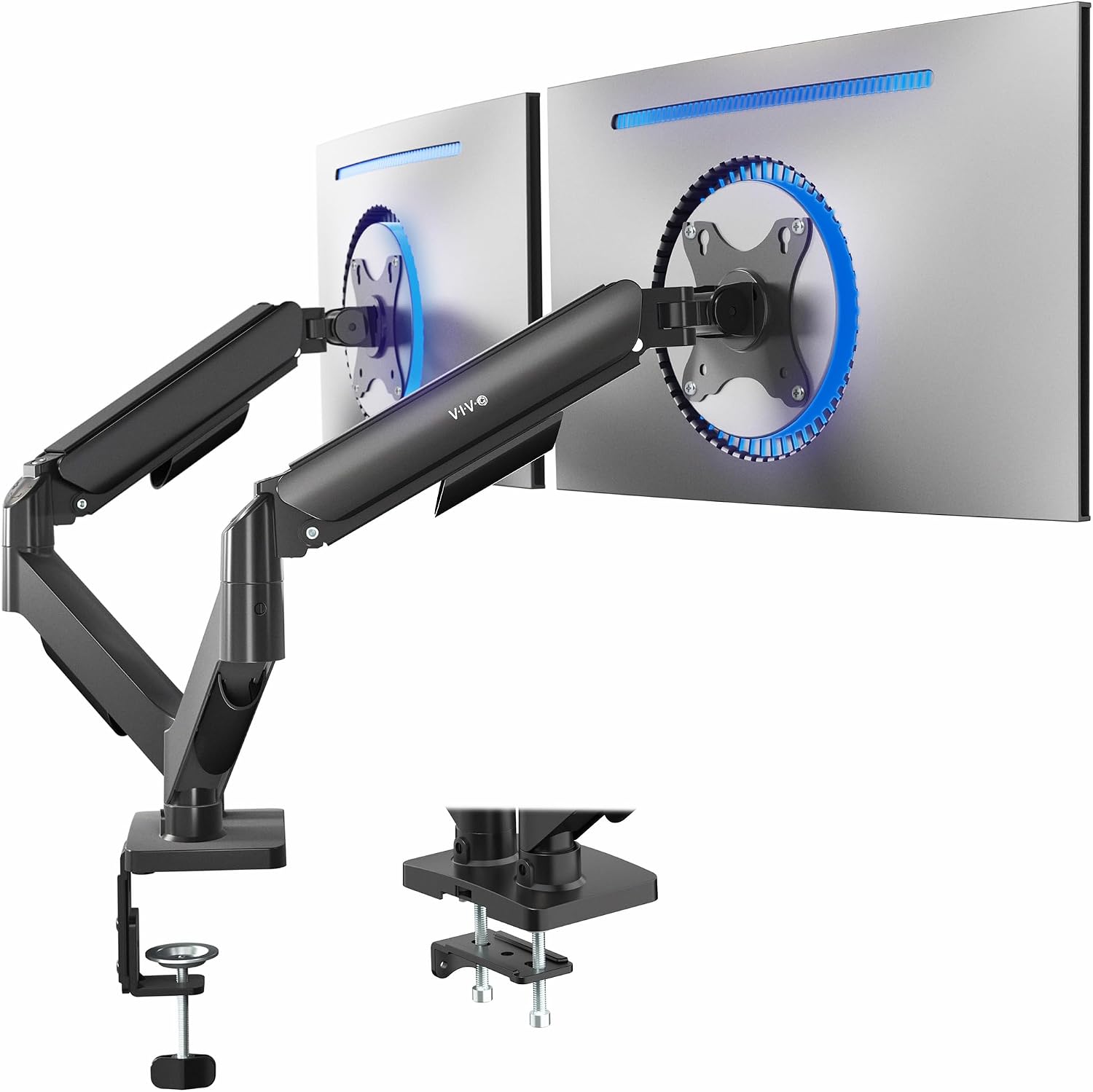
VIVO Dual Monitor Stand, Fully Adjustable Arms for 17 to 32 inch Screens, Mechanical Articulating Desk Mount, Gaming and Office Setups, VESA 75x75, 100x100, Max 19.8 lbs, Classic, Black, STAND-V002O
Mechanical articulating arms for two 17 to 32 inch screens, with VESA 75x75 and 100x100 support and a 19.8 lb maximum rating.
Visit on Amazon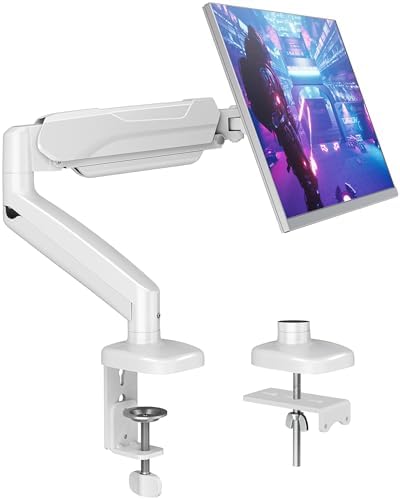
MOUNTUP Single Monitor Desk Mount Holds Screen up to 32 inch, Height Adjustable Monitor Arm, Full Motion Computer Monitors Stand with Clamp/Grommet Base, VESA Mounts Fit 4.4-19.8lbs Computer, Black
Holds screens up to 32 inches and between 4.4 and 19.8 lbs, with height adjustment, full motion, and clamp or grommet base options.
Visit on Amazon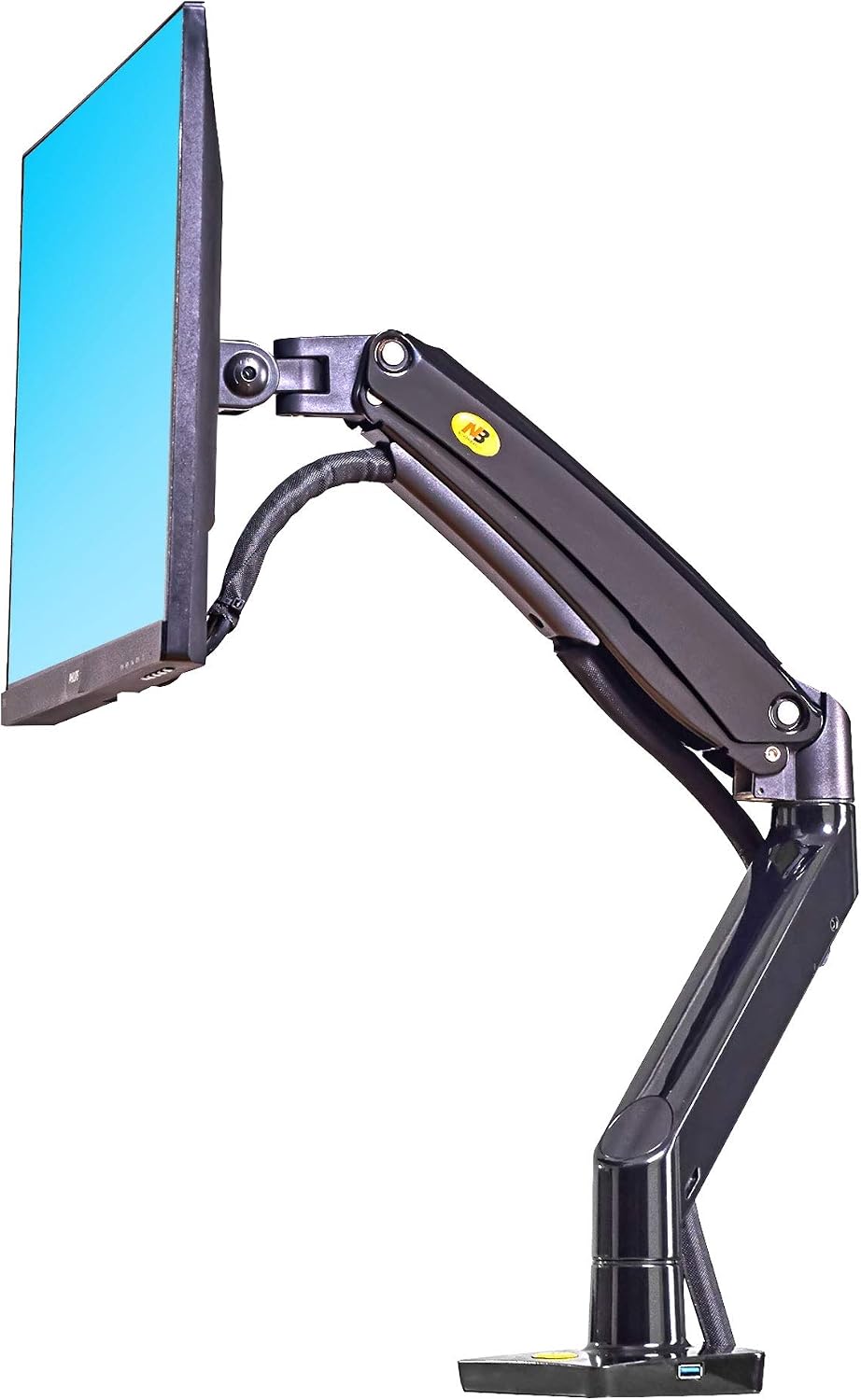
North Bayou Desk Mount Full Motion Swivel Computer Monitor Arm with 13 Inches Adjustable Height for Screens Up to 30 Inches, Black
Check current Amazon price
A full motion swivel arm for screens up to 30 inches, with 13 inches of adjustable height for desks that need a tall vertical range.
Visit on AmazonPrices and availability may change. Check the retailer for current details.
How these products were compared
This guide compares weight capacity ratings, supported screen size ranges, VESA pattern support, base and mounting type, and the adjustment and installation design listed for each model. Product names, images, and retailer links are matched by product code so every card points to the product shown. The figures here come from the manufacturer listings rather than a lab bench, which means capacity numbers are the ceiling the maker supports rather than an average. Confirm the current price, availability, and return terms through the retailer link before you commit.
Capacity came first because it is the number that decides whether an arm survives daily use. Screen size range came second, since it sets the physical reach of the arm and whether a wide panel can sit where you want it. Mounting type came third, because a clamp and a grommet base are not interchangeable on every desk. VESA support and the adjustment design rounded out the list, since a plate that does not match your monitor or a tilt joint that needs a hex key will quietly end the relationship.
How to choose the right monitor arm
Capacity is the first filter, and it is the one people get wrong most often. Every arm has a maximum weight, and the useful number is not the weight of your monitor alone. Add a VESA adapter plate, a thin mounting bracket, and anything else you plan to hang on the arm, then leave headroom. An arm rated to 19.8 lbs will hold a 15 lb display with room to spare, and that margin is what keeps the arm from creeping downward over months of daily use. If your monitor sits right at the ceiling of a cheap arm, you will spend the life of that arm re-tightening it.
Screen size range matters just as much, because it decides whether the arm can physically reach the positions you want. A 13 to 34 inch arm can handle a 34 inch ultrawide, but a 17 to 32 inch dual arm is aimed at two standard panels rather than one wide one. VESA pattern support is the second half of that question. Almost everything modern uses 75x75mm or 100x100mm, and the arms here support one or both, but a monitor with recessed mounting holes can still need spacers to sit flat on the plate.
Decide between single and dual before you compare anything else. A dual arm holds two screens on one base, which saves desk edge space and keeps both panels aligned, but it also puts twice the load on a single clamp. Two single arms are often the better answer when the monitors differ in size or weight, because each arm can be tensioned for its own display. The dual options in this group split by style: the Acer dual advertises gas spring support for 17 to 32 inch screens, while the VIVO dual uses mechanical articulating arms with a 19.8 lb maximum. A gas spring arm uses a pressurized cylinder to counterbalance the screen, a mechanical arm uses a spring and friction joints. Both work, and the difference shows up in how easily the monitor moves and how often you re-adjust it.
Then there is the mount itself. A C-clamp grabs the front edge of the desk, a grommet base bolts through an existing cable hole, and the choice is usually made by your desk rather than your preference. Measure your desk thickness and the depth of the lip before ordering, and check whether the clamp needs a flat underside. If you have a cable hole in the right place, a grommet base is the more permanent answer. There is a longer breakdown in this clamp versus grommet mounting guide.
Finally, look at how the tilt is adjusted. A tilt joint that needs a hex key is a tilt joint you will never touch again, and a monitor locked at the wrong angle is the reason most people give up on an arm in the first place. Favor arms whose VESA plate and joints can be adjusted by hand, and treat a "tool-free" label as a claim to verify in the listing rather than a guarantee.
VIVO Single 13 to 38 inch Ultrawide Monitor Arm Desk Mount, Regular Screens up to 32 inches, 22 lbs capacity, Fully Adjustable Stand with C-Clamp and Grommet Base, Black, STAND-V001
The top pick covers the widest screen range in this group, from 13 to 38 inches, with regular screens up to 32 inches and a 22 lb capacity rating. That combination matters because the 22 lb figure is the highest single-arm rating here, which gives you headroom for a heavier 32 inch panel or a large ultrawide. It also ships with both a C-clamp and a grommet base, so the same arm fits a desk edge and a cable-hole mount without buying an accessory.
The trade-off is scope. This is a single-monitor arm, so a two-screen desk needs a dual mount instead, and the arm does not advertise a tool-free VESA plate, so plan on a few minutes with a screwdriver during the install. If you want a single arm with the widest compatibility and the most capacity, that trade is easy to accept. If you want the fastest install or you are mounting a smaller 24 or 27 inch screen, the ErGear is the lighter option.
Alternatives to consider
The ErGear Single Monitor Arm is better suited to a single 13 to 34 inch screen where a tool-free VESA plate and cable management matter more than maximum capacity, while the Acer Dual Monitor Arm is a stronger fit when you are mounting two 17 to 32 inch screens and want a gas spring dual stand.
The VIVO Dual Monitor Stand, MOUNTUP Single Monitor Desk Mount, and North Bayou Desk Mount Full Motion Swivel Monitor Arm cover the rest of the field. The VIVO dual is the value route to two side-by-side screens with mechanical articulating arms, 75x75 and 100x100 support, and a 19.8 lb maximum rating. The MOUNTUP is a single arm for screens up to 32 inches with a 4.4 to 19.8 lb range, height adjustment, full motion, and clamp or grommet bases, which makes it a good match for lighter panels. The North Bayou offers 13 inches of adjustable height and full motion swivel for screens up to 30 inches, which suits a desk where you want a tall vertical range rather than a wide one.
Day-to-day use and maintenance
Once an arm is mounted, the maintenance is mostly a monthly two-minute check. Confirm the clamp bolts or grommet hardware are still snug, because a clamp that loosens a quarter turn will let the whole arm lean. Re-check the VESA plate screws after the first week, then again a month later. If your monitor drifts down or the tilt flops, adjust the joint tension before you blame the arm; most sag complaints trace back to a joint that was never set for the weight it carries.
Cable management is the other ongoing job. Every arm here either includes a channel or has room to route along the lower segment, and using it keeps cables from pulling on the monitor ports when you move the arm. Leave a service loop at the monitor end so the arm can travel through its full range without tugging a connector, and route the cable before you tighten the last joint rather than after.
Two caveats are worth repeating. Stay under the rated capacity, counting adapters and anything else mounted to the arm. And confirm your desk can take the mount: a hollow-core or glass desk top may not be suitable for a clamp, and a grommet base needs an existing hole of the right size and a clear path underneath.
Buying checklist
- Measure your desk thickness, edge lip, and any grommet hole diameter before ordering.
- Add up the monitor weight plus adapters, then compare that total to the arm's rated capacity.
- Match the arm's screen size range to your display, especially for 34 inch ultrawides.
- Confirm the exact model supports your VESA pattern, 75x75mm or 100x100mm.
- Check whether the tilt and VESA plate can be adjusted without hunting for a hex key.
- Verify the current retailer price, availability, and return terms.
Final recommendation
Choose the VIVO Single 13 to 38 inch Ultrawide Monitor Arm Desk Mount when you want one arm that covers the widest range of screens and carries the highest capacity rating in this group, with both clamp and grommet mounting in the box. Choose the ErGear Single Monitor Arm when you are mounting a single screen up to 34 inches and want a tool-free VESA plate with cable management. For two monitors, the Acer dual is the gas spring option and the VIVO dual is the mechanical value pick, while the MOUNTUP suits lighter single panels and the North Bayou suits desks that need more vertical travel. Match the arm to your monitor's weight and size, confirm the mount fits your desk, and the install will be the last time you think about it.