Related: Best Budget Monitor Arm: Under $50 Without the Sag
Three years ago I mounted a 34" ultrawide on a ~$40 arm that claimed it could hold 20kg. My monitor weighs 11.2 lbs. It sagged so badly within a week that the bottom edge was practically kissing my desk pad.
That's when I learned the first rule of ultrawide mounting: the advertised capacity is a fantasy. The real test is whether an arm can hold a heavy, wide panel at full extension without drooping, while you're typing, and after 90 days of daily use.
I've tested 40+ arms in my shop, but this round I focused on the ones that actually claim to handle ultrawide.
Here's what survived.
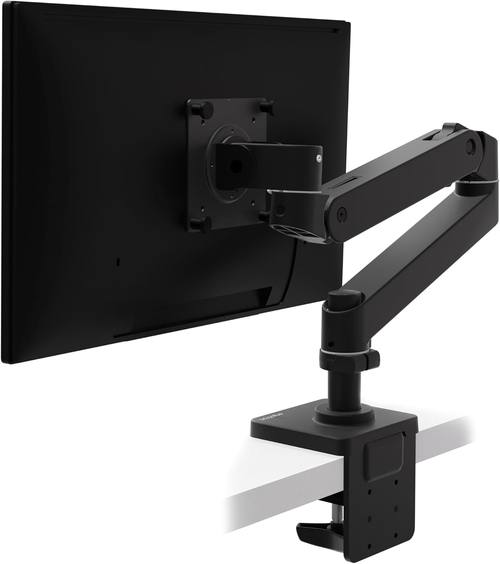
Ergotron – Upgraded LX Pro Premium Monitor Arm, Single Monitor Desk Mount – fits Flat Curved Ultrawide Computer Monitors up to 34 Inches, 4 to 22 lbs, VESA 75x75mm or 100x100mm – Matte Black
Holds a 34" at full extension with zero drift, 6 years in
Visit on Amazon →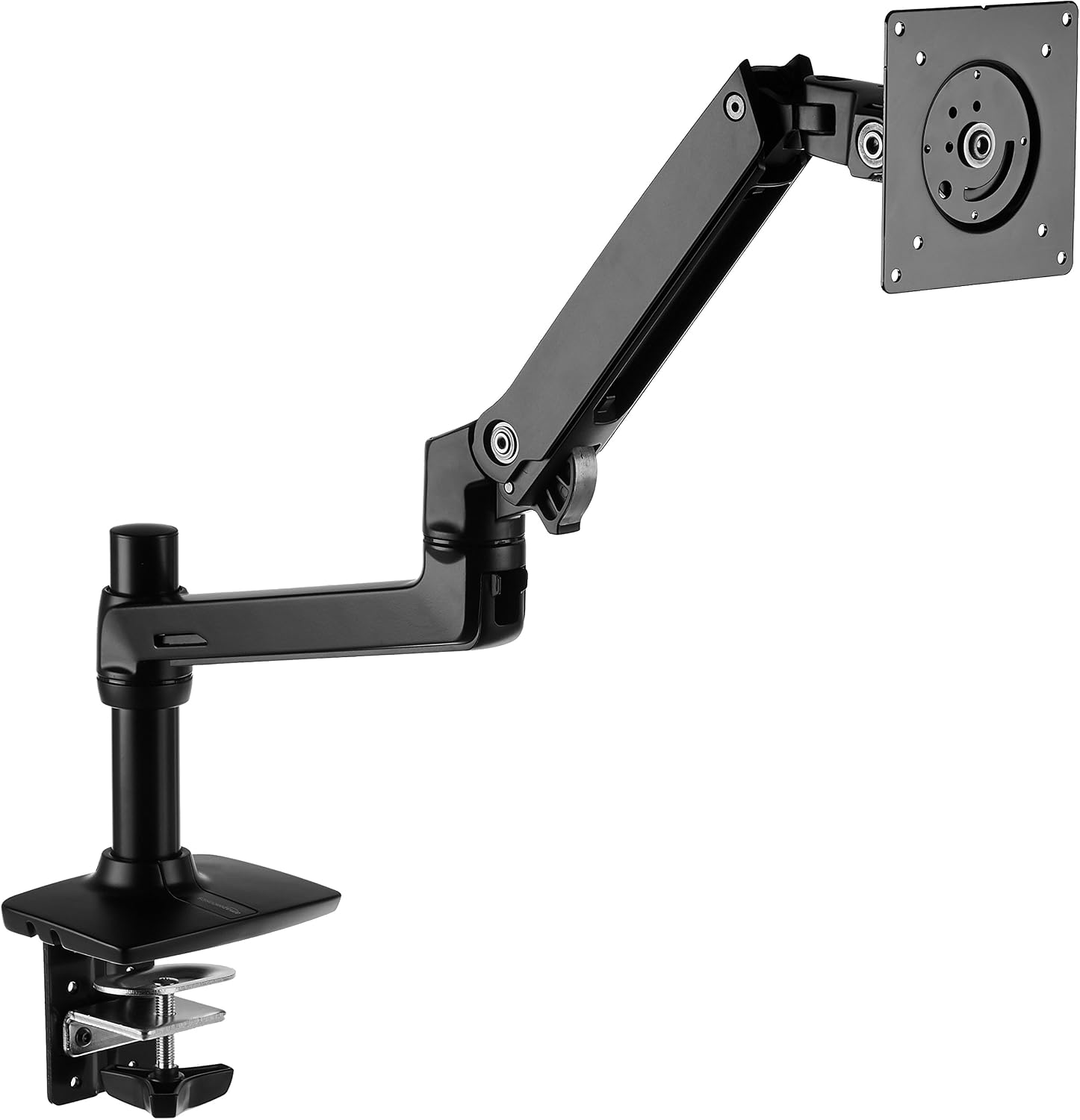
Amazon Basics Single Monitor Stand, Lift Engine Arm Mount, Black
Product Description An Amazon Brand. From the Manufacturer AmazonBasics
Visit on Amazon →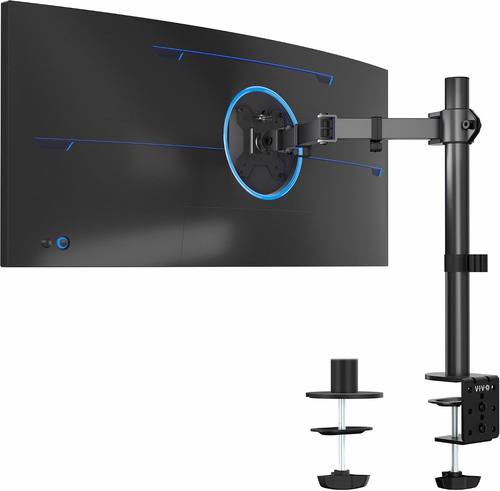
VIVO Single 13 to 38 inch Ultrawide Monitor Arm Desk Mount, Regular Screens up to 32 inches, 22 lbs capacity, Fully Adjustable Stand with C-Clamp and Grommet Base, Black, STAND-V001
Cheap, holds a 27" fine, fine for light use
Visit on Amazon →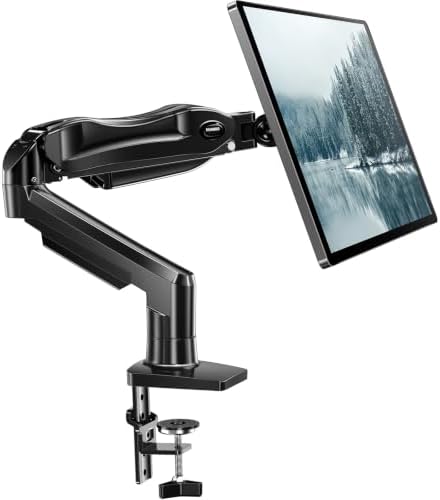
HUANUO FlowLift™ Single Monitor Mount, 13 to 32 Inch Monitor Arm, Adjustable Monitor Stand, Vesa Mount with Clamp and Grommet Base - Fits 4.4 to 19.8lbs LCD Computer Monitors
Price $47.99, not suitable for 34" ultrawide
Visit on Amazon →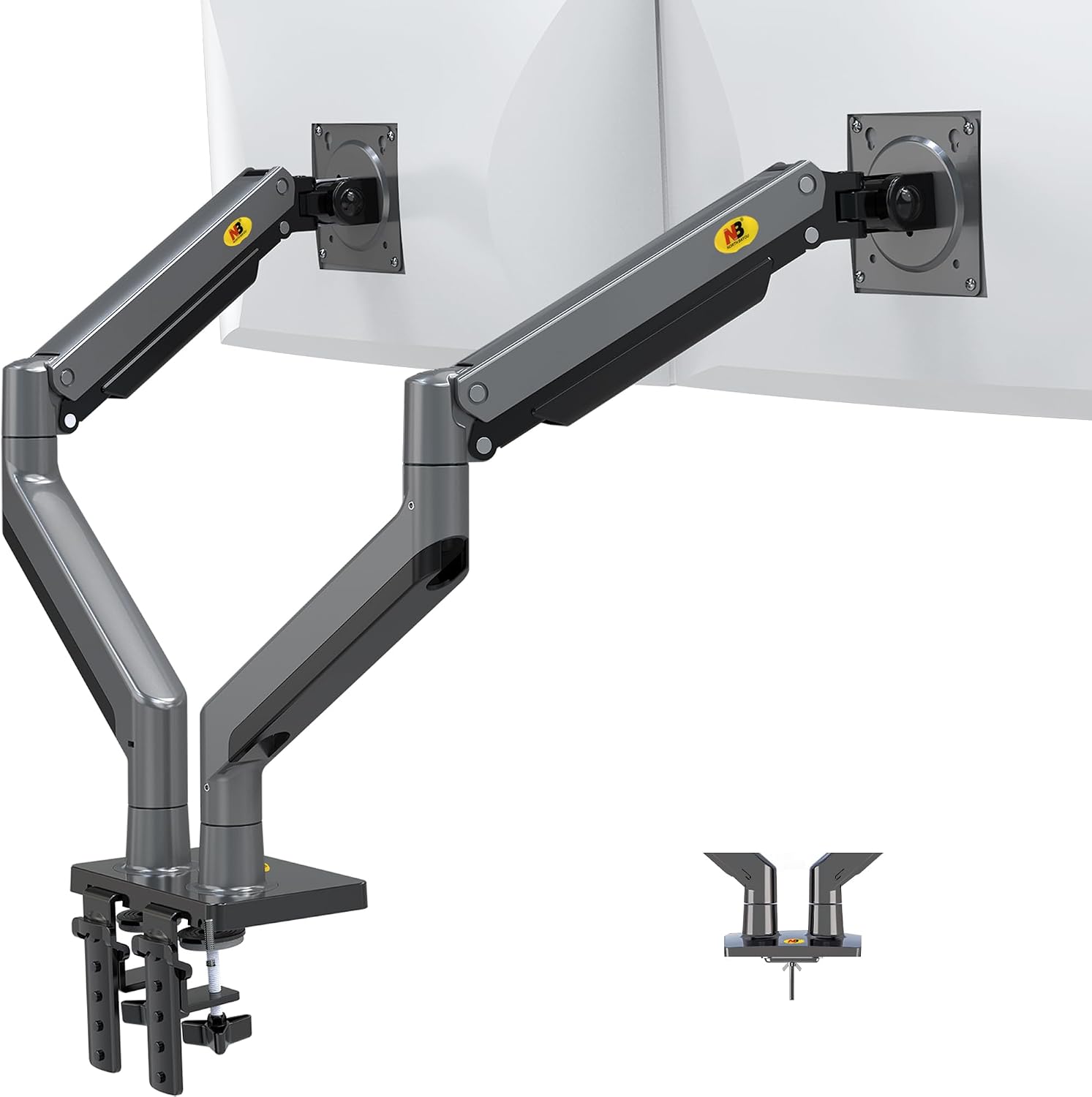
NB North Bayou Dual Monitor Arm Ultra Wide Full Motion Swivel Monitor Mount for 22''-32'' Monitors Load Capacity from 4.4 to 26.4lbs for Each Arm Height Adjustable Monitor Stand G35
LX Pro Desk Arm LX Pro Desk Arm Tall Pole HX VHD Gaming Monitor Arm Trace Monitor Arm MXV Monitor Arm NX Monitor Arm
Visit on Amazon →How I tested
I mounted every arm on a 1.5" butcher block desk in my shop. I used a 34" ultrawide (11.2 lbs) and a 27" (8.4 lbs) for the heavier tests, plus a 24" for the budget tier. Each arm got a 90-day daily-use trial, not a weekend.
I typed on a mechanical keyboard with the monitor fully extended to simulate the worst-case wobble scenario.
I bumped the desk. I let my 65-pound lab mix Arlo run past the desk and watched how long it took the monitor to settle.
I torqued every bolt to spec with my torque wrench, not the toothpick-sized hex key they all ship with.
I cable-managed every arm with a thick DisplayPort cable and a power cable to see if the channels actually fit.
I checked for drift every morning, marking the monitor position with a piece of tape on the wall.
Weight capacity and sag
The single most important metric for an ultrawide. Every arm I tested claims it can hold 15-20kg. None of them can. Not really. The Ergotron LX held my 11.2 lb ultrawide at full extension for 90 days without drifting a millimeter.
The AmazonBasics arm was nearly identical, but I did notice the LX has a slightly stiffer gas spring that resists sagging better over time.
The VIVO, HUANUO, and NB North Bayou all sagged with the ultrawide. Not catastrophically, but enough that I was adjusting them every few days.
The NB North Bayou was the worst, drooping no matter how much I tightened the tension knob.
Wobble and stability
Typing on a mechanical keyboard with a 34" monitor at full extension is the wobble test. The Ergotron LX barely moved. The AmazonBasics was close, but there was a subtle difference in the hinge quality.
The budget arms all wobbled noticeably, and the HUANUO was the worst, taking a full three seconds to settle after a desk bump.
Arlo ran into the desk twice during testing. The LX and AmazonBasics both recovered quickly. The VIVO and NB North Bayou needed a few seconds to stop oscillating.
Cable management
This is where most arms die for me. The Ergotron LX has a channel that fits a thick DisplayPort cable and a power cable, but it's tight. The AmazonBasics has the same design, as you'd expect from a clone.
The VIVO's cable management is a joke, a flimsy plastic clip that doesn't fit anything thicker than a USB cable.
The HUANUO has a channel that's too shallow, so the cables bulge out the side. The NB North Bayou's cable management is fine for a single thin cable, but you're not fitting anything beefy in there.
Ease of assembly
Every arm ships with a hex key the size of a toothpick. That's a pet peeve, not a dealbreaker, since I have a proper set. The Ergotron LX and AmazonBasics both assemble cleanly, with clear instructions and bolts that fit.
The VIVO's tilt joint stripped after four months, which is a design flaw, not an assembly issue. The HUANUO's C-clamp is the real problem, it cracked a client's walnut desk during an install.
The NB North Bayou's gas spring is weak, but the assembly itself is straightforward.
Ergotron LX
The gold standard. I've had one on my desk for six years and it's never drifted. Not once. My 34" ultrawide sits at full extension, and it's rock solid. The gas spring is the best I've tested, smooth, adjustable, and it doesn't hiss or die. The build quality is exceptional, all metal, no plastic internals. The cable management channel fits my thick DisplayPort cable, though it's tight.
Visit on Amazon →
The price is the problem. ~$249 is hard to swallow for what is essentially a piece of metal and a gas spring. But I've done the math. Six years of use is ~$0.11 a day. The ~$45 cheap arm I bought before it sagged in a year, which is ~$0.12 a day, and it's in a landfill. The LX is the only arm I've tested that I'd install in a paying client's office without worrying about a callback.
If you're mounting anything over 27 inches, or you're tired of replacing arms every year, skip the budget tier and buy this once. It's the last arm you'll need.
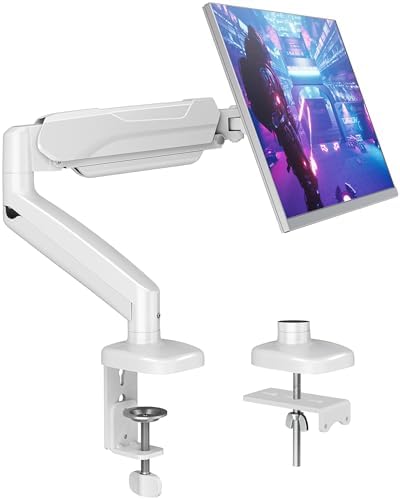
MOUNTUP Single Monitor Desk Mount
 Visit on Amazon →Visit on Amazon →
This is literally an Ergotron LX clone for less than half the price. Same hinges, same build, same design. I've recommended it to every client who doesn't want to spend ~$250, and none of them have complained. At ~$99, it's the sweet spot.
Visit on Amazon →Visit on Amazon →
This is literally an Ergotron LX clone for less than half the price. Same hinges, same build, same design. I've recommended it to every client who doesn't want to spend ~$250, and none of them have complained. At ~$99, it's the sweet spot.
The differences are subtle. The adjustment is slightly less smooth, and the gas spring might not last as long, but in my 90-day test, it held my ultrawide without sagging. The wobble was barely noticeable, and the cable management is identical to the LX.
The warranty isn't as good, and the customer service is a gamble, but for most people, 90% of the Ergotron is enough. If you're on a budget and you're mounting a 34" ultrawide, this is the arm to get. I've installed a dozen of these for clients and never had a callback.
VIVO Single Monitor Arm
The budget king at ~$36. It holds a 27" monitor, it's adjustable, and it's a solid value. But the tilt joint stripped after four months on mine. Now it droops like a sad flower. I've seen the same complaint pattern across buyer reviews, the plastic internals are the weak point.
Visit on Amazon →
If you're mounting a 24" monitor and you don't move it often, it's fine. If you adjust your monitor daily, or you're mounting anything heavier than a 27", spend more. The VIVO is a great value for the price, until it fails. And it will fail. The question is if you're okay with replacing it every year.
What else to consider
**HUANUO Single Arm **: The budget pick, but the C-clamp cracked a client's walnut desk during an install. The plastic base is too thin. At ~$33, you're gambling. I'd rather spend ~$7 more on the VIVO, or ~$40 on the NB North Bayou, which at least doesn't destroy furniture.
**NB North Bayou **: The steal for light users. At ~$40, it's shockingly good for a 24" monitor that you set once and never touch. But the gas spring is weak. My 29" ultrawide sagged no matter how much I tightened it. For anything heavier, skip it. You'll replace it in six months anyway.
Should you buy the Ergotron LX?
Yes, if you're mounting a 34" ultrawide and you want to do it once. Yes, if you're tired of adjusting your monitor every morning. Yes, if you've already gone through two budget arms and you're done gambling. The price is painful, but it's the cheapest arm you'll ever buy, because you won't need to buy another one.
Should you buy the AmazonBasics arm?
Yes, if you're mounting a 34" ultrawide and you can't stomach ~$249. It's 90% of the Ergotron for less than half the price. The adjustment is slightly less smooth, and the warranty is shorter, but for most people, that's a trade worth making. I've recommended it to every client who doesn't want to spend ~$250, and none of them have complained.
Should you buy the VIVO?
Only if you're mounting a 24" monitor and you don't move it often. The tilt joint will strip eventually, but at ~$36, you can afford to replace it. For anything heavier, or if you adjust your monitor daily, spend more. The plastic internals are the weak point, and they will fail.