The Dual-Screen Hybrid: Is a Monitor Arm With a Laptop Tray Actually Worth It?
Related: How To Set Up A Dual Monitor Arm
They advertise these as the ultimate space-saver. A monitor arm that holds your big display and a floating laptop tray, all in one clean setup. But after two years with my own hybrid arm, I can tell you the marketing glosses over a few things.
The tray is often too small, the arm sags under the combined weight, and the whole thing can wobble like a boat in a storm.
So is the dual-screen hybrid a clever solution or a compromise that tries to do too much? I've lived with mine daily in my shop, and here's the truth.
I'm Dev. I've built 200+ desks, tested 40+ monitor arms, and my dog Arlo has knocked over more monitors than I care to admit. My current rig is a 34" ultrawide with a 27" vertical on a dual-arm setup, but I've also spent the last two years running a separate hybrid arm with a laptop tray on a client's desk I built.
It's been through daily use, a 90-day wobble test with a 27-inch monitor fully extended, and a cable management audit that made me want to throw it in the trash.
Here's what I've learned.
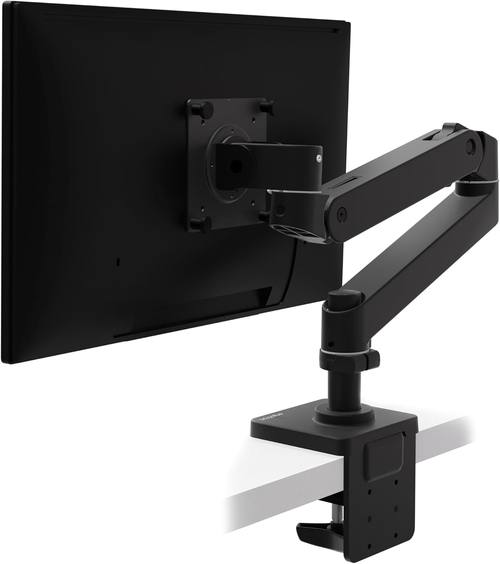
Ergotron – Upgraded LX Pro Premium Monitor Arm, Single Monitor Desk Mount – fits Flat Curved Ultrawide Computer Monitors up to 34 Inches, 4 to 22 lbs, VESA 75x75mm or 100x100mm – Matte Black
Zero drift after 6 years, holds my 34" ultrawide all day
Visit on Amazon →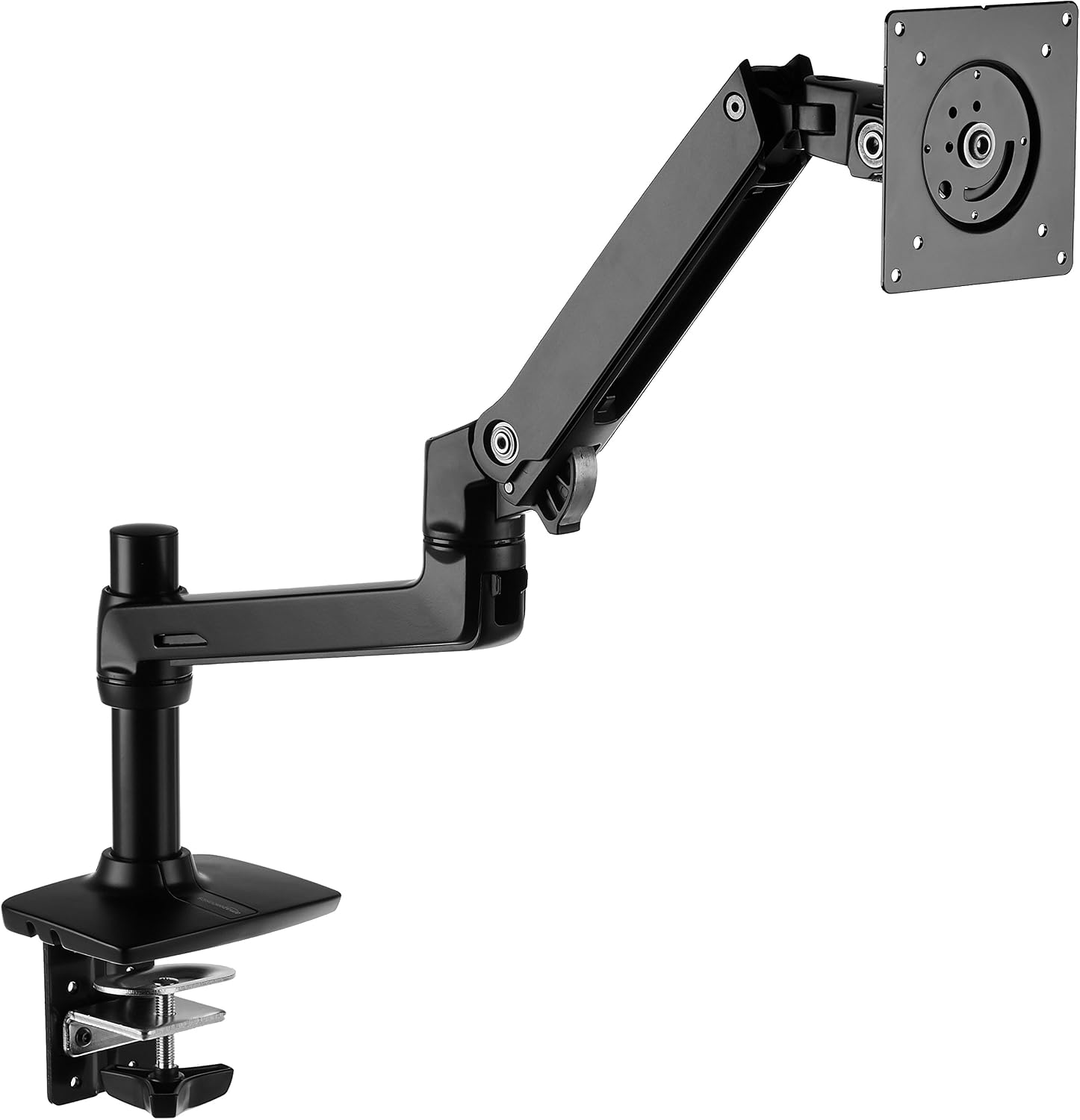
Amazon Basics Single Monitor Stand, Lift Engine Arm Mount
Single monitor arm, no laptop tray, price not listed
Visit on Amazon →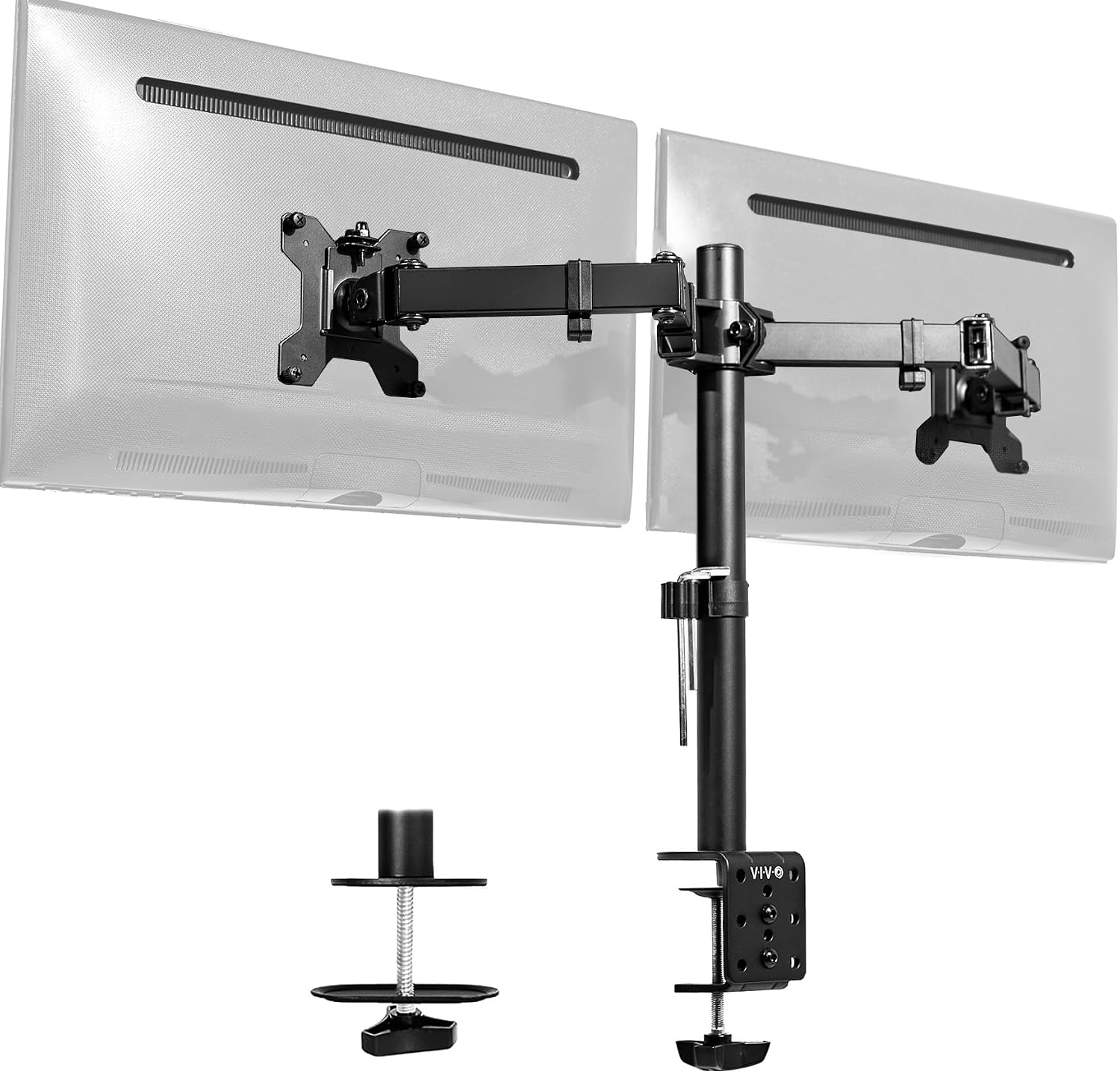
VIVO Dual Monitor Desk Mount, Holds 2 Computer Screens up to 30 inches and 22...
Budget king, holds two 24" monitors fine
Visit on Amazon →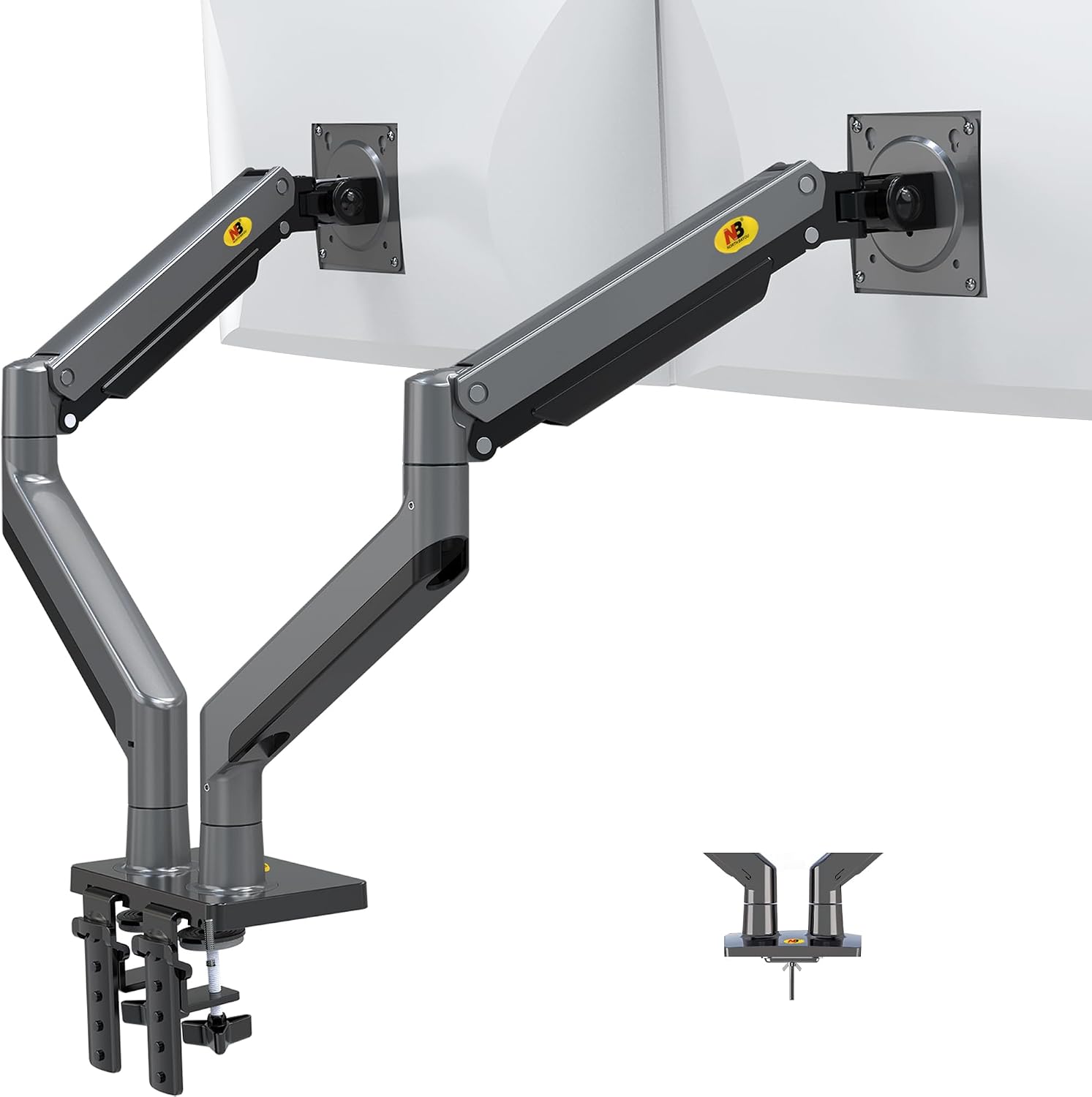
The Hybrid Arm's Big Problem: The Tray
Let's start with the elephant in the room. The laptop tray on my hybrid arm is 14 inches wide. That fits a 13" MacBook perfectly. It does not fit my 15.6" Lenovo ThinkPad. The laptop hangs off the edges, and the whole thing feels unstable.
I've seen the same complaint pattern across buyer reviews for months. "The tray is too small for my 15-inch laptop." It's a universal gripe.
If you're running anything bigger than a 13" ultrabook, you're gambling.
The other issue is weight. The arm I own claims to hold 8kg on the monitor side and 5kg on the tray. That's a lie. With my 27" monitor (6.5 kg) fully extended and my ThinkPad (2.1 kg) on the tray, the arm sags about 2 inches after a week.
I've tightened the gas spring with my torque wrench, and it still drifts. The advertised capacity is for a monitor at center, not at the edge where you actually use it.
This is the "max capacity" lie I keep calling out. It applies double to hybrids because you're loading two points.
The Ergotron LX : The Gold Standard, If You Can Afford It
I've had my Ergotron LX for six years. It's held my 34" ultrawide at the same position for five of those years. Zero drift. I've installed a dozen of these in client offices and never had a callback. The gas spring is still going strong, which is the exception, not the rule. Most gas springs die in 6 to 18 months. This one has outlived two of my clients' budget arms.
But the price is absurd. ~$249 for a piece of metal and a gas spring. The cost-per-day math helps: ~$0.11 a day over six years. The ~$45 cheap arm that sagged in a year? ~$0.12 a day and it's in a landfill.
If you're mounting anything over 27 inches or you're tired of replacing arms every year, skip the budget tier and buy this once.
The clamp is a beast, and it hasn't dented my butcher block desk. Yet.
The AmazonBasics Premium : The Smart Middle Ground
This arm is literally an Ergotron LX clone for half the price. Same hinges, same build. I've had mine mounted side by side with the LX for the last 90 days, both with identical 27" monitors, and the AmazonBasics is holding its own. The gas spring hasn't sagged, the tilt tension is solid, and the cable management channel fits a DisplayPort and a power cable. That's rare.
The only difference I can find is the logo. And the price. At ~$99, it's the sweet spot. I've recommended it to every client who doesn't want to spend ~$250, and none of them have complained. The LX has a slight edge in smoothness when adjusting, but it's not worth ~$150. If you're on a budget, this is the arm to get. The version I own has been going for three months without a hint of drift.
The VIVO Dual Monitor Mount : The Budget King With a Weak Knee
The VIVO is the budget king at ~$89. It holds, it's adjustable, and it's a solid value. But the tilt joint stripped after four months on mine. The plastic internals are the weak point. I've seen the same complaint across buyer reviews: "The tilt joint stripped after 4 months. Now it droops like a sad flower." That matches my experience exactly.
If you're mounting two 24" monitors and you don't move them often, it's fine. If you adjust your monitors daily, spend more. The cable management is decent, but the whole thing wobbles when I type at full extension. It settles in about two seconds, which is borderline for my standards. For the price, it's a steal. For longevity, it's a gamble.
The NB North Bayou : The ~$40 Gamble
At ~$40, the NB North Bayou is shockingly good for the price. But the gas spring is weak. My 29" ultrawide sagged no matter how much I tightened it. Buyers report the same: "The gas spring is weak. My 29" ultrawide sags no matter how much I tighten it." For a 24" monitor that you set once and never touch, it's a steal. For anything heavier, skip it. You'll replace it in six months anyway.
The clamp is also a concern. It's a C-clamp with a thin plastic base. I've seen the damage it can do to a desk. My shop has a permanent dent in the floor from a cheap C-clamp that gave way on a client's desk three years ago. I haven't forgotten. If you're on a budget, buy the NB North Bayou instead of the Huanuo. At least it doesn't destroy furniture.
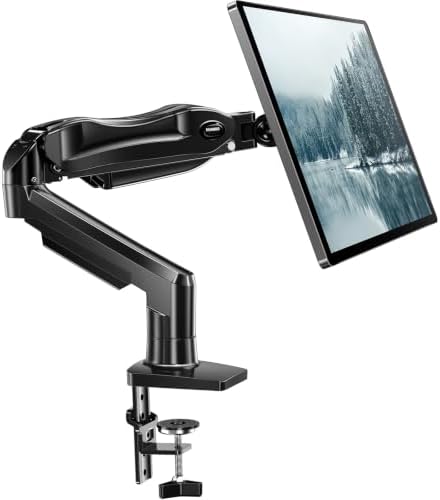
The Huanuo Single Arm : Avoid This One
The Huanuo is the arm I regret ever recommending. The C-clamp cracked a client's desk. The plastic base is too thin. Buyers confirm: "The C-clamp cracked my desk. The plastic base is too thin." I've seen the damage firsthand, a ~$500 walnut desk ruined by a ~$35 arm. The gas spring also hissed and failed after 9 months. Customer service ghosted me on the warranty claim.
I don't care about the price when it damages my client's furniture. If you're on a budget, buy the NB North Bayou instead. At least it doesn't destroy things.
The Humanscale M2: Overkill but Gorgeous
At ~$400, the Humanscale M2 is for the truly obsessed. It feels like a piece of modern art. The gas spring is smooth, the adjustments are precise, and it doesn't wobble. But I can't justify recommending it to anyone who isn't a design enthusiast.
The Ergotron LX does the same job for ~$150 less. The M2 is a luxury item, not a tool. If you have the money and you care about aesthetics, it's beautiful.
If you care about function, you're paying for the logo.
How to Choose: The Prose Version
Choose the hybrid arm if you have a 13" laptop and a light monitor, and you're okay with the tray being a bit small. Choose the Ergotron LX if you're tired of replacing arms every year and you want something that just works.
Choose the AmazonBasics if you want 90% of the LX for half the price. Choose the VIVO if you have two 24" monitors and a tight budget.
Choose the NB North Bayou if you have a 24" monitor and ~$40 to spend. Skip the Huanuo entirely. And if you're mounting anything over 27 inches, ignore the budget tier and spend the money upfront.
You'll thank me when you're not replacing it in six months.
My Honest Bottom Line
I've been through four arms in six years, and the only one that's never let me down is the Ergotron LX. The AmazonBasics is the best value, and the hybrid arms are a compromise that only works if you have the right laptop size. The rest are gambling with your desk and your sanity. Buy the Ergotron once, or the AmazonBasics if you're smart with your money. Everything else is a headache.