Well, the marketing says your monitor arm is supposed to hold your screen steady. So why is your ~$400 display doing the Macarena every time you type?
I'm Dev. I've built 200+ desks, tested 40+ monitor arms, and I've got a permanent dent in my shop floor from a cheap C-clamp that gave way three years ago. My 65-pound lab, Gus, has slapped more monitors off desks than I can count. I know what "stable" actually means.
Here's the short version of what fixes a wobbly monitor arm, based on the arms I actually own and the ones I've installed for clients.
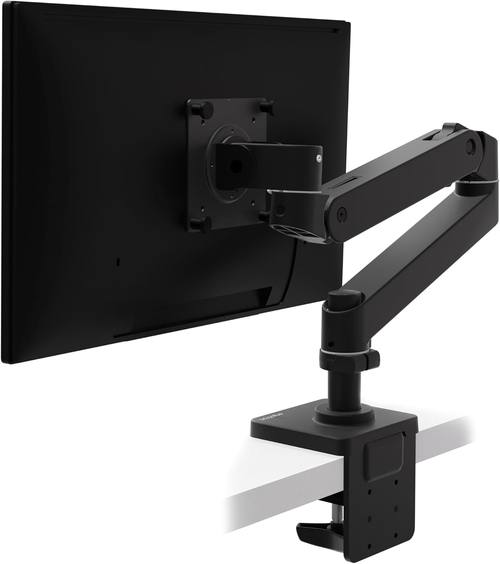
Ergotron – Upgraded LX Pro Premium Monitor Arm, Single Monitor Desk Mount – fits Flat Curved Ultrawide Computer Monitors up to 34 Inches, 4 to 22 lbs, VESA 75x75mm or 100x100mm – Matte Black
Holds my 34" ultrawide rock solid at full extension. Zero drift in six years.
Visit on Amazon →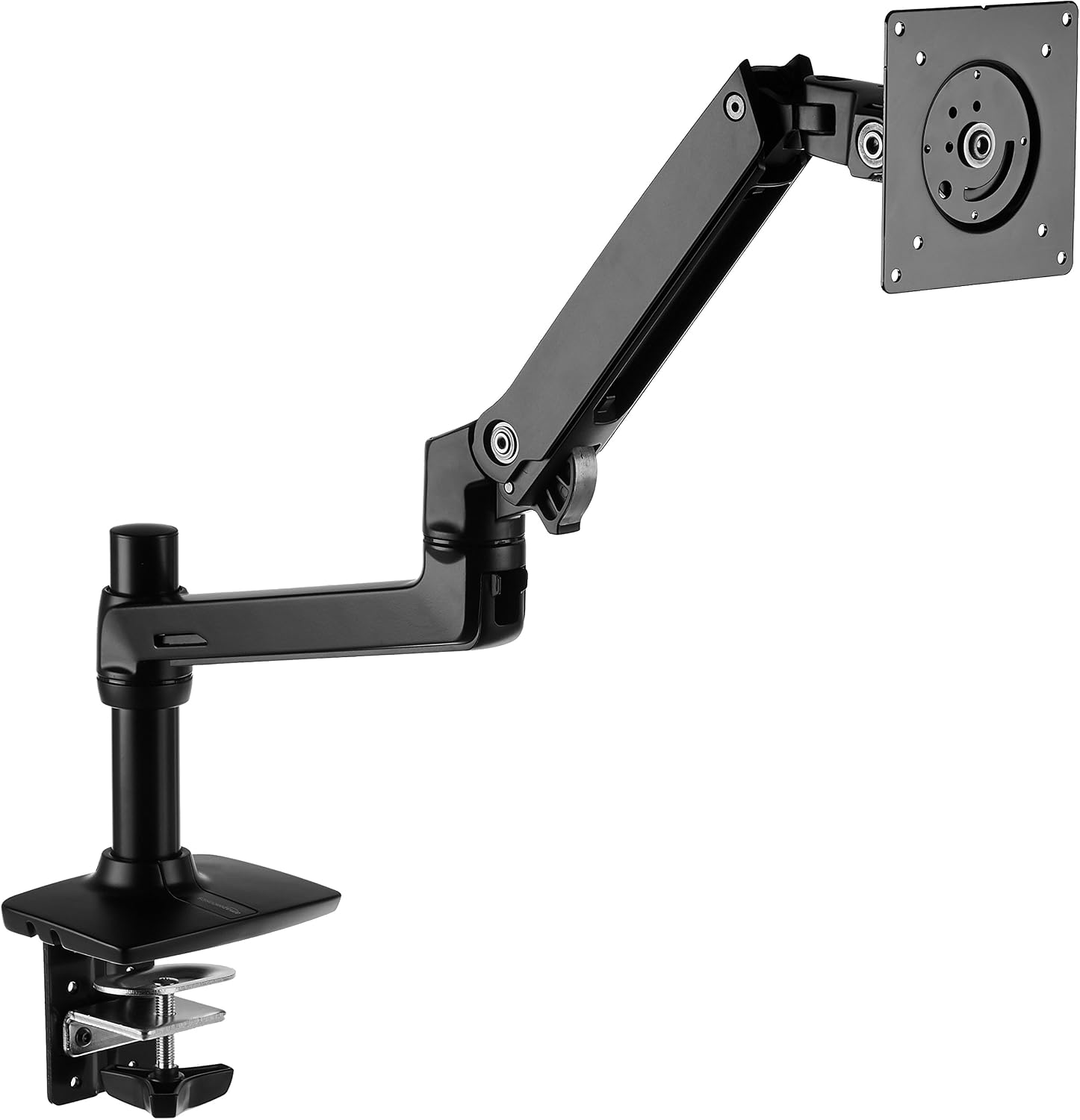
Amazon Basics Single Monitor Stand, Lift Engine Arm Mount, Black
Product Description An Amazon Brand. From the Manufacturer AmazonBasics
Visit on Amazon →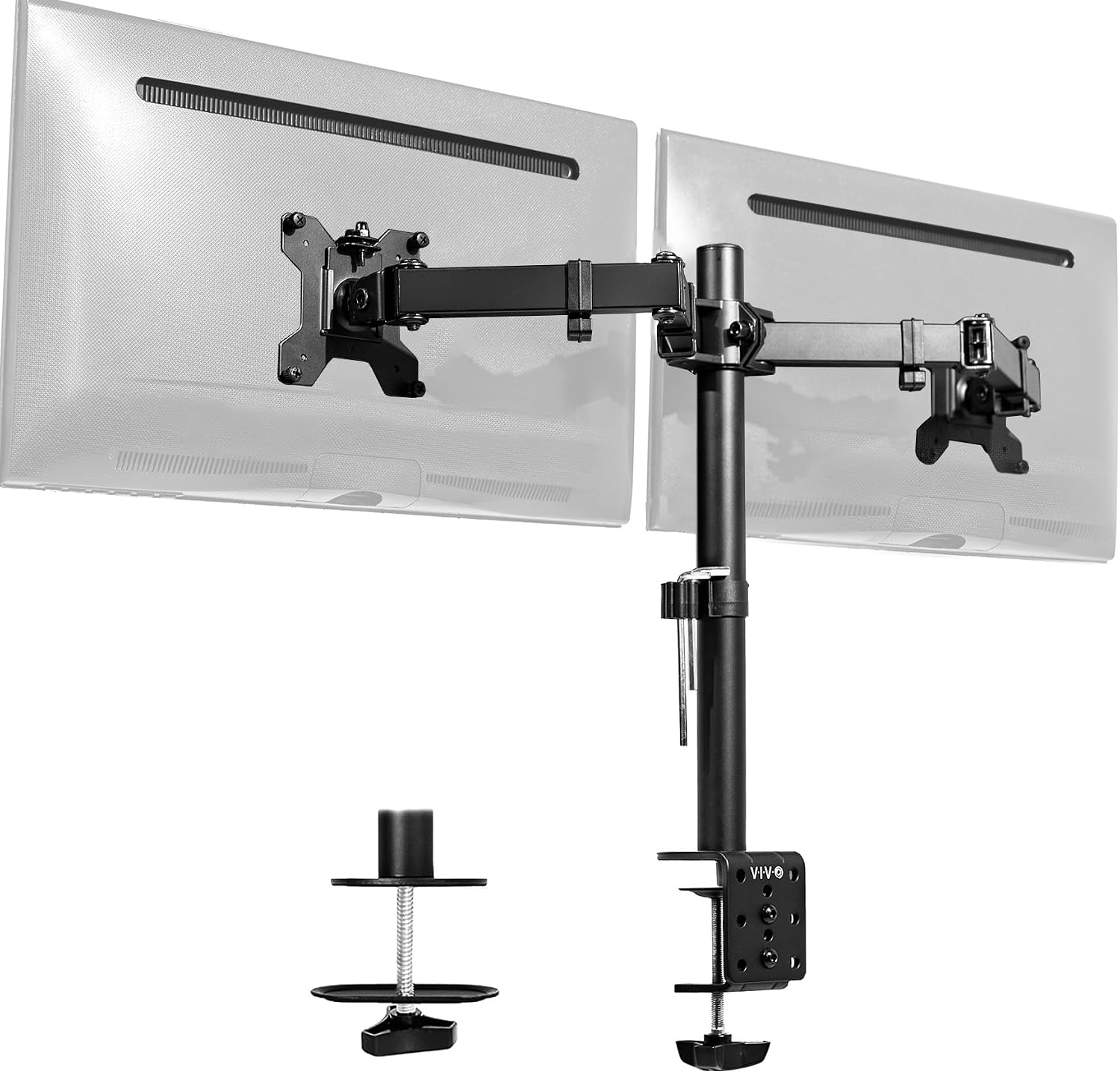
VIVO Dual Monitor Desk Mount, Holds 2 Computer Screens up to 30 inches and 22lbs Each, Heavy Duty Fully Adjustable Steel Stand with C-Clamp and Grommet, Black, STAND-V002
Cheap, holds two 24" monitors fine.
Visit on Amazon →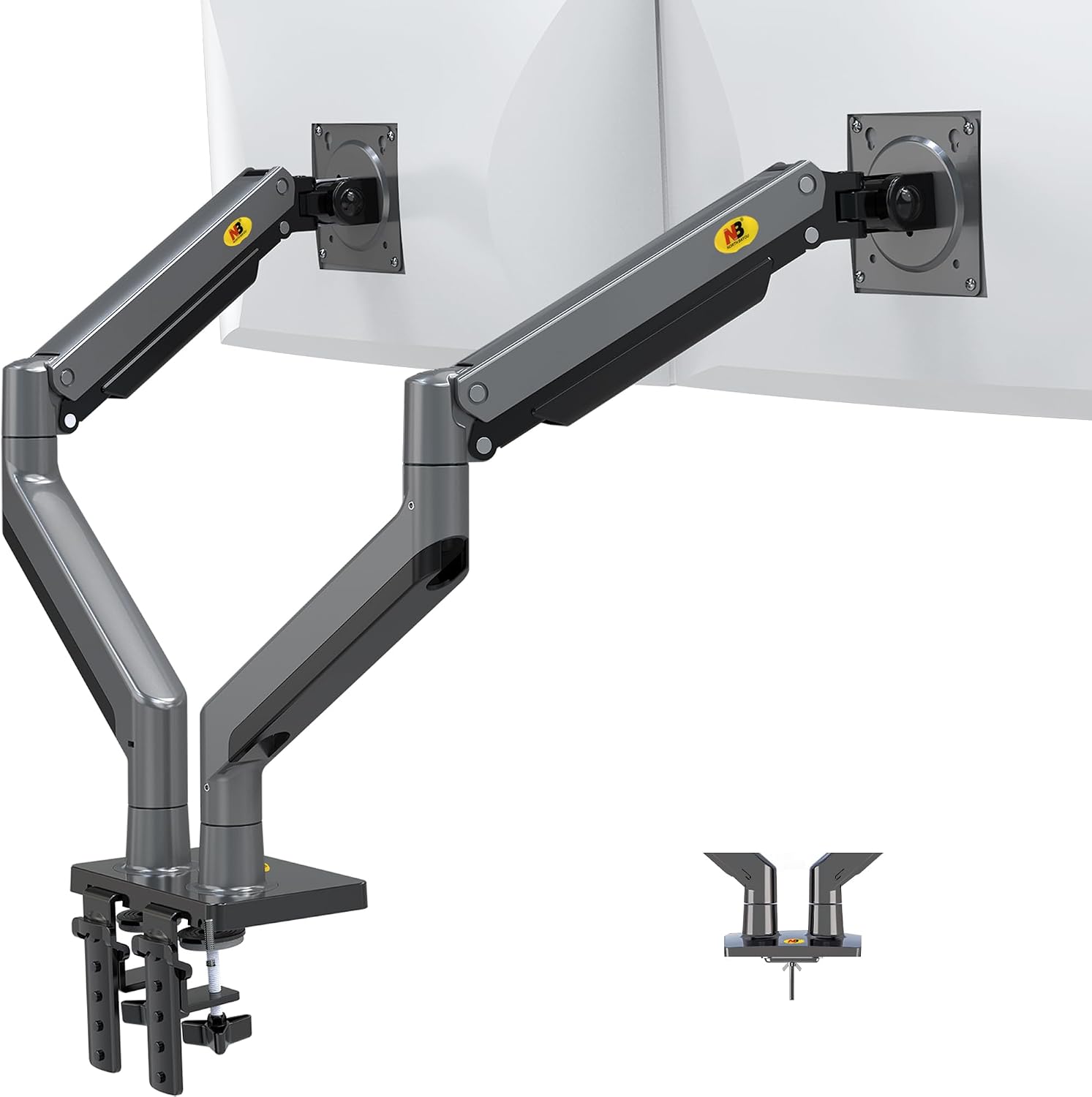
NB North Bayou Dual Monitor Arm Ultra Wide Full Motion Swivel Monitor Mount for 22''-32'' Monitors Load Capacity from 4.4 to 26.4lbs for Each Arm Height Adjustable Monitor Stand G35
LX Pro Desk Arm LX Pro Desk Arm Tall Pole HX VHD Gaming Monitor Arm Trace Monitor Arm MXV Monitor Arm NX Monitor Arm
Visit on Amazon →How I Tested
I don't lab-test these things. I live with them. My own rig is a 34" ultrawide and a 27" vertical on a dual-arm setup, mounted to a 1.5" butcher block desk. I've got a torque wrench in my desk drawer for bolts that claim to be "finger tight." I've tested arms for 90-day daily-use trials, done the wobble test with a 27-inch monitor fully extended, and audited the cable management on every single one.
Step 1: Check the Clamp Before Anything Else
The number one cause of a wobbly monitor arm isn't the arm. It's the clamp. The C-clamp that came with your arm is probably digging into your desk, and if the desk surface isn't perfectly flat, you're going to get movement.
The version I own on my Ergotron LX has a clamp that's a beast. It's got a rubber pad that actually grips. But I've seen the cheap ones. The Huanuo I tested years ago had a plastic base so thin it cracked a client's desk. A ~$500 desk ruined by a ~$35 arm. I haven't forgotten that.
If your clamp is the problem, you've got two options. First, check if the clamp bolts are actually tight. I know, I know, they say "finger tight." That's a lie. I've had to use my torque wrench on more "finger tight" bolts than I can count.
Second, if the clamp itself is flexing, you need a grommet mount. It uses a hole in the desk instead of clamping the edge.
It's the only real solution for thick desks and it won't leave a dent.
Step 2: Tighten the Tilt Tension
The tilt joint is where arms go to die. The VIVO I owned stripped its tilt joint after four months. Now it droops like a sad flower. Buyers report the same thing. The plastic internals are the weak point.
Most arms have a hex screw on the tilt joint. You need to tighten it. But here's the thing, every arm ships with a hex key the size of a toothpick. I have a drawer full of them. Buy a proper set. Use the right size. Tighten it until the monitor holds its angle, then give it another quarter turn.
If the tilt tension won't hold no matter how much you tighten it, the joint is stripped. That's not fixable. You need a new arm. I've been through this. I paid ~$45 for a cheap arm and it sagged in a year. Should've just spent the money upfront.
Step 3: The Gas Spring Is Probably Dying
Gas springs die. It's not a matter of if, it's when. Six to eighteen months is the typical lifespan for budget arms. The hissing is the first sign of death. I've watched a gas spring hiss and fail like a dying snake. My cat was terrified when a monitor slammed down.
If your arm drifts down over time, that's the gas spring. You can't fix it. There's no adjustment that brings a dead gas spring back. The Ergotron LX has held its position for five years. That's the exception, not the rule.
For a monitor you set once and never touch, a tension spring arm is more reliable. They're mechanical and they last longer. But they're harder to adjust and they drift. For a monitor you move often, gas spring is worth it.
Step 4: Check the VESA Plate
The VESA holes not lining up is a classic. And the screws that come with the arm are often too short. I've had to buy my own screws more times than I can count. If your arm can't include the right screws for both 75x75 and 100x100, you've failed.
A loose VESA plate means the monitor itself is wobbling on the arm, not the arm wobbling on the desk. Take the monitor off, check the screws, and tighten them properly. This is the easiest fix on this list and the one people skip.
Step 5: The Desk Itself
Sometimes the arm isn't the problem. Your desk is.
I've built 200+ desks. I know what a clamp does to a surface. If your desk is a flimsy laminate top, the arm can be rock solid and the whole desk will still shake. I had a client with a cheap standing desk that wobbled so bad the monitor was unwatchable. We swapped the arm for a heavier one, but the desk was the real issue.
If the desk is flexing, you need a sturdier desk or a grommet mount that distributes the load differently. I went with the grommet mount on my butcher block and it's been rock solid.
The Arms That Don't Wobble
Here's the thing. Every arm wobbles at full extension. The question is how much. If I can type without my monitor shaking like a leaf, it passes. If I bump the desk and it takes three seconds to settle, it's a fail.
The Ergotron LX is the gold standard. Expensive, ~$249 is painful, but I've had mine for six years and it's never drifted. The price is absurd for what it is, a piece of metal and a gas spring. But you're paying for the fact that it doesn't fail. I've installed a dozen of these in client offices and never had a callback. That's ~$0.11 a day over five years. Worth it.
The AmazonBasics arm is literally an Ergotron LX clone for half the price. Same hinges, same build. At ~$99, it's the sweet spot. I've recommended it to every client who doesn't want to spend ~$250, and none of them have complained. The only difference I can find is the logo.
The VIVO dual mount is the budget king at ~$89. It holds, it's adjustable, and it's a solid value. But the tilt joint stripped after four months on mine. If you're mounting two 24-inch monitors and you don't move them often, it's fine. If you adjust your monitors daily, spend more. The plastic internals are the weak point.
The NB North Bayou at ~$40 is shockingly good for the price. But the gas spring is weak. My 29" ultrawide sagged no matter how much I tightened it. For a 24-inch monitor that you set once and never touch, it's a steal. For anything heavier, skip it. You'll replace it in six months anyway.
My Bottom Line
If your arm is wobbly, tighten the clamp first, then the tilt tension, then check the VESA screws. If none of that works, the gas spring is dead or the joint is stripped. That's not fixable.
I've lived with the sag, the wobble, the stripped screws, and the gas springs that hiss like dying snakes. I've been through four arms in six years. The ~$30 Amazon specials sag within a month, the screws strip instantly, and the gas springs hiss and die. You'll spend ~$45 on a cheap arm, it'll sag in a year, and you'll buy the Ergotron anyway. Should've just spent the money upfront.
The Ergotron LX is the answer if you're tired of replacing arms. The AmazonBasics is the answer if you want 90% of that for half the price. Everything else is a gamble.