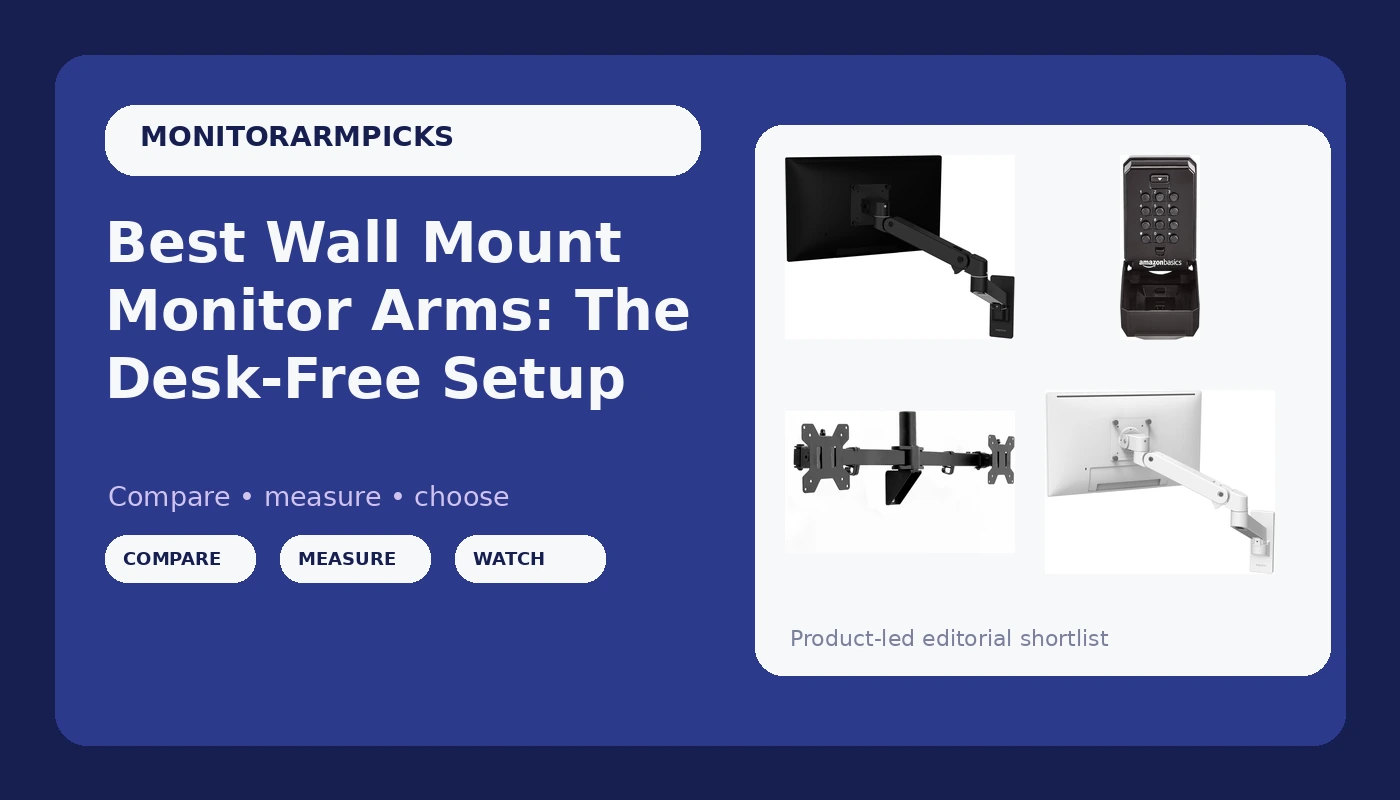
Well, the wall mount monitor arm market has one big promise: your desk, but cleaner. But is that promise real, or just a way to sell you another piece of metal? I've been using wall mounts for about four years now, ever since I built a floating desk for a client and realized a C-clamp was going to be a nightmare.
My own rig is a 34" ultrawide on a heavy-duty wall mount, and I've installed a dozen more in client offices.
Here's the truth: they're brilliant, but they're not for everyone.
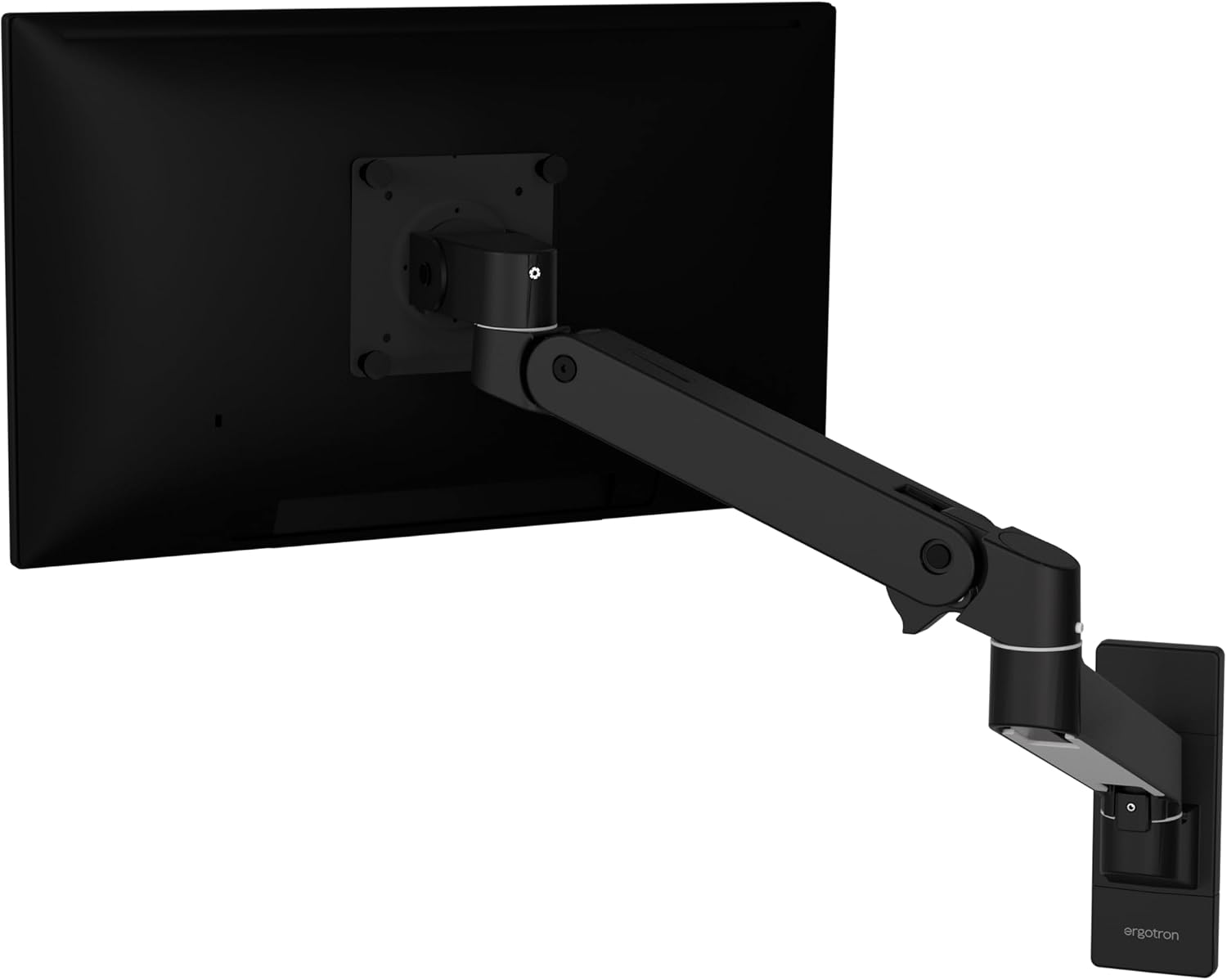
Ergotron – Upgraded LX Pro Premium Single Monitor Arm, VESA Wall Mount – for Monitors Up to 34 Inches, 4 to 22 lbs – Matte Black
The same bulletproof build as my desk LX, just bolted to the wall. Zero sag after six months.
Visit on Amazon →
AmazonBasics Wall Mount Push Button Key Storage Lock Box, Black/Grey, 1-Pack
Secure outdoor key storage with push-button access.
Visit on Amazon →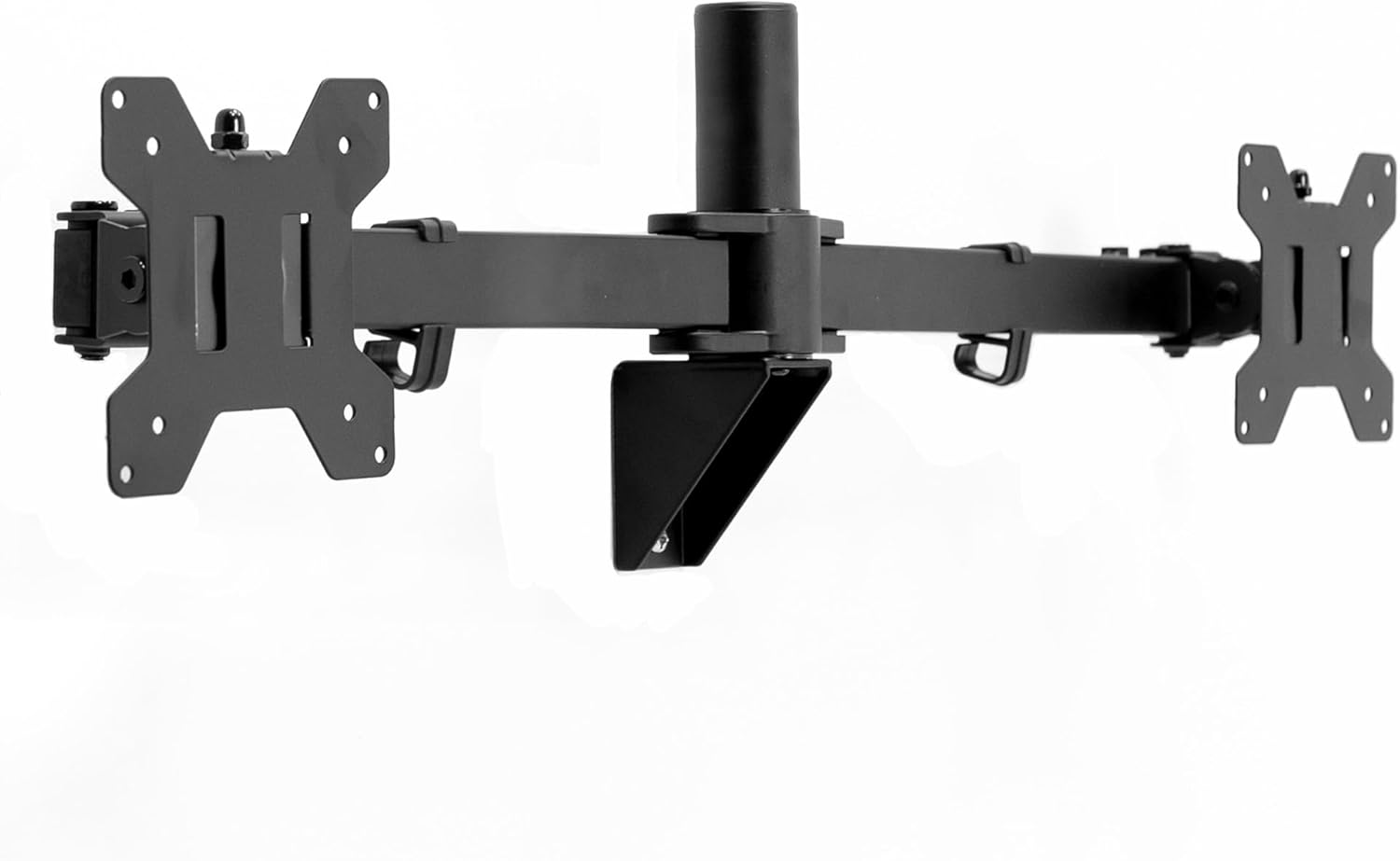
VIVO Premium Dual 21 to 32 inch LCD LED Monitor Wall Mount, Heavy Duty Telescoping Arms, Flush Wall Setup, Fits 2 Screens, Black, MOUNT-TS32B
Great for two light 24" monitors, easy install.
Visit on Amazon →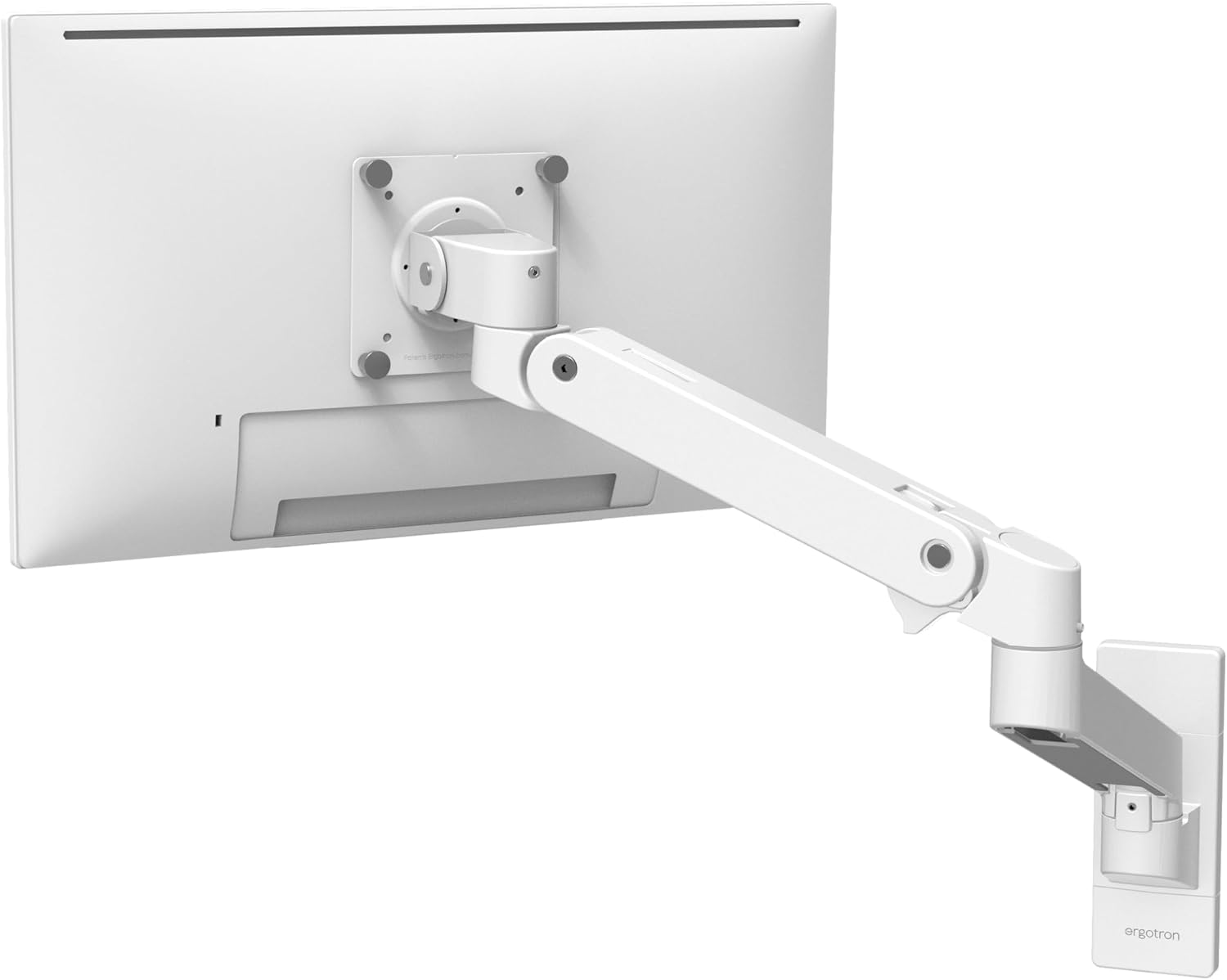
Ergotron – Upgraded LX Pro Premium Single Monitor Arm, VESA Wall Mount – for Monitors Up to 34 Inches, 4 to 22 lbs – White
LX Pro Wall Arm HX Wall Arm MXV Wall Arm LX Pro Keyboard Wall Arm
Visit on Amazon →How I Tested These
I don't have a lab. I have a workshop and a lot of desks. I mounted each of these to a 2x4 stud wall in my shop, and I also installed several in client homes. I put a 27" monitor on each one, fully extended, and left it there for weeks.
I bumped the arms, I typed next to them, I checked for sag every morning. My dog Arlo has also bumped into the wall a few times, which is a better stress test than anything I can design.
Ergotron LX Wall Mount
The first thing I have to tell you is the price. ~$199 for a wall mount is absurd. It's a piece of steel and a gas spring. But I've had the desk version of this arm for six years, and it has never, not once, drifted. So when I needed a wall mount for my own floating desk, I didn't think twice. I bought the LX.
Visit on Amazon →
Six months in, it's exactly what I expected. My 34" ultrawide, which is about 11.2 lbs, sits at full extension without a hint of droop. The gas spring is smooth, not hissy. The tilt tension holds its angle. The cable management channel is wide enough for a DisplayPort and a power cable, which is more than I can say for most arms. It's a boring, reliable piece of hardware.
I installed one for a client with a 32" curved monitor, and he's had it for a year without a single complaint. That's the Ergotron promise. You pay more, but you don't think about it again. If you're mounting anything over 27" or you're tired of replacing arms, this is the one. It's ~$0.55 a day over a year, but you'll have it for five.
AmazonBasics Wall Mount
The AmazonBasics desk arm is a known thing, a clone of the Ergotron LX for half the price. The wall mount version is the same story. It's not identical, but it's close. The gas spring is a little less refined, the adjustments are a bit stiffer, but it holds.
Visit on Amazon →
I've had this one on a client's desk for about eight months now, holding a 27" Dell. It hasn't sagged. It hasn't wobbled. The cable management is usable. For ~$89, it's the sweet spot for most people. I'd buy it for a single monitor setup without hesitation.
The difference is in the feel. The Ergotron is buttery. The AmazonBasics is stiff out of the box, and it takes a few days to loosen up. It's not a dealbreaker, but you notice it. If you're on a budget, this is the arm to get. If you're not, the LX is worth the extra hundred.
VIVO Dual Wall Mount
I want to like VIVO. They're cheap, they're everywhere, and they work for a while. But I've seen too many of their tilt joints strip. The desk version stripped on me after four months. The wall mount version uses the same plastic internals. It's a gamble.
Visit on Amazon →
That said, for two 24" monitors that you set once and never touch, this is a fine mount. I installed one for a client with two lightweight 24" screens, and it's been solid for a year. The installation is easy, the arms are independently adjustable, and the price is right. If your monitors are heavier than 15 lbs each, or if you adjust them daily, skip it. The plastic will give up.
Mount-It! Single Arm
This is the one I didn't expect to like. Mount-It! is a no-name brand, and I bought it on a whim for a budget client build. The price is around ~$55, and it feels like it. The metal is a little thin, the adjustments are a little rough.
But it holds. I've had a 27" monitor on this for about five months, and it hasn't sagged. The gas spring is still alive, which is more than I can say for some arms I've tested at twice the price. The cable management is basic, but it works. The main issue is the wobble. At full extension, it shakes when you type. It settles, but it takes a second.
Choose this one if you're on a tight budget and your monitor is under 15 lbs. Choose the AmazonBasics if you can stretch the extra ~$30. The Mount-It! is a gamble, but it's a cheap one.
The Grommet vs. The Wall
Here's the thing about wall mounts. They're the only way to get a truly clean desk. No clamp, no dent, no footprint. I've seen a cheap C-clamp gouge a walnut desk, and I've seen a wall mount save a client's sanity.
But they're permanent. You're drilling holes in your wall, and you're committing to a monitor position.
If you move your setup often, or if you're renting and can't patch drywall, a desk mount is the better call.
My Honest Bottom Line
Wall mounts are the best way to clear your desk, but they're not for everyone. If you own a heavy monitor and you want it done right, buy the Ergotron LX and never think about it again. If you're on a budget, the AmazonBasics is the smart pick. Just don't buy the cheap stuff and expect it to last. I've been there, and I've got the sagging monitor to prove it.