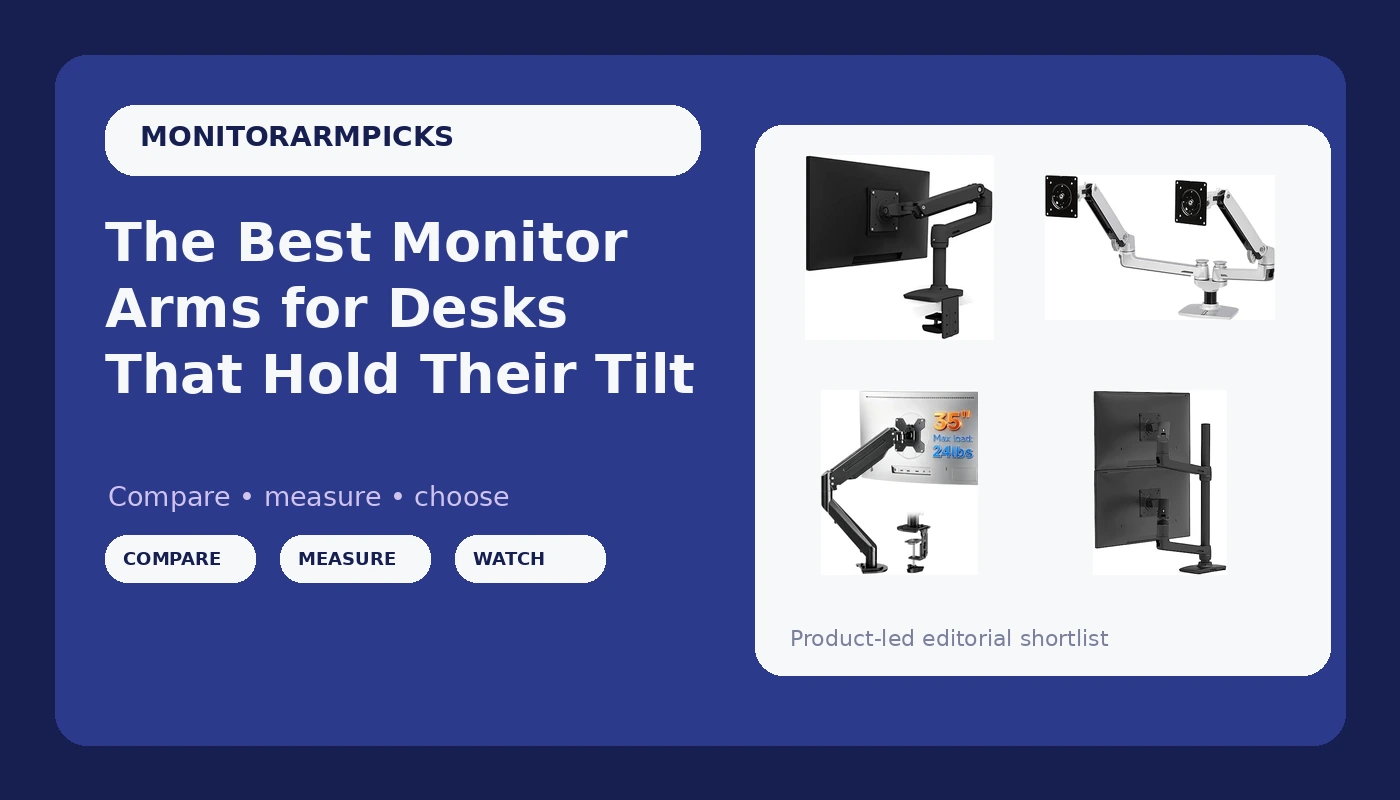
A monitor sitting on its own base eats the most useful square footage on your desk, and it locks your screen height to whatever the manufacturer decided was average. The best monitor arms fix both problems: they clamp to the desk edge, float the panel at eye level, and free the space underneath for a keyboard, a notebook, or a docking station. The catch is that arms look nearly identical in product photos while differing enormously in how much weight they hold, which VESA patterns they accept, and whether their hardware will physically fit your desk at all.
This roundup covers six desk-mounted arms: two single arms with published weight ceilings under 20 pounds, two single arms rated above that, one side-by-side dual stand, and one vertical stacking dual arm built for taller configurations. What follows is a spec-and-fit comparison rather than a promise that any one arm suits every monitor, because the display you already own drives most of the decision.
Related: Monitor Arm Weight Ratings Explained
Quick answer
The Ergotron LX Monitor Arm is the strongest fit for a single monitor up to 34 inches because its published range of 7 to 25 pounds covers heavier flat and curved ultrawides that budget arms cannot hold, and it accepts both 75x75mm and 100x100mm VESA patterns. Choose the ErGear Single Monitor Arm instead when budget is the priority and your monitor sits comfortably under 19.8 pounds.
Monitor arms worth comparing
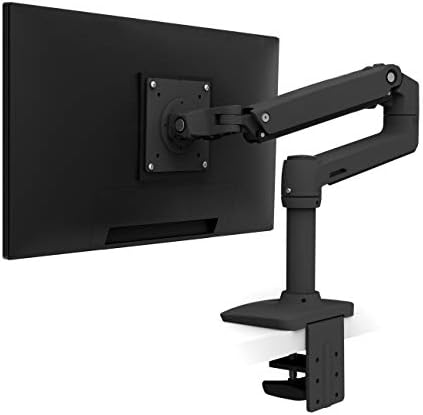
Ergotron, LX Monitor Arm, Single Monitor Desk Mount, fits Flat Curved Ultrawide Computer Monitors up to 34 Inches, 7 to 25 lbs, VESA 75x75mm or 100x100mm, Matte Black
Single monitor desk mount with a published 7 to 25 pound range, support for flat and curved ultrawide displays up to 34 inches, and both 75x75mm and 100x100mm VESA patterns. Matte black finish.
Visit on Amazon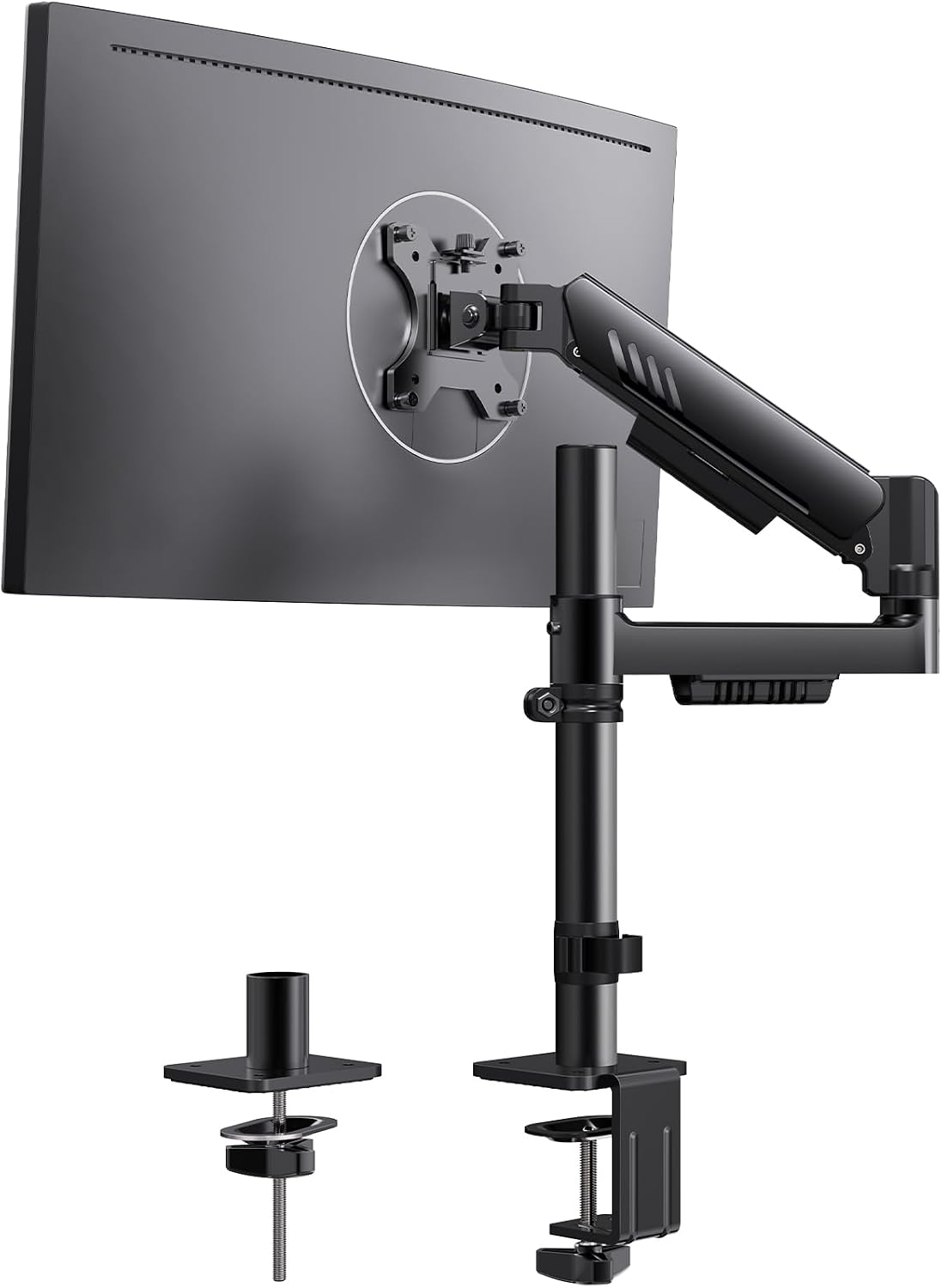
ErGear Single Monitor Arm, Adjustable Desk Gaming Monitor Mount for 13-34″ Screens, Up to 19.8 lbs, Enhanced Stability with Integrated C-Clamp, Upgraded Cable Management, Black
Adjustable single arm listed for 13 to 34 inch screens with a published capacity of up to 19.8 pounds, an integrated C-clamp for the desk edge, and upgraded cable management.
Visit on Amazon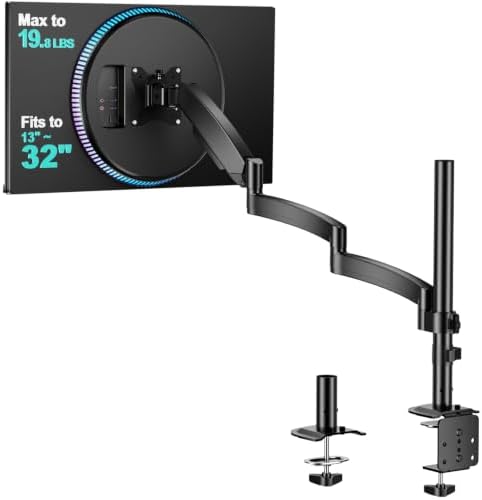
WALI Adjustable Single Monitor Arm for 13-34 inch Screens, up to 26.4 lbs
Adjustable single monitor arm for 13 to 34 inch screens with a published capacity of up to 26.4 pounds, the highest single-arm weight rating in this group.
Visit on Amazon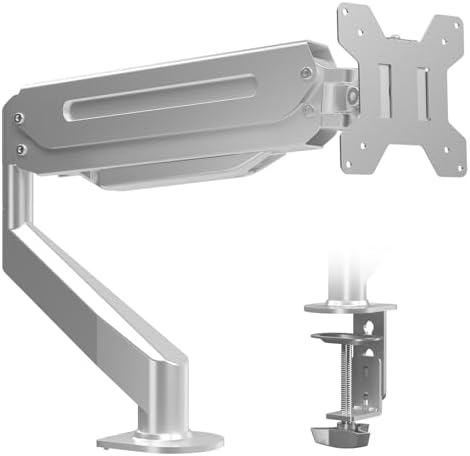
Suptek Single Monitor Arm Fully Adjustable for 17-34-35 Inch Screens
Fully adjustable single arm listed for 17 to 34-35 inch screens, aimed at standard office and gaming panels rather than heavy ultrawides.
Visit on Amazon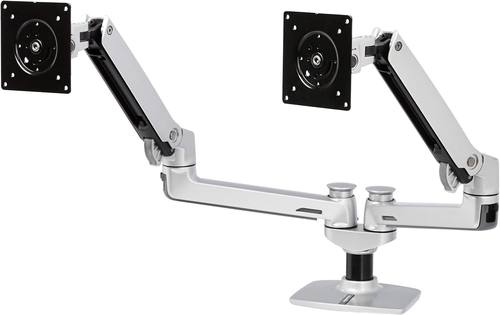
Amazon Basics Dual Monitor Stand, Lift Engine Arm Mount, Silver
Check current Amazon price
Dual monitor stand with a lift engine arm mount in silver, built for two screens side by side on a single desk fitting.
Visit on Amazon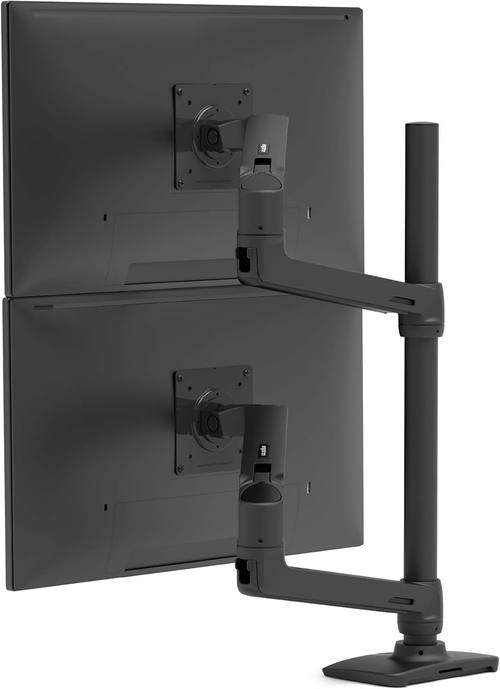
Ergotron, LX Vertical Stacking Dual Monitor Arm, VESA Desk Mount, for 2 Monitors Up to 40 Inches, 7 to 22 lbs Each, Tall Pole, Matte Black
Check current Amazon price
Vertical stacking dual arm on a tall pole for two monitors up to 40 inches and 7 to 22 pounds each, with VESA desk mounting and a matte black finish.
Visit on AmazonPrices and availability may change. Check the retailer for current details.
How these products were compared
This guide compares published weight capacity and headroom, VESA pattern support, mounting hardware and desk clearance requirements, adjustment range and tilt design, and cable management features. Product names, images, and retailer links are matched by ASIN so that every card points to the product shown.
Weight capacity comes first because it is the number that decides whether an arm works at all. Screen-size ceilings come second, since a 34 inch limit and a 40 inch limit describe different desks. VESA support is the third filter, because a monitor without a matching hole pattern cannot be mounted no matter how good the arm is. Hardware and clearance decide whether the clamp fits your desk edge. Cable management is last but not least, because an arm without a routing channel leaves a floating monitor trailing cables.
How to choose the right monitor arm
Start with the monitor, not the arm. Weigh the panel with its cables and any accessories attached, then compare that number against the published capacity. Headroom matters: an arm rated well above the actual load holds position with less effort, while an arm running at its limit is the one that drifts downward over time. The Ergotron LX covers 7 to 25 pounds, the WALI arm reaches 26.4 pounds, the ErGear arm tops out at 19.8 pounds, and the stacking dual holds 7 to 22 pounds per screen. If your monitor falls below an arm's minimum weight, the joint may not hold a stable tilt either, so the lower bound matters as much as the upper one.
Then check two physical details on the display. First, the VESA hole pattern: 75x75mm and 100x100mm are the common sizes, and the Ergotron LX explicitly supports both. Second, the screen size ceiling, since single arms in this group stop at 34 inches while the stacking dual reaches 40 inches per monitor.
After that, turn to the desk itself. A desk clamp needs enough flat edge to grip and enough clearance underneath for the C-clamp body, and an integrated C-clamp like the one on the ErGear arm simplifies that step. Measure the desk thickness and look for a lip, a metal frame rail, or a crossbar that could block the clamp before you buy. If the edge is unusable, a grommet mount through an existing cable hole is the alternative, which is worth reading up on separately if your desk has a thick top or a full-width frame. Finally, decide between one, two, and stacked screens. Side-by-side dual arms need horizontal room and a wide desk, while a vertical stacking arm like the Ergotron dual keeps a narrow footprint and trades it for height clearance above the desk.
Ergotron LX Monitor Arm
The Ergotron LX single arm is the most flexible single-screen option here on paper. It lists a 7 to 25 pound range, which covers both light 24 inch panels and heavier curved ultrawides, and it fits flat or curved monitors up to 34 inches. It supports 75x75mm and 100x100mm VESA patterns, so it works with the two mounting standards most monitors ship with, and it comes in matte black to blend into a dark desk setup.
The trade-off is position in the lineup rather than a flaw in the hardware. It costs more than the budget single arms, and its 34 inch ceiling means it is not the answer for a 40 inch panel. If you need two large screens stacked, the vertical stacking version of the same family is the relevant model instead.
Alternatives to consider
The ErGear Single Monitor Arm is better suited to a straightforward budget single-screen setup, with a 13 to 34 inch screen range, a 19.8 pound ceiling, and an integrated C-clamp. The WALI Adjustable Single Monitor Arm is a stronger fit when raw capacity matters most, since its 26.4 pound rating is the highest single-arm figure in this roundup.
The Suptek Single Monitor Arm, the Amazon Basics Dual Monitor Stand, and the Ergotron LX Vertical Stacking Dual Monitor Arm cover the remaining shapes. Suptek offers a fully adjustable single arm listed from 17 inches up through 34-35 inch screens, which suits a standard office panel. Amazon Basics covers a side-by-side dual layout in silver with a lift engine arm mount. The Ergotron stacking dual is the pick for two monitors up to 40 inches and 7 to 22 pounds each when desk width is tight and vertical space is available.
Day-to-day use and maintenance
Once an arm is mounted, the maintenance is mostly about checking fasteners and keeping the load honest. Recheck the desk clamp and the joint bolts after the first few weeks, then periodically after that, since a clamp that has settled slightly will let the whole assembly shift. If the monitor tilts down on its own, adjust the tilt tension rather than propping it up, and prefer arms whose tilt you can tune without hunting for a tool you will never find again.
Route cables through the arm's channels and leave a service loop near the monitor so you can still rotate or tilt the screen without pulling a connector. Keep the total load, including any attached accessories, inside the published weight range for your specific model. Do not hang bags, headphones, or anything else from the arm. If you move the desk, loosen the clamp first and re-level the arm afterward. Confirm the return window and warranty terms at purchase, since a gas spring that loses pressure is a warranty question rather than a repair project.
Buying checklist
- Measure desk thickness and the flat edge available for the clamp, plus any lip or frame rail underneath.
- Weigh the monitor with cables and compare it to the arm's published weight range, including the lower bound.
- Confirm the VESA pattern on the back of the monitor, either 75x75mm or 100x100mm.
- Check the screen-size ceiling, 34 inches for the single arms here and 40 inches for the stacking dual.
- Decide between single, side-by-side dual, and vertical stacking before comparing features.
- Verify the current retailer price, availability, and return terms before ordering.
Final recommendation
Choose the Ergotron LX Monitor Arm when you want one arm that covers a wide weight range, both common VESA patterns, and flat or curved monitors up to 34 inches. Choose the ErGear Single Monitor Arm when budget drives the decision and your monitor stays under 19.8 pounds. If you run two large screens and desk width is the constraint, the vertical stacking dual is the model to look at instead.