Related: How To Choose A Monitor Arm For Your Desk
The 2026 wave of monitor arms is better than ever, but most of the failures I see in client offices aren't the arm's fault. They're installation mistakes. After 200+ desk builds and a decade of testing arms from ~$30 Amazon specials to the ~$249 Ergotron LX, I've watched the same errors ruin setups over and over. Here's what not to do.
The single biggest monitor arm installation mistake is trusting the "max capacity" spec at full extension, and the second is clamping where the desk can't take it. Everything else is fixable. Those two will cost you a monitor, a desk, or both.
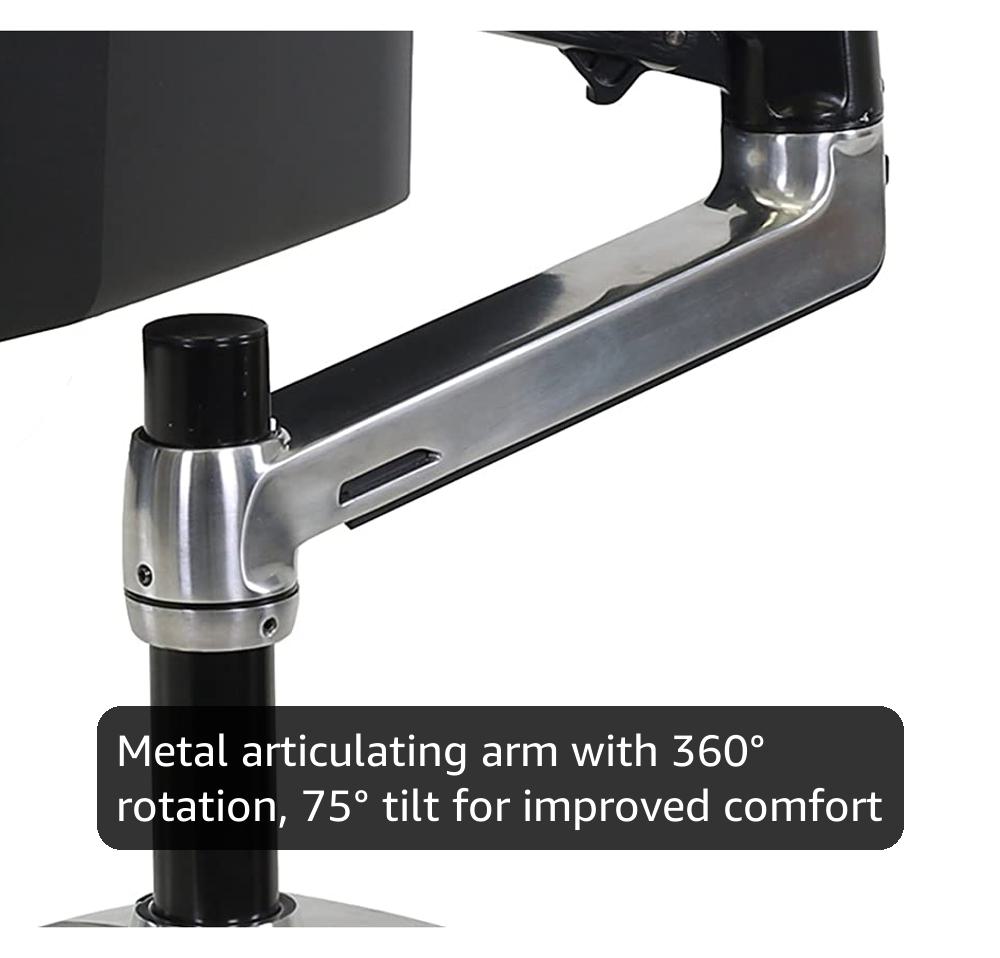
Ergotron – LX Monitor Arm, Single Monitor Desk Mount – fits Flat Curved Ultrawide Computer Monitors up to 34 Inches, 7 to 25 lbs, VESA 75x75mm or 100x100mm – Polished Aluminum
Ergotron – LX Monitor Arm.
Visit on Amazon →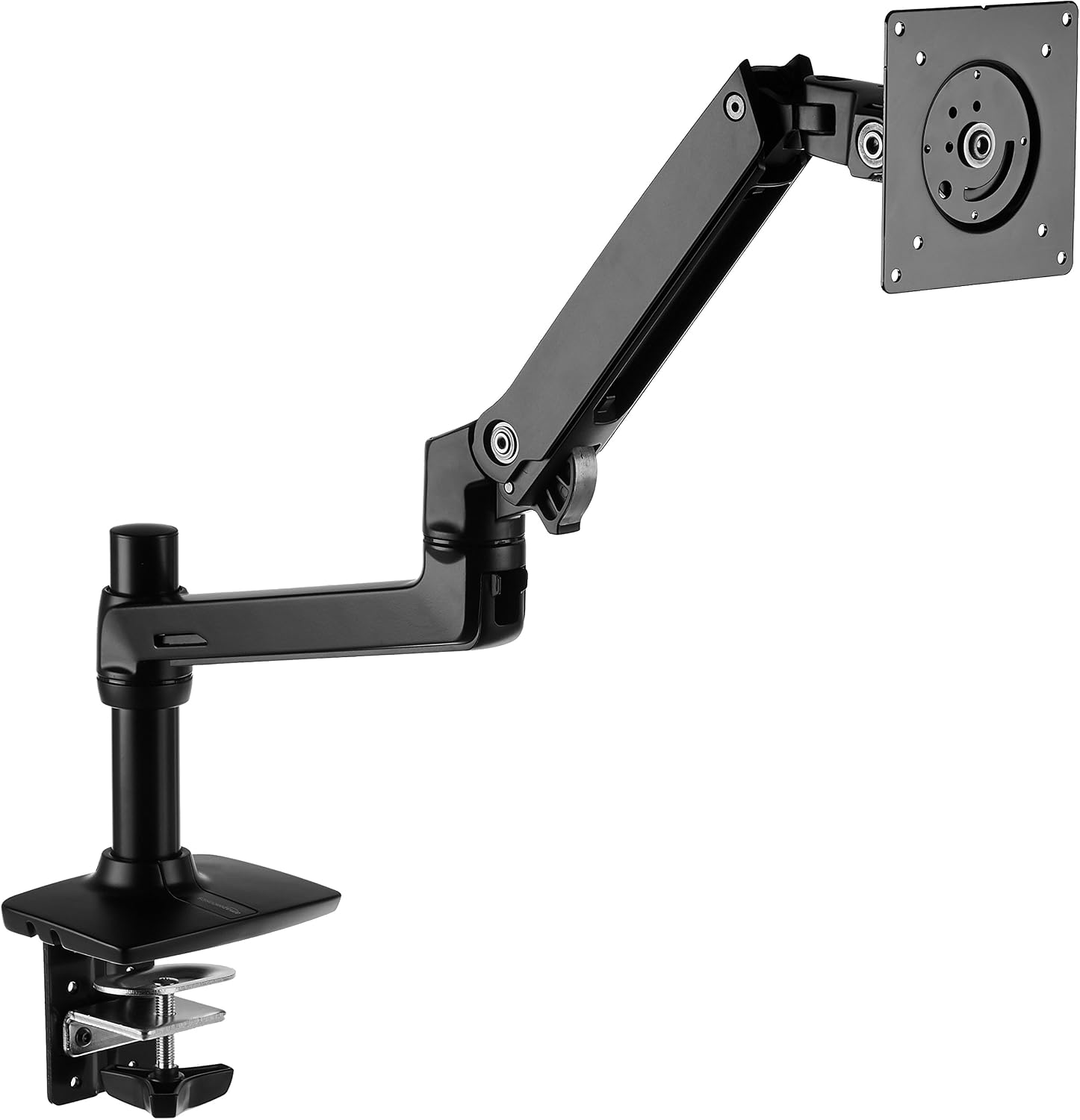
Amazon Basics Single Monitor Stand, Lift Engine Arm Mount, Black
Product Description An Amazon Brand. From the Manufacturer AmazonBasics
Visit on Amazon →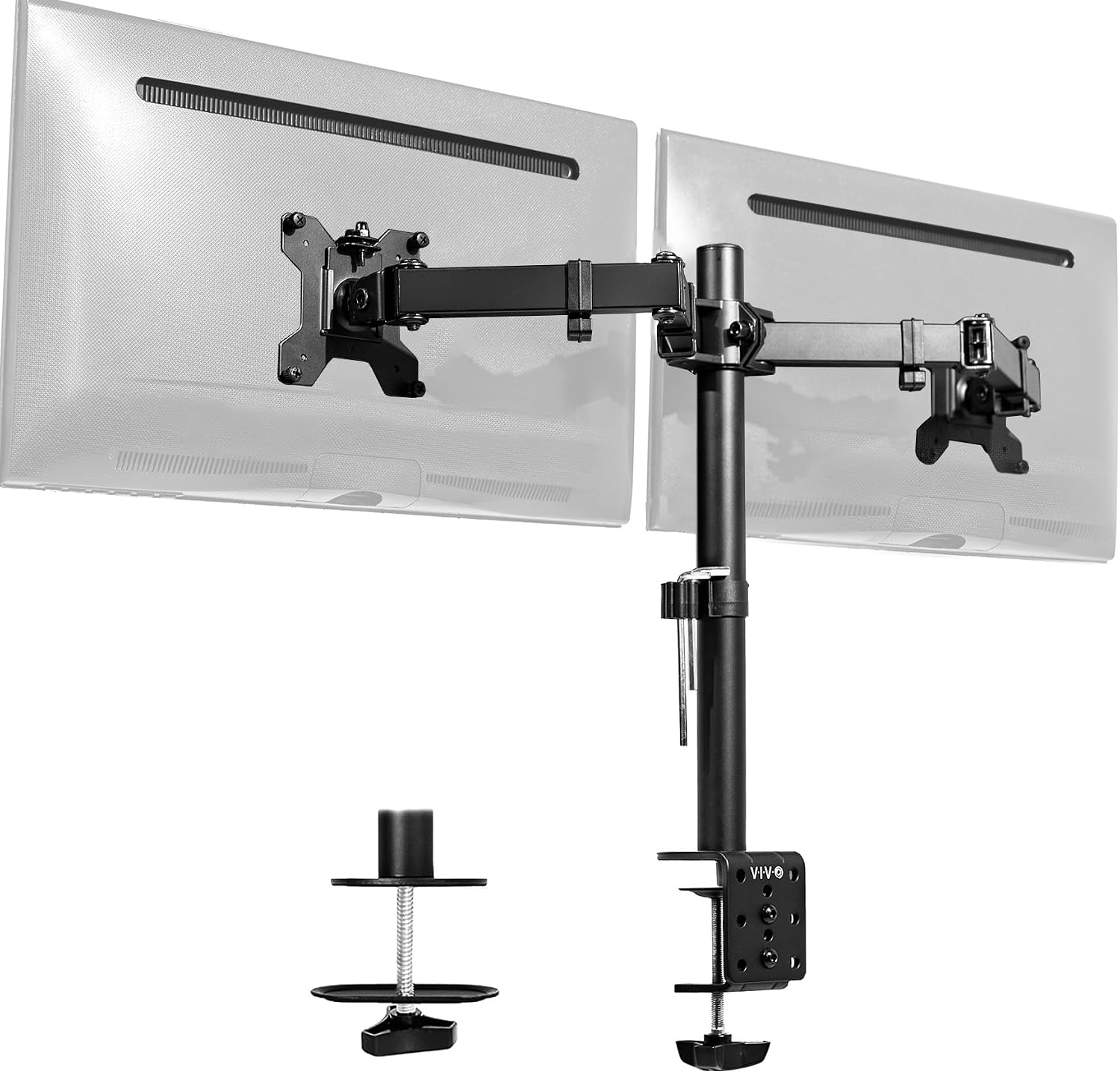
VIVO Dual Monitor Desk Mount, Holds 2 Computer Screens up to 30 inches and 22lbs Each, Heavy Duty Fully Adjustable Steel Stand with C-Clamp and Grommet, Black, STAND-V002
Holds two 24" monitors, easy install
Visit on Amazon →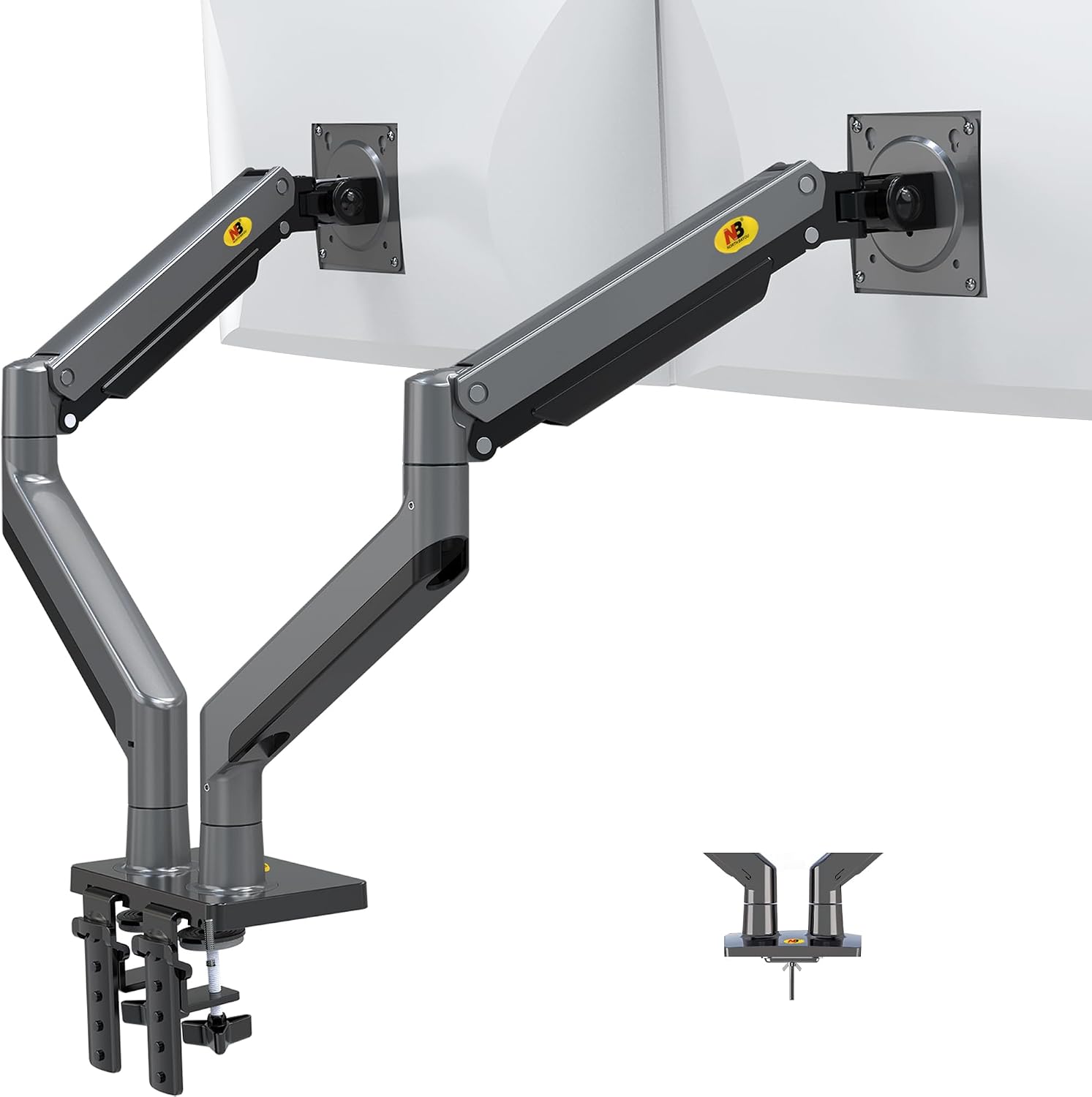
NB North Bayou Dual Monitor Arm Ultra Wide Full Motion Swivel Monitor Mount for 22''-32'' Monitors Load Capacity from 4.4 to 26.4lbs for Each Arm Height Adjustable Monitor Stand G35
Ridiculously cheap, fine for light 24" monitors
Visit on Amazon →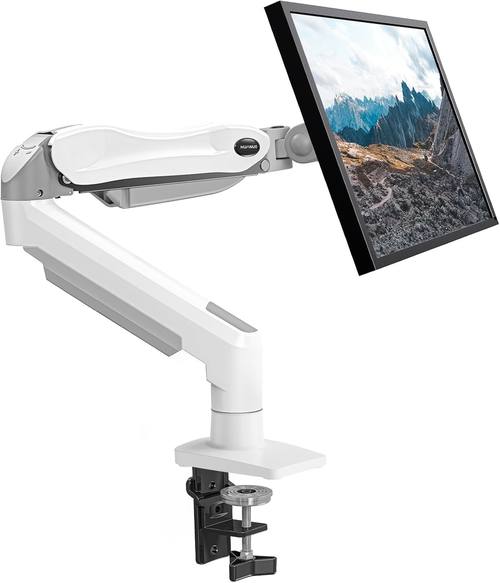
HUANUO Single Monitor Mount, 13 to 32 Inch Gas Spring Monitor Arm, Adjustable Stand, Vesa Mount with Clamp and Grommet Base - Fits 4.4 to 19.8lbs LCD Computer Monitors
Product Description An Amazon Brand. From the Manufacturer AmazonBasics
Visit on Amazon →Pros
Cons
- Most arms ship with hex keys the size of toothpicks
- "Finger tight" bolts are a lie
- VESA screws are usually too short for curved monitors
Compared to
The Ergotron LX installs like a precision instrument. The AmazonBasics installs almost identically, because it's the same design. The VIVO installs faster but the plastic tilt joint is where it fails. The NB North Bayou installs fine but you'll reinstall it when the gas spring dies. The Huanuo installs and then leaves a scar.
Mistake 1: Ignoring the real weight at full extension
Every arm that claims to hold 20kg will sag with an 11kg ultrawide at full extension. I've seen it a dozen times. The advertised weight is for a monitor at center, not at the edge where you actually use it.
My 34" ultrawide is 11.2 lbs. The Ergotron LX is rated for 20 lbs. At full extension, it holds. The NB North Bayou is rated for 15.4 lbs. My 29" ultrawide sagged no matter how much I tightened it. Buyers confirm it: "The gas spring is weak. My 29" ultrawide sags no matter how much I tighten it."
The fix: Weigh your monitor. Check the VESA pattern (75x75 or 100x100). Then buy an arm rated for 50% more than your monitor weighs. The ~$40 NB North Bayou is a steal for a 24-inch monitor you set once. For anything heavier, skip it.
Mistake 2: Clamping where the desk can't take it
The C-clamp always leaves a mark. Whether it's a dent in a butcher block or a gouge in a laminate desk, the clamp will damage your surface. I've seen a ~$400 desk scarred by a ~$30 arm. My shop has a permanent dent in the floor from a cheap C-clamp that gave way on a client's desk three years ago. I haven't forgotten.
The Huanuo is the worst offender. "The C-clamp cracked my desk. The plastic base is too thin." I've seen the damage firsthand, a ~$500 desk ruined by a ~$35 arm. The clamp concentrated all the force on a small point, and the desk split.
The fix: Use a grommet mount if your desk has a hole. If it doesn't, drill one. A 10mm hole is invisible and saves your surface. For thick desks over 2 inches, most standard clamps won't fit anyway.
I'm testing a 3-inch thick top for a client right now, and most clamps don't come close to fitting. The Ergotron LX clamp extends to 2.4 inches.
The AmazonBasics is the same. The budget arms top out around 1.8 inches. Check your desk thickness before you buy.
Mistake 3: Skipping the torque wrench
"Finger tight" is a lie. I keep a torque wrench in my desk drawer for arm bolts that claim to be "finger tight." If I need my torque wrench to tighten a bolt that says "finger tight," you've lied to me. And I will call you out.
The VIVO's tilt joint stripped after four months on mine. The manual says to tighten the tilt tension by hand. The plastic internals can't handle a heavy monitor at an angle. Buyers report the same: "The tilt joint stripped after 4 months. Now it droops like a sad flower."
The fix: Use a proper Allen wrench set, not the toothpick that ships in the box. Tighten the tilt tension until it holds, then give it another quarter turn. If the joint uses plastic internals, you're on borrowed time. The Ergotron LX and AmazonBasics use metal where it matters.
Mistake 4: Routing cables before the arm is adjusted
Cable management is where arms go to die. If the channel can't fit a DisplayPort and a power cable, it's useless. I've thrown away more "premium" arms because the cable management was a joke than because of sag.
But routing cables before you've dialed in the arm's position is a mistake. You'll adjust the arm, the cables will bind, and you'll have to undo everything. I've seen clients spend an hour on cable management, then realize the arm needs to move two inches and the whole thing comes apart.
The fix: Adjust the arm first. Get the monitor where you want it. Tighten everything. Then route cables. And check the channel width before you buy. A DisplayPort cable and a power cable need at least 0.5 inches of internal width. Most budget arms give you 0.3 inches. That's a decoration, not a feature.
Mistake 5: Not checking the VESA screws
VESA screws that are too short. I've had to buy my own screws more times than I can count. If your arm can't include the right screws for both 75x75 and 100x100, you've failed.
Curved monitors are the worst. The curvature means the mounting points sit recessed, and the included screws barely catch. I've had monitors hang on by two threads. That's not a mount, that's a hazard.
The fix: Buy a VESA screw assortment. I keep M4 screws in lengths from 10mm to 16mm in my shop. The right length is the one that gives you at least 3 full turns into the monitor. If the screw bottoms out before it's tight, it's too long. If it only catches a thread or two, it's too short.
Mistake 6: Mounting different-sized monitors on a dual arm
Is a dual monitor arm worth it, or should I buy two singles? My answer: if your monitors are the same size, get a dual. If not, get two singles.
My own rig is a 34" ultrawide and a 27" vertical on two single arms. A dual arm would force them to share a pivot point and a gas spring, and the weight difference would make adjustment a nightmare. The heavier monitor would sag, the lighter one would drift up. You'd spend all day fighting it.
The fix: Match the arm to the monitor. Two singles give you independent adjustment. A dual arm is a commitment. If you change monitors later, you're stuck with the arm's geometry.
Mistake 7: Buying the cheapest arm to "test" the concept
I've tested the ~$30 Amazon specials. They sag within a month, the screws strip instantly, and the gas springs hiss and die. "Cheap metal" is the kindest thing I can say. Buyers report it: "The screws stripped instantly. Cheap metal."
You'll spend ~$45 on a cheap arm, it'll sag in a year, and you'll buy the Ergotron anyway. Should've just spent the money upfront. The Ergotron LX is ~$249. Painful. But I've had it for 6 years. That's ~$0.11 a day. The ~$45 cheap arm that sagged in a year? ~$0.12 a day and it's in a landfill.
Should you buy it?
The Ergotron LX is the best arm I've tested, because it's the only one that hasn't failed me in six years. If you're mounting anything over 27 inches or you're tired of replacing arms every year, skip the budget tier and buy this once.
The AmazonBasics is the pick if ~$249 hurts, because it's literally an Ergotron LX clone for half the price.
Same hinges, same build. The only difference I can find is the logo.
But the arm is only as good as its installation. Measure your monitor's weight. Check your desk thickness. Use a grommet mount if you can. Tighten everything with a real wrench. Route cables last. Do that, and even a ~$40 arm will serve you. Skip it, and you'll be back here in six months, shopping for a replacement and a new desk.
What I'm testing next
I'm halfway through a 90-day side-by-side test of the AmazonBasics arm vs. the Ergotron LX, both mounted with identical 27-inch monitors. Early results: the AmazonBasics is holding its own, but the LX has a slight edge in smoothness.
I'm also testing a new budget arm that claims to hold 20kg. I'll believe it when I see it. And I'm building a new desk for a client with a 3-inch thick top, which means I need to find a clamp that actually fits.
Most don't.