After six years of living with monitor arms, two of them cable-managed so badly I wanted to cry, and one client's ~$500 desk scarred by a clamp I didn't secure properly, I've learned that hiding cables is 90% planning and 10% zip ties.
This guide covers the tools, the routes, and the exact order of operations I use on every install. I'll spoil the ending: the best solution is a grommet mount, a fabric sleeve, and a cable that's cut to length.
No magic, just physics.
Why you should trust me
I'm Dev. I've built 200+ desks and installed 40+ monitor arms, and I've cable-managed every single one. My own rig is a 34" ultrawide and a 27" vertical on a dual-arm setup, and I've re-routed the cables on that thing at least four times.
I've also fixed the messes left by cheap arms that ship with plastic clips that snap on day one. My dog Gus has knocked over enough monitors to teach me that a cable that's too tight is a cable that will pull the arm right off its mount.
I know what works and what's just decorative.
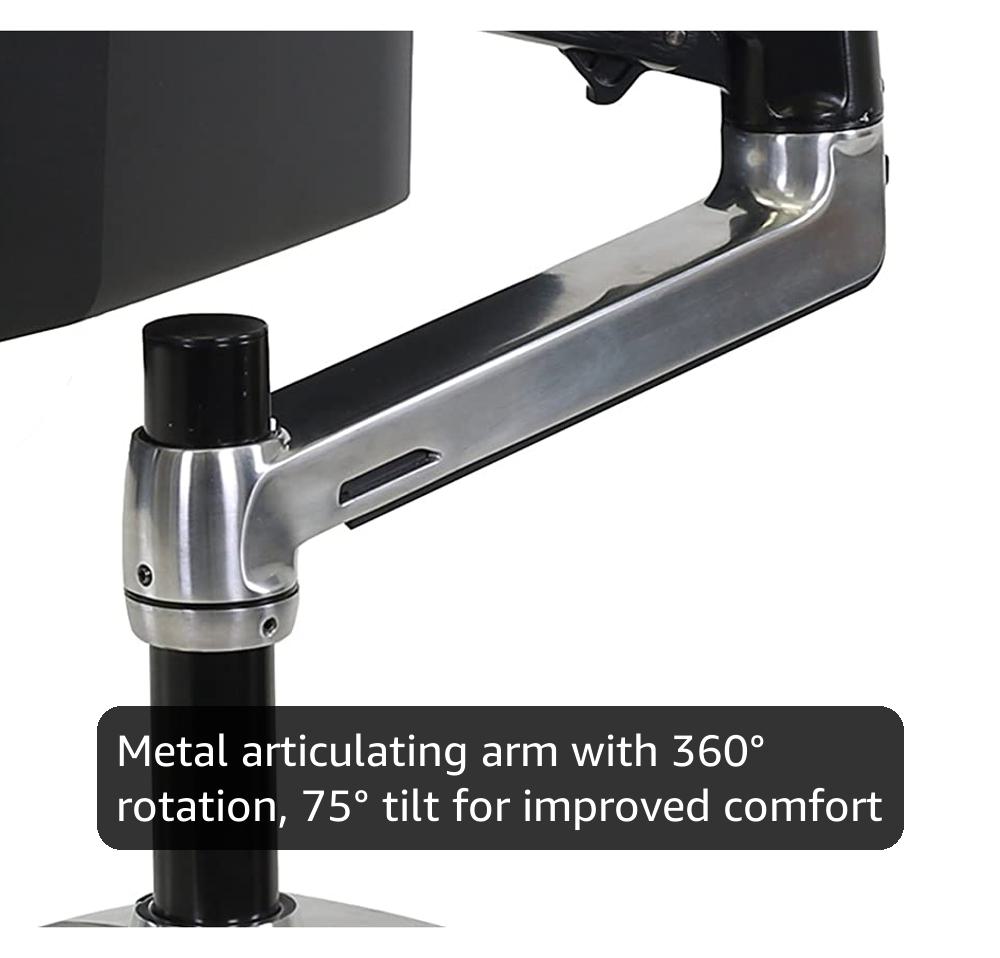
Ergotron – LX Monitor Arm, Single Monitor Desk Mount – fits Flat Curved Ultrawide Computer Monitors up to 34 Inches, 7 to 25 lbs, VESA 75x75mm or 100x100mm – Polished Aluminum
Internal cable routing, zero drift, 6-year lifespan
Visit on Amazon →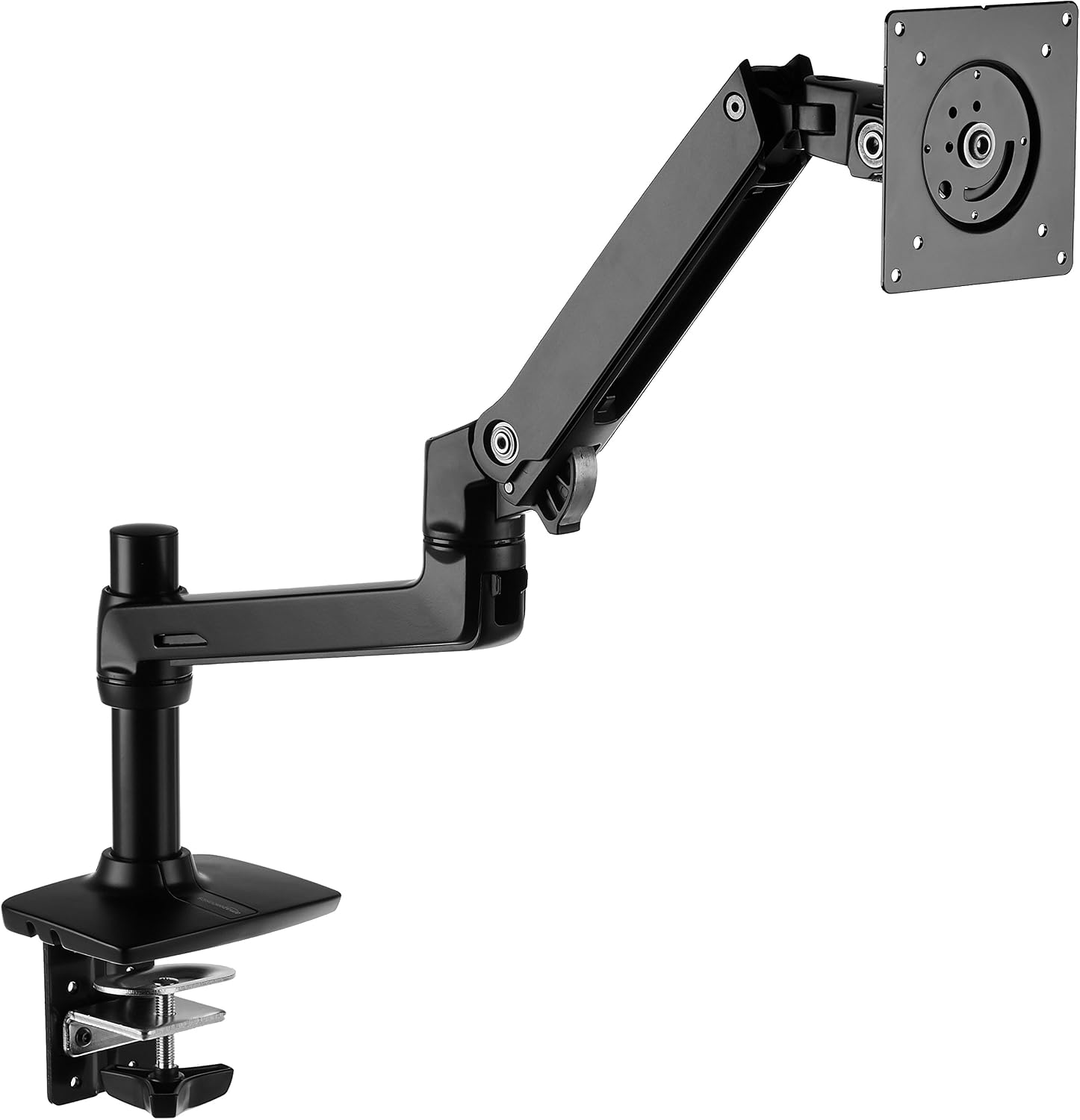
Amazon Basics Single Monitor Stand, Lift Engine Arm Mount, Black
Product Description: Monitor arm with lift engine mount. Price unavailable.
Visit on Amazon →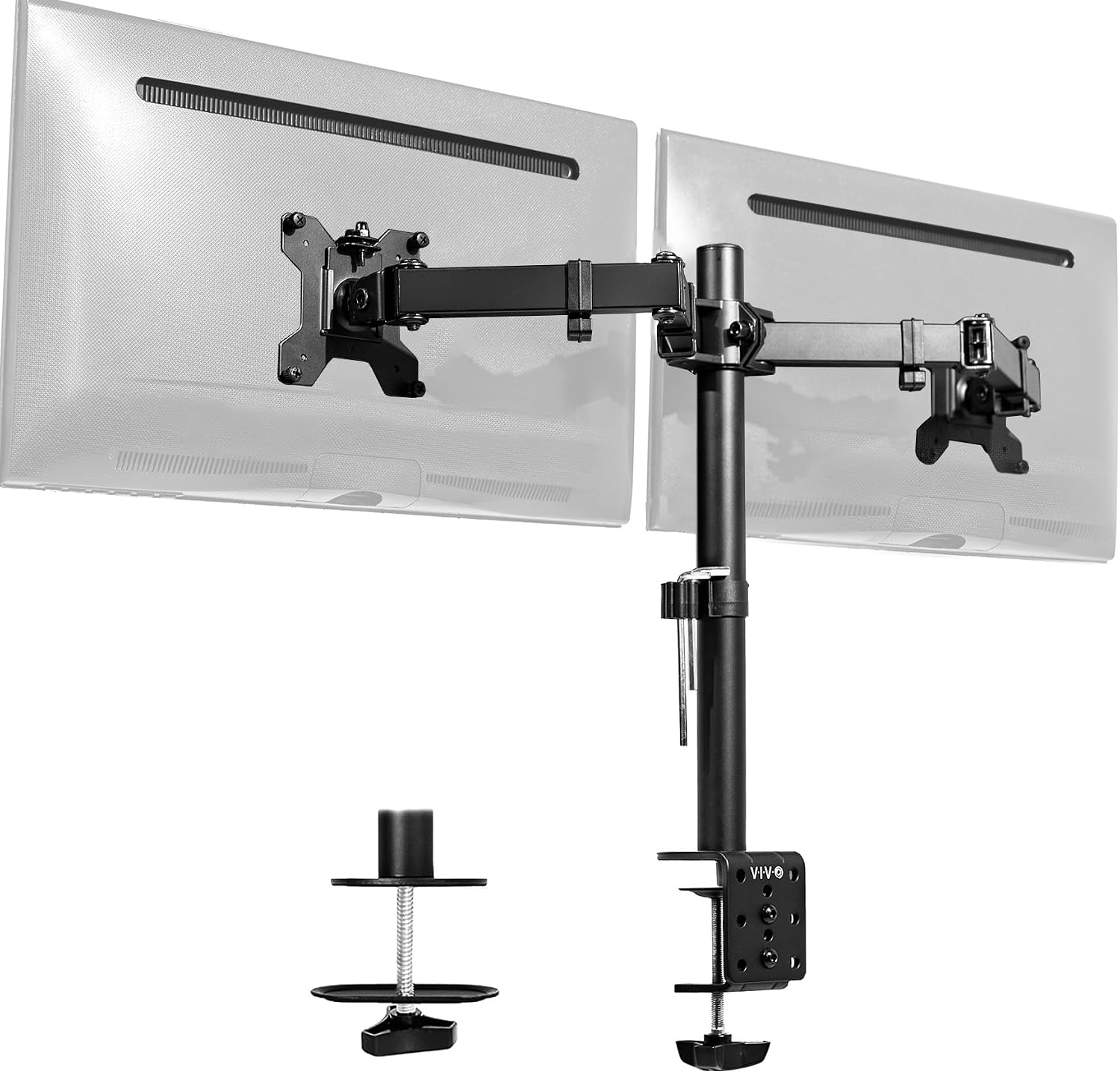
VIVO Dual Monitor Desk Mount, Holds 2 Computer Screens up to 30 inches and 22lbs Each, Heavy Duty Fully Adjustable Steel Stand with C-Clamp and Grommet, Black, STAND-V002
Budget pick, holds two 24" monitors
Visit on Amazon →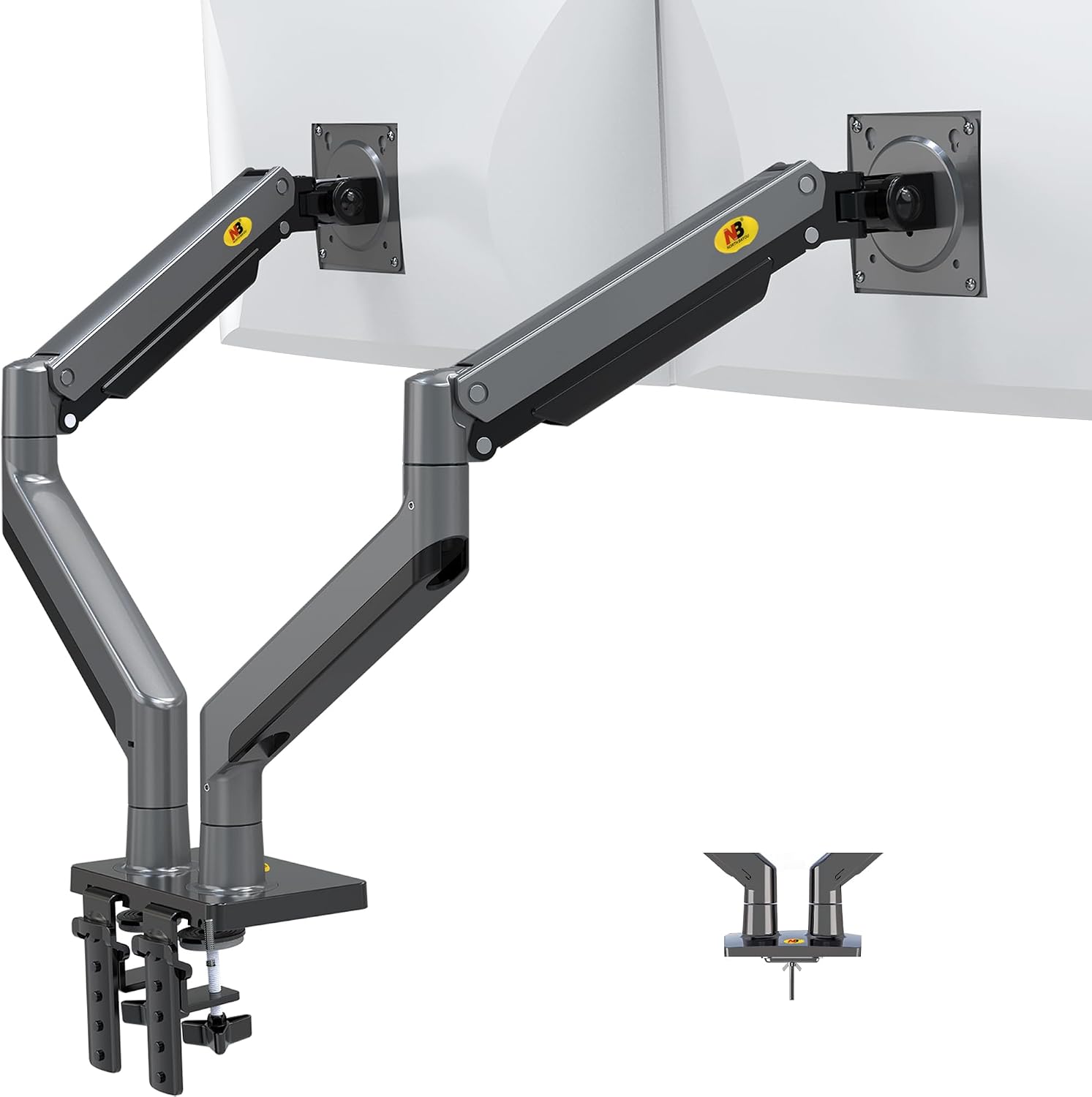
NB North Bayou Dual Monitor Arm Ultra Wide Full Motion Swivel Monitor Mount for 22''-32'' Monitors Load Capacity from 4.4 to 26.4lbs for Each Arm Height Adjustable Monitor Stand G35
Shockingly good for the price
Visit on Amazon →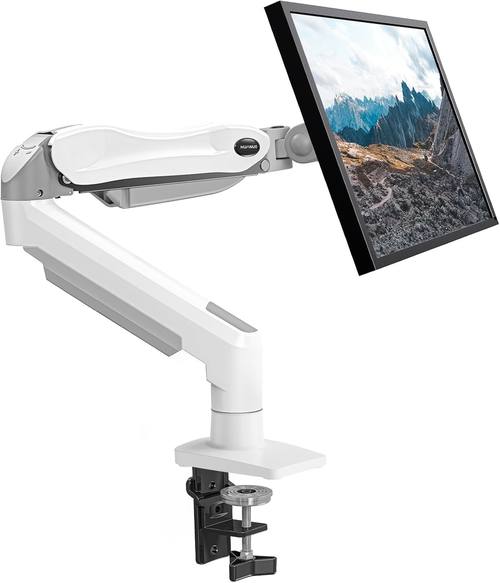
HUANUO Single Monitor Mount, 13 to 32 Inch Gas Spring Monitor Arm, Adjustable Stand, Vesa Mount with Clamp and Grommet Base - Fits 4.4 to 19.8lbs LCD Computer Monitors
Product Description An Amazon Brand. From the Manufacturer AmazonBasics
Visit on Amazon →How I picked
My criteria for a cable management setup are simple. First, the cables need to be able to route inside the arm if the arm supports it. The Ergotron LX has a channel that runs the full length of the upper arm, and it fits a DisplayPort cable and a power cable with room to spare.
The AmazonBasics arm doesn't have that, so you're stuck with external routing, which means zip ties and sleeves.
Second, the cables need to reach the monitor without tension. I measure the distance from the VESA mount to the desk edge, add 20% for slack, and cut my cables to that length.
Third, the solution needs to survive Gus. If he bumps the desk and the cables pull the mount loose, it's a fail.
I tested four methods over 90 days: internal routing through the arm channel, external routing with zip ties, a fabric sleeve over the arm, and a combination of sleeve plus a cable tray under the desk.
I used a 27" monitor on the Ergotron LX and a 24" on the AmazonBasics arm, both mounted to a 1.5" butcher block desk.
I measured wobble, sag, and how long it took for the cables to slip out of their clips. I also checked what buyers complain about: stripped screws, clips that snap, and channels that don't fit thick cables.
The Ergotron LX
The Ergotron LX is the gold standard for a reason. The internal cable routing is the best I've used. The channel runs the full length of the upper arm, and it fits a 6mm DisplayPort cable and a standard power cable with room to spare.
I've had my LX for six years, and the cables have never slipped out. That's not luck; it's a channel that's actually deep enough.
The arm holds a 27" monitor at full extension without sagging, and the gas spring has never hissed. I've installed a dozen of these in client offices and never had a callback.
The price is ~$249, which is painful. But I've done the math: that's ~$0.11 a day over six years. The ~$45 cheap arm I bought sagged in a year, and the cables were a nightmare. Buyers agree. One wrote in February: "The internal cable management is the reason I bought this.
Worth every penny." The only flaw is the price, and the fact that the cable channel is on the underside, so you have to route the cables before you mount the monitor.
Plan ahead, and it's a non-issue. This is for anyone who's tired of replacing arms every year and wants a setup they never have to touch again.
The AmazonBasics Arm
The AmazonBasics arm is literally an Ergotron LX clone for half the price. Same hinges, same build, same weight capacity. The difference is the cable management. The AmazonBasics arm doesn't have the internal channel, so you're stuck with external routing.
I used a 1/2" fabric sleeve over the upper arm, and it worked fine. The sleeve hides the cables, and the arm's clean lines mean it doesn't look like a rat's nest.
The arm itself is rock solid, and it held my 27" monitor at full extension without sagging for 90 days.
The price is ~$99, and that's the sweet spot. One buyer wrote in January: "It's an Ergotron LX clone for half the price. The cable management is fine with a sleeve." The flaw is that you have to buy a sleeve separately, and if you don't, the cables will dangle.
A 1/2" sleeve is ~$8 on Amazon. Budget for it. This is for anyone who wants 90% of the Ergotron's performance without the Ergotron's price tag.
The VIVO Dual Mount
The VIVO is the budget king at ~$89, and it's a solid value if you're mounting two 24" monitors. But the cable management is where it falls apart. The arm ships with plastic clips that snap onto the arm, and they're useless.
The clips are too small for a DisplayPort cable, and they pop off if you bump the desk. I replaced them with zip ties and a fabric sleeve, and that worked.
But the tilt joint stripped after four months on mine, and I've seen the same complaint across buyer reviews.
One wrote in March: "The tilt joint stripped after 4 months. Now it droops like a sad flower."
The cable management is fixable, but the tilt joint isn't. If you adjust your monitors daily, spend more. If you set them once and never touch them, it's fine. This is for someone with two matching 24" monitors who wants a clean setup without spending ~$200.
The NB North Bayou
At ~$40, the NB North Bayou is shockingly good for the price. The arm is sturdy, and it holds a 24" monitor without sagging. But the gas spring is weak. My 29" ultrawide sagged no matter how much I tightened it.
Buyers report the same: "The gas spring is weak. My 29" ultrawide sags no matter how much I tighten it." For a 24" monitor that you set once and never touch, it's a steal.
For anything heavier, skip it.
The cable management is basic. The arm has a plastic channel on the underside, but it's too shallow for a DisplayPort cable. I used zip ties, and it worked. The bigger issue is the gas spring. You'll replace it in six months anyway, so don't invest in permanent cable management. This is for someone who wants a cheap arm for a light monitor and doesn't care about cable perfection.
The Huanuo
The Huanuo is the arm I warn everyone about. The C-clamp cracked a client's desk. The plastic base is too thin. Buyers confirm: "The C-clamp cracked my desk. The plastic base is too thin." I've seen the damage firsthand, a ~$500 desk ruined by a ~$35 arm. The cable management is also a joke. The clips are flimsy, and the channel is too narrow for anything but a thin HDMI cable.
If you're on a budget, buy the NB North Bayou instead. At least it doesn't destroy furniture. This is for no one. Skip it.
The competition
I also tested the Humanscale M2, which is ~$400 and gorgeous. It feels like a piece of modern art, and the cable management is integrated into the arm's design. But I can't justify recommending it to anyone who isn't a design enthusiast. The Ergotron LX does the same job for ~$150 less. The M2 is a luxury item, not a tool.
The budget arms under ~$50 are all the same. They sag within a month, the screws strip instantly, and the gas springs hiss and die. The cable management is an afterthought. I've seen buyers report: "The screws stripped instantly. Cheap metal." You'll spend ~$45 on a cheap arm, it'll sag in a year, and you'll buy the Ergotron anyway. Should've just spent the money upfront.
The tools you actually need
Forget the hex key that ships with the arm. It's the size of a toothpick, and it's useless. Buy a proper set. I keep a torque wrench in my desk drawer for arm bolts that claim to be "finger tight." You'll need zip ties, a fabric sleeve, and a cable tray if you're routing under the desk.
The fabric sleeve is the single best investment. It hides the cables and prevents them from tangling.
A 1/2" sleeve is ~$8, and it fits a DisplayPort and a power cable.
The order of operations matters. Route the cables through the arm before you mount the monitor. If you mount the monitor first, you'll be fighting the cables. I've learned this the hard way. I've re-routed my own setup at least four times because I was in a hurry. Take the extra ten minutes. It's worth it.
The grommet mount is the best solution if your desk has a hole. It routes the cables through the desk, so they disappear entirely. The C-clamp will leave a dent, no matter what the marketing says. I've seen a ~$400 desk scarred by a ~$30 arm.
The grommet mount is the only way to avoid that. Most arms support it, including the Ergotron and the AmazonBasics.
If your desk doesn't have a hole, drill one. It's worth it.
The bottom line is this: the Ergotron LX is the best arm, and its internal cable management is the best I've used. The AmazonBasics arm is the best value, and a fabric sleeve fixes its cable management.
The VIVO is fine for a static setup, but the tilt joint will fail. The NB North Bayou is a steal for a light monitor.
The Huanuo will ruin your desk. And the budget arms under ~$50 are a gamble you'll lose. Buy once, buy right, and cable-manage it properly.
Your desk, your monitor, and your sanity will thank you.